
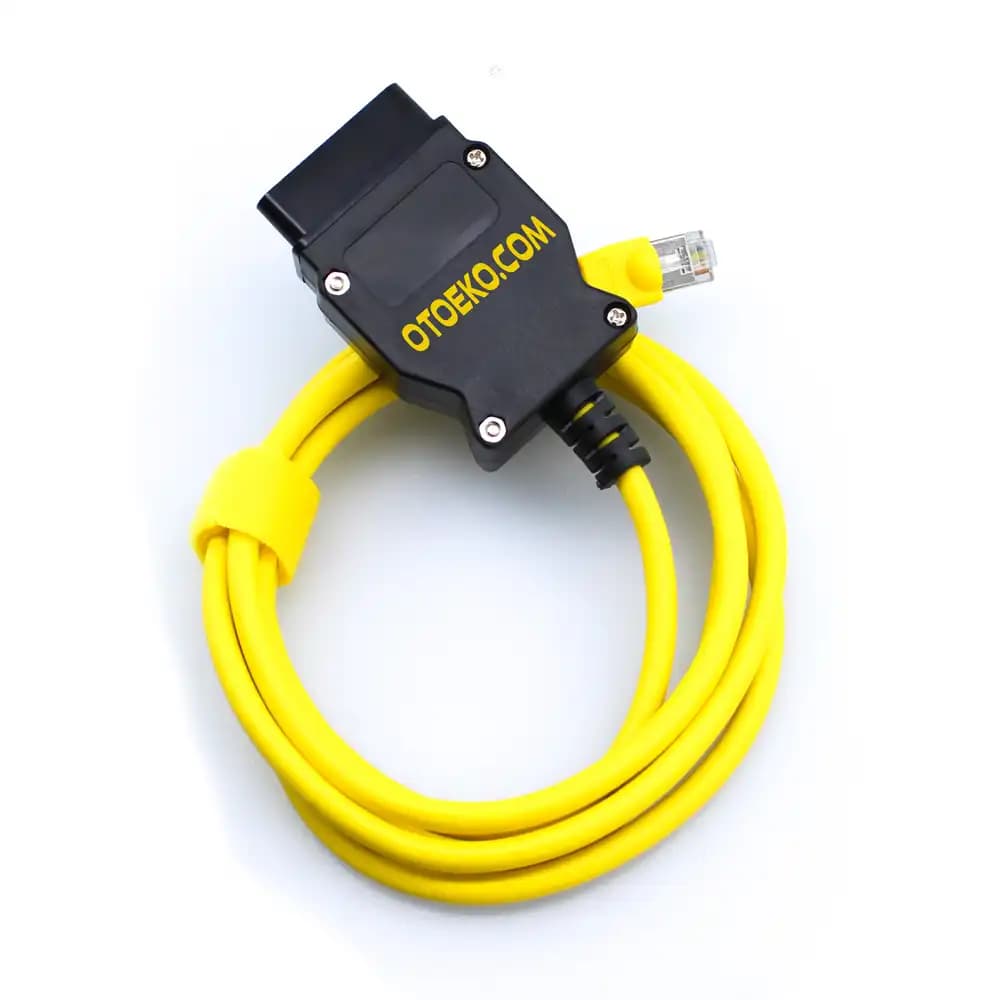
BMW ENGINEERING CODING INTERFACE · ETHERNET TO OBD2 (DOIP / HSFZ)
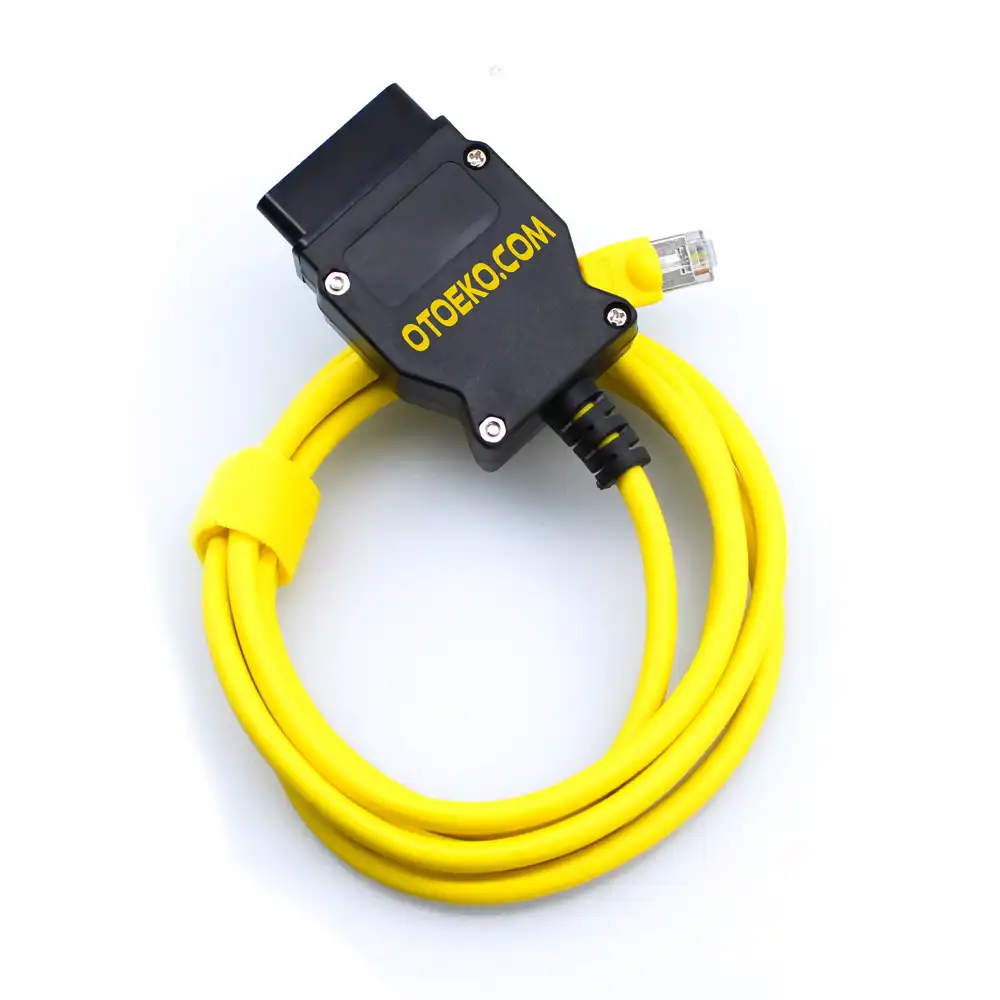
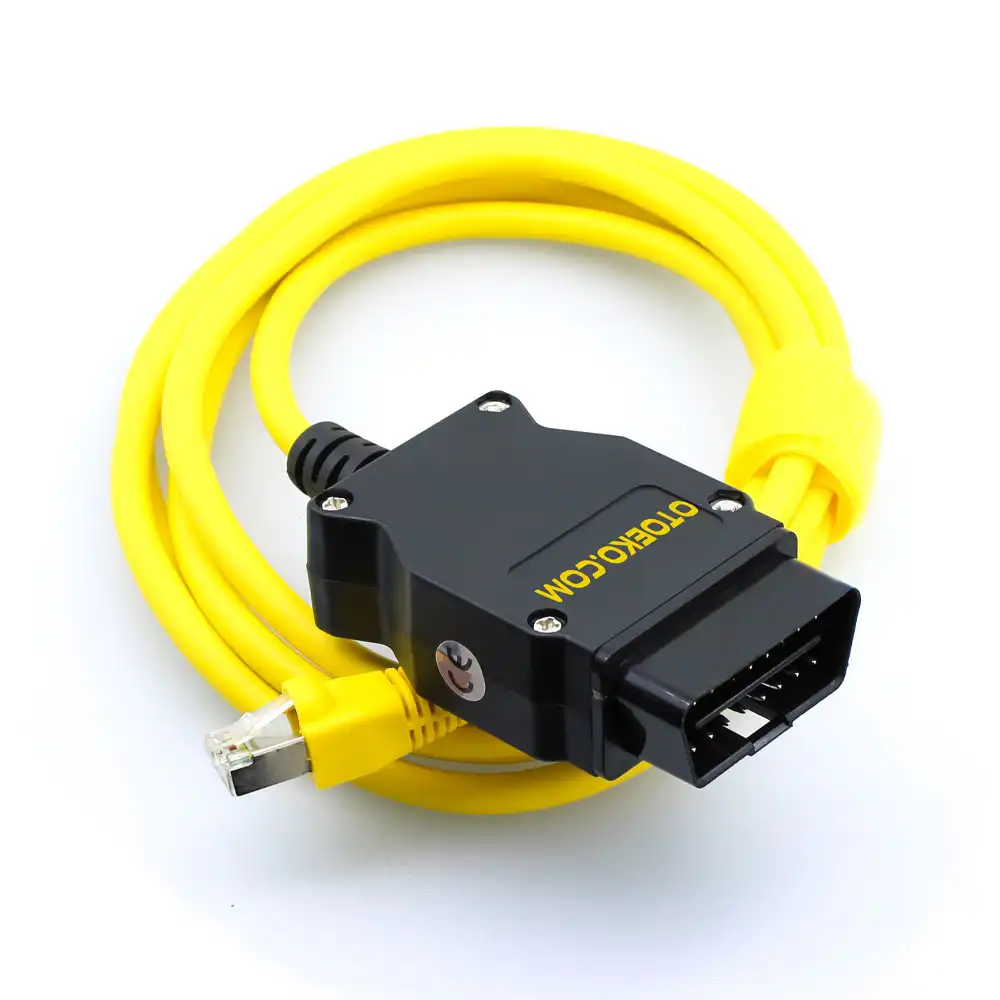
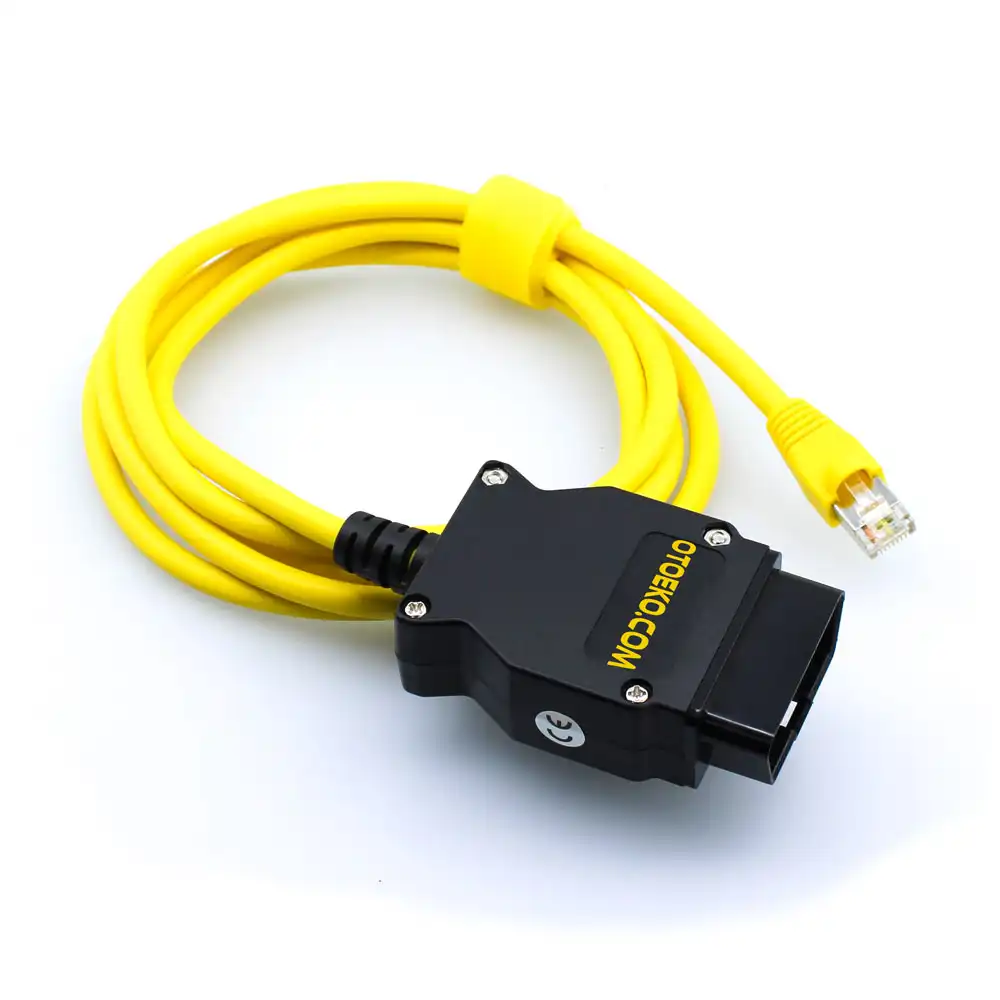
BMW ENET (Ethernet to OBD2) Coding & Diagnostic Cable for F / G / I Series
Unlock factory-disabled comfort, multimedia, and performance features on your BMW F, G, or I series vehicle in minutes with ultra-fast 100 Mbps Ethernet stability.
- BMW F / G / I Series
- E-Sys & ISTA+ Ready
- 100 Mbps DoIP Ethernet
- BimmerCode Compatible
Engineered for Professional Workshop Demands
The ENET Ethernet to OBD2 is built to deliver speed, accuracy, and stability in busy service bays.
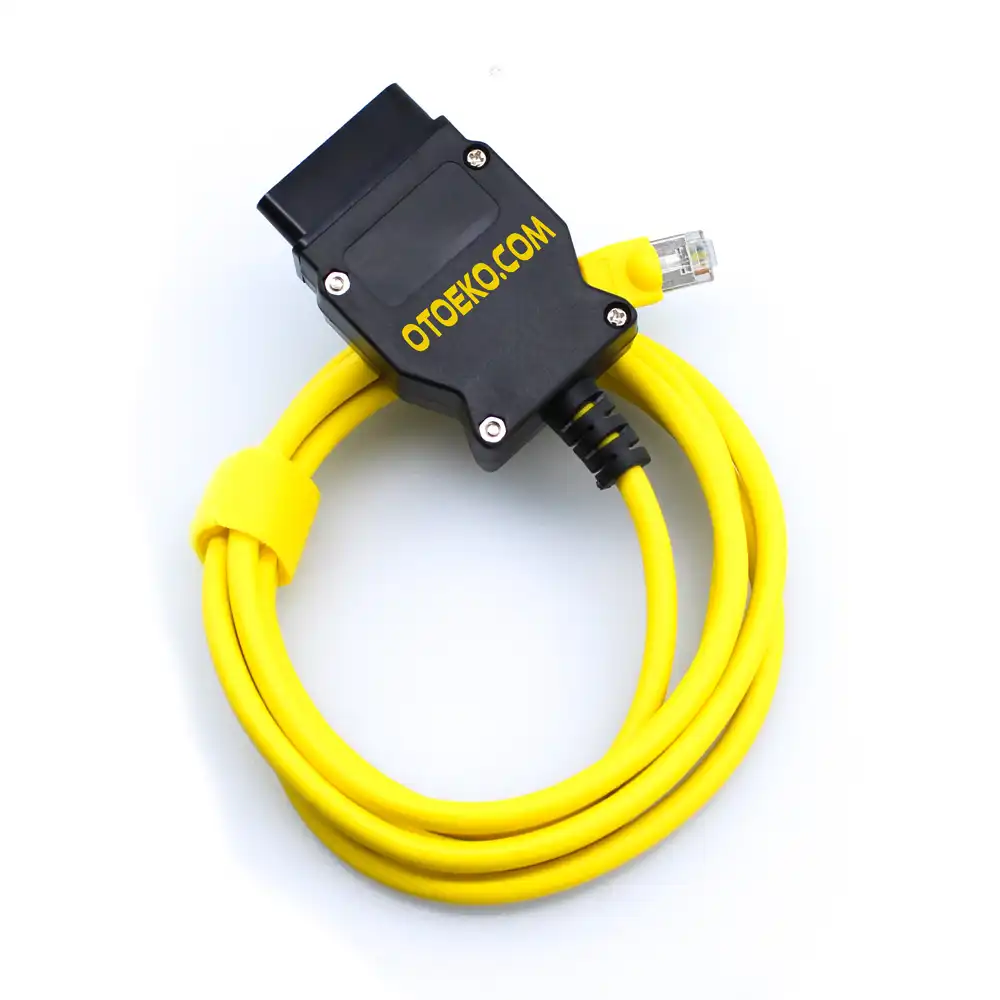
High-Speed 100 Mbps Ethernet (DoIP) Communication
Communicates directly with BMW gateway modules (ZGW, FEM, BDC) over Ethernet, reading and writing CAFD coding files and firmware packages in seconds.
Seamless E-Sys, ISTA+ & BimmerCode Integration
Works natively with BMW E-Sys and ISTA+ on Windows PCs, and pairs with BimmerCode, BimmerLink, xHP, and Bootmod3 on iOS/Android via an RJ45-to-USB-C/Lightning adapter.
Unlock 30+ Factory-Hidden Features
Activate Video in Motion, digital speedometer, Sport+ mode, Sport Displays (HP/Nm), Auto Start-Stop memory, M Performance animations, acoustic lock confirmation, and instant mirror folding.
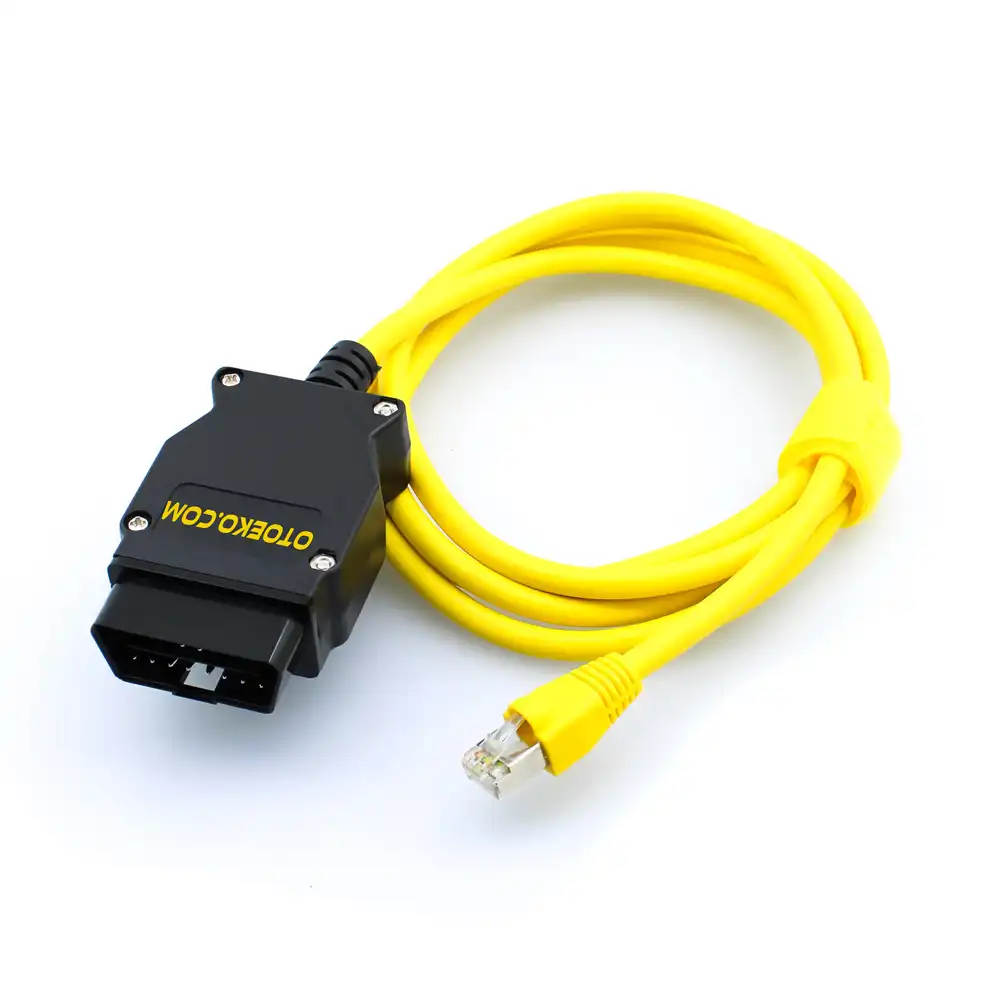
Shielded CAT5e Pure Copper & Precision 510-Ohm Resistor
Built with oxygen-free copper conductors, gold-plated OBD2 pins, and an exact 510-Ohm 1/4W trigger resistor for instant APIPA IP handshake.
HIDDEN FEATURE UNLOCKING
Personalize Your BMW with Factory-Level FDL & VO Coding
Using the BMW ENET cable with E-Sys or BimmerCode, you can customize modules including FEM, BDC, HU_NBT, KOMBI, ICM, and EGS:
- Multimedia & iDrive: Video in Motion (VIM), USB video playback, M Performance / Alpina startup animations, and Sport Displays
- Instrument Cluster (KOMBI): True digital speed display, M-Performance font styling, and seatbelt chime customization
- Driving Dynamics: Sport+ mode activation, Launch Control on compatible 8HP transmissions, and Auto Start-Stop memory
- Lighting & Exterior: Angel Eyes DRL brightness control, US sidemarkers, cornering fog lights, and welcome light staging
- Comfort & Locking: One-touch keyfob mirror folding, uninterrupted window roll-up when opening doors, and acoustic lock beep
VEHICLE COMPATIBILITY
Complete Coverage for BMW F, G, and I Series & F-Chassis MINI
Supports all Ethernet-based BMW Group vehicles manufactured from 2010 onwards:
- 1 & 2 Series: F20, F21, F40, F44, F22, F23, F45, F46, F87 (M2)
- 3 & 4 Series: F30, F31, F34, F80 (M3), G20, G21, F32, F33, F36, F82, F83 (M4)
- 5, 6 & 7 Series: F07, F10, F11, F18, F90, G30, G31, F06, F12, F13, F01, F02, G11, G12
- X & i Series: X1 (F48), X2 (F39), X3 (F25, G01), X4 (F26, G02), X5 (F15, G05), X6 (F16, G06), i3 (I01), i8 (I12), MINI F54/F55/F56/F60
- Important Note: Does NOT support older E-Series (E46, E60, E90); please select our BMW INPA K+DCAN cable for E-Series models.
DIAGNOSTICS & RETROFITS
Full Workshop Diagnostics with BMW ISTA+ (Rheingold)
Beyond coding, the ENET interface serves as a fast diagnostic link for BMW ISTA+:
- All-System Fault Diagnostics: Read and clear DTCs across DME/DDE, EGS, DSC, ACSM, and body modules
- Live Sensor Telemetry: Monitor injector corrections, DPF soot mass, boost pressure, and transmission temperatures
- Hardware Retrofits (VO/FA Coding): Register retrofitted NBT headunits, 6WB digital clusters, cameras, and headlights
- Service Functions: Perform AGM/EFB battery registration, CBS service resets, and DPF regeneration
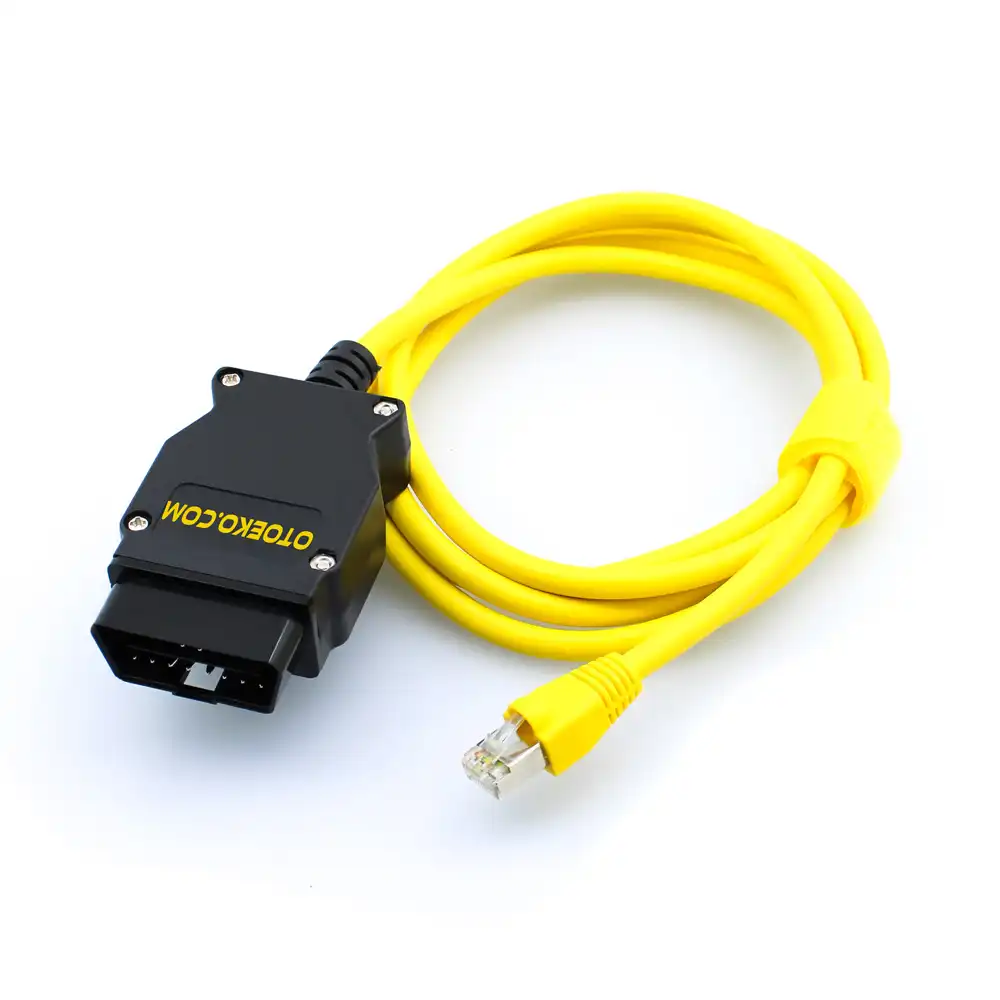
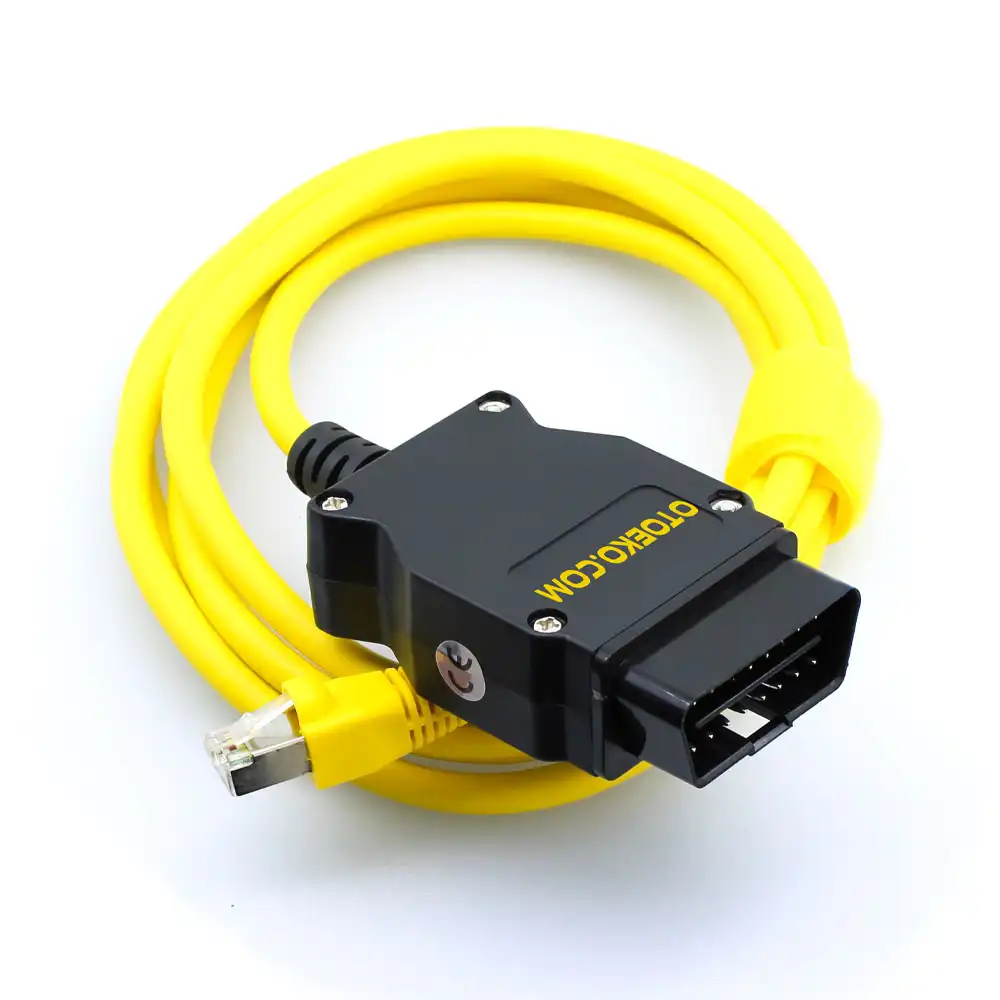
Detailed Visual & Technical Showcase
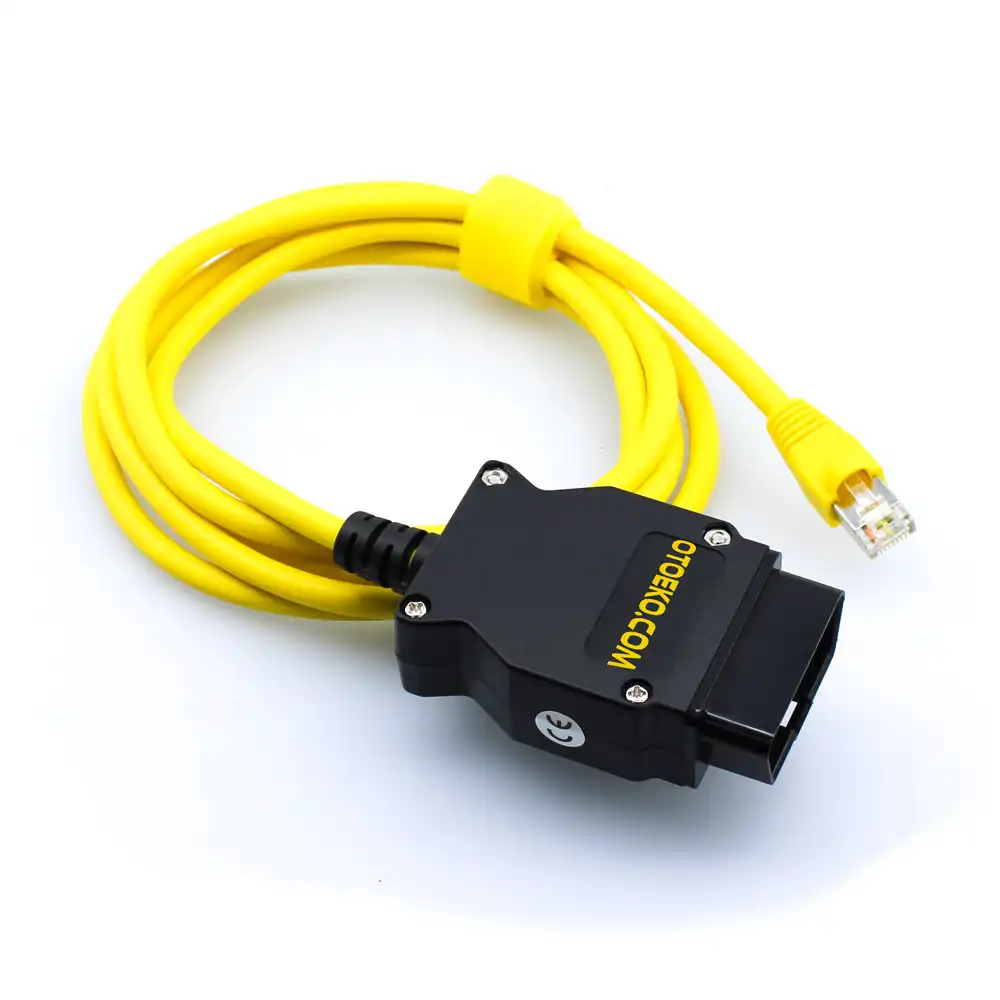
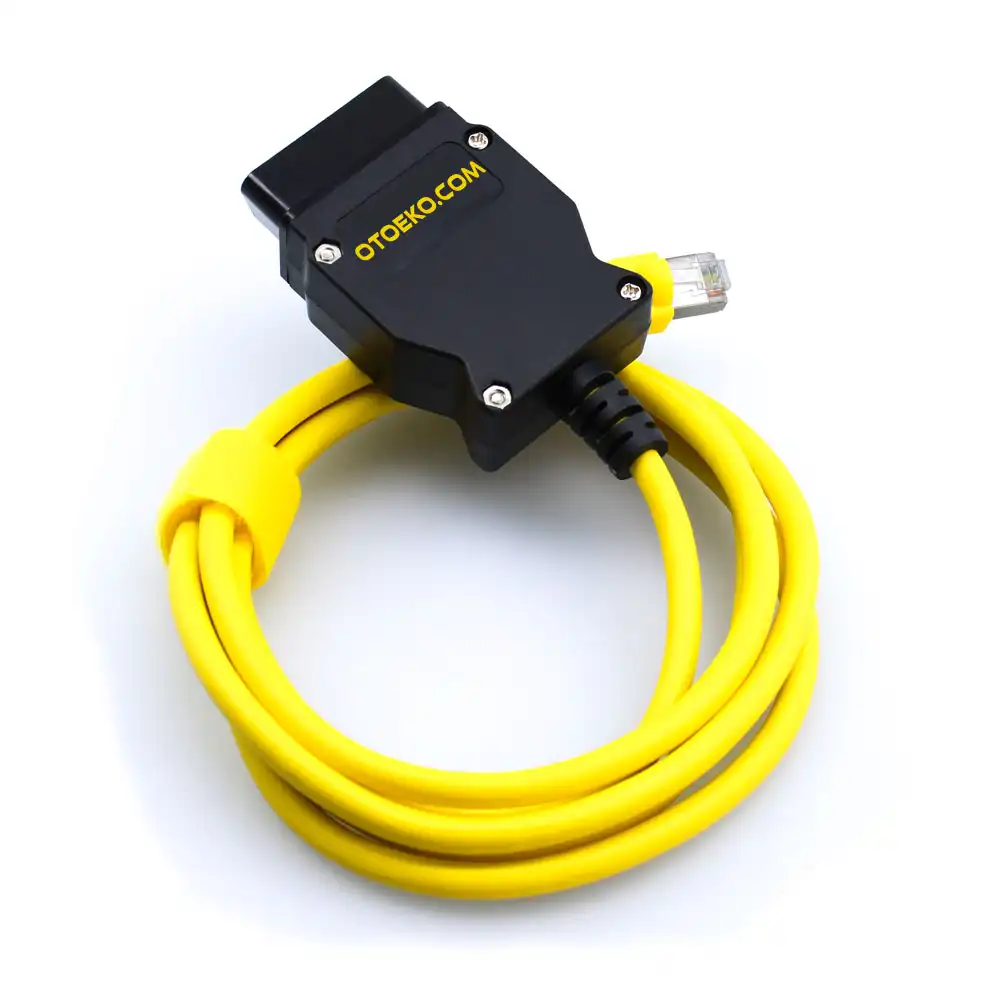
Close-up details and application views of the ENET Ethernet to OBD2.
Technical Specifications & System Parameters
Complete manufacturer-verified technical data and operating ranges.
| Product SKU | OTO0015 |
|---|---|
| Model | BMW ENET (Ethernet to OBD2) Interface |
| Vehicle Connector | 16-Pin J1962 Male OBD2 (Gold-Plated Pins) |
| Host Connector | Shielded RJ45 Ethernet Plug |
| Protocol | ISO 13400 DoIP / BMW HSFZ (100 Mbps) |
| Conductor | Shielded CAT5e Pure Copper with Flexible TPE Jacket |
| Trigger Resistor | Precision 510 Ohm 1/4W Gateway Resistor |
| Compatible Vehicles | BMW F-Series, G-Series, I-Series, MINI F-Chassis |
|---|---|
| PC Software Support | BMW E-Sys, E-Sys Launcher, ISTA+ (Rheingold), Tool32 |
| Mobile App Support | BimmerCode, BimmerLink, Bootmod3, xHP (with RJ45 adapter) |
| OS Compatibility | Windows 7 / 8 / 10 / 11 (32/64-Bit), iOS & Android |
| Included Digital Guide | Downloadable E-Sys package & setup guide in customer panel |
| Warranty | 6-Month Official Otoeko Warranty |
| Quality Inspection | 100% continuity and Ethernet packet tested before shipping |
Workshop Application & Operating Guide
Recommended 4-step standard procedure for accurate results.
Connect OBD2 & RJ45
Switch on vehicle ignition, plug the OBD2 connector into the vehicle port and the RJ45 plug into your PC or Ethernet adapter.
Verify Automatic IP
Wait 5–10 seconds for Windows to automatically obtain a 169.254.x.x APIPA IP address from the BMW gateway—no driver installation required.
Launch E-Sys or ISTA+
Open E-Sys, click Connect, select your target chassis (e.g., F020 for F30, non-DIRECT), and choose Connection via VIN.
Backup & Code FDL
Read FA and SVT, back up your original CAFD file, edit the desired FDL parameters to 'aktiv', and click Code FDL.
Technical Capabilities & Operational Advantages
Key engineering advantages for professional workshop diagnostics.
Core Workshop Requirements
- Slow Bluetooth adapters that take minutes per module or fail to connect with E-Sys
- Cheap CCA cables that drop connection mid-coding ('No ZGW Available')
- High dealer fees for simple comfort and multimedia customizations
- Missing setup documentation for first-time E-Sys users
With ENET Ethernet to OBD2
- 100 Mbps wired Ethernet connection that reads and codes modules in seconds
- Pure copper CAT5e shielded cores with precision 510-Ohm trigger resistor
- Unlimited coding, retrofits, and ISTA+ diagnostics with a single cable
- Includes downloadable E-Sys software and step-by-step setup documentation
Package Contents — Ready for the Workshop
Complete kit inspected prior to dispatch.
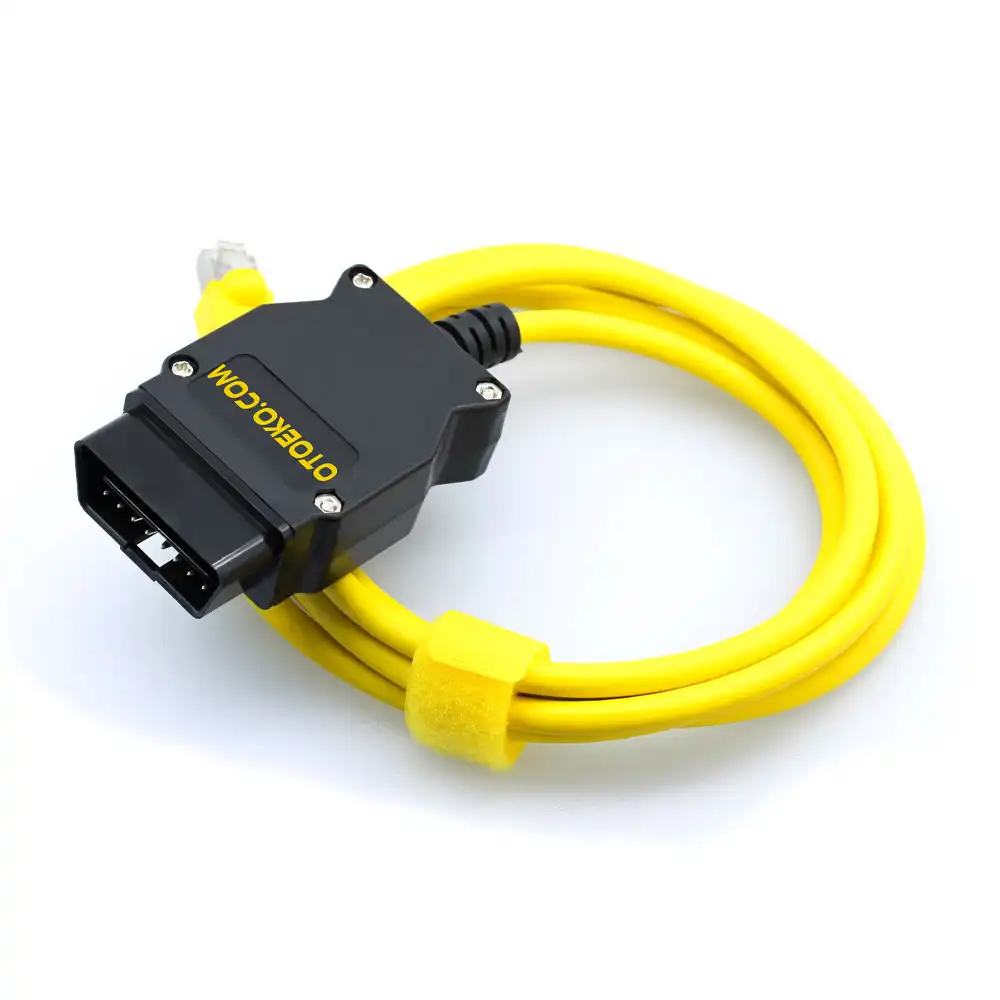
- 1 × BMW ENET (Ethernet to OBD2) Coding & Diagnostic Cable
- Digital Access: Downloadable E-Sys Software & Setup Guide via Customer Panel
- Official Corporate Invoice & 6-Month Otoeko Warranty
6 Months Official Otoeko Warranty
The ENET Ethernet to OBD2 is backed by a 6 Months official Otoeko warranty against manufacturing defects, with full technical support.
Frequently Asked Questions
Key technical questions from technicians and workshops about the ENET Ethernet to OBD2.
Which BMW models are supported?
All BMW F-Series, G-Series, and I-Series models (2010+), plus F-chassis MINI (F54/F55/F56/F60) and Rolls-Royce vehicles.
Does it work on older E-Series (E46, E60, E90)?
No. E-Series vehicles do not use Ethernet (DoIP); they require our BMW INPA K+DCAN USB cable.
Is the E-Sys software included?
Yes, E-Sys and a detailed installation guide are available for download directly from your customer panel after ordering.
Can I use it if my laptop doesn't have an Ethernet port?
Yes, any standard USB-to-Ethernet or USB-C-to-Ethernet adapter works seamlessly.
Does it work with BimmerCode on iPhone or Android?
Yes, using a Lightning-to-RJ45 or USB-C-to-RJ45 Ethernet adapter, it connects to BimmerCode at ultra-high speed.
Is coding safe for my vehicle?
Yes, FDL coding modifies existing factory configuration parameters and can be reverted to factory defaults (VO Code) at any time.