

PROFESSIONAL DIAGNOSTIC SOFTWARE · CUMMINS · TEAMVIEWER REMOTE SETUP
Cummins Calterm v5.14 Engineering & Calibration Software (English · Remote Setup via TeamViewer)
Cummins Calterm v5.14 Mühendislik Yazılımı — İngilizce for dealer-level diagnostics and calibration across Cummins Elektronik Kontrol Üniteleri (ECM); installed and tested remotely on your PC via TeamViewer.
- TeamViewer Remote Setup
- İngilizce
- Valid for 1 PC Only
- Vehicle Test Required

Engineered for Professional Workshop Demands
The Cummins Calterm v5.14 Arıza Tespit Yazılımı / İngilizce is built to deliver speed, accuracy, and stability in busy service bays.
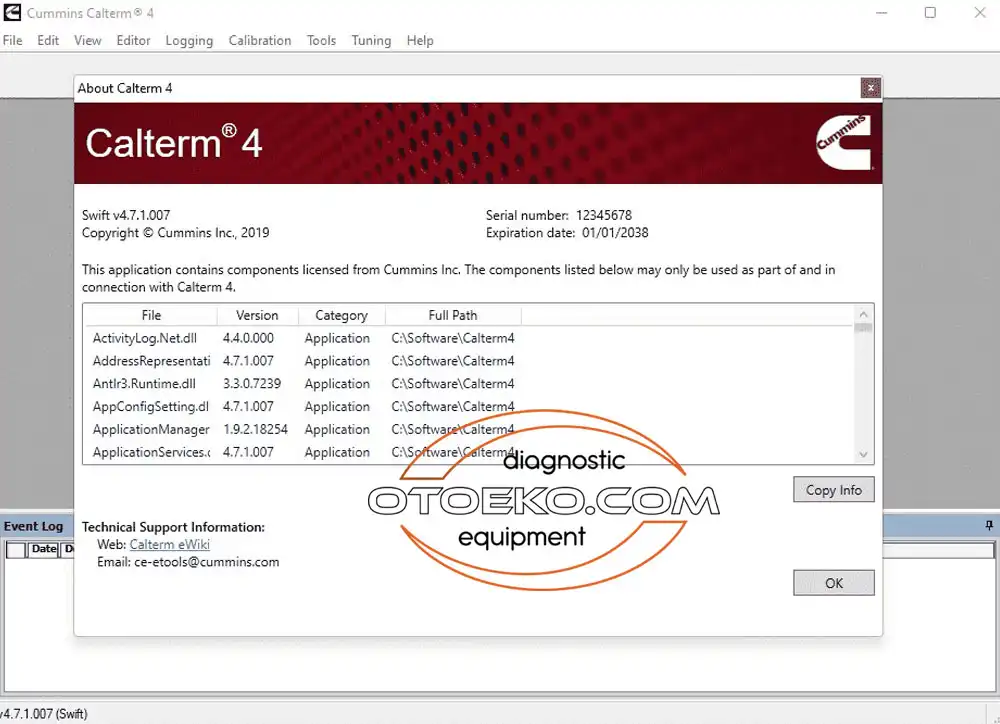
Dealer & Engineering Level Diagnostics
Performs ECM Kalibrasyon Okuma/Yazma · Mühendislik Parametre Düzenleme · e2m/ecfg Metafile İşlemleri across Cummins Elektronik Kontrol Üniteleri (ECM).
Broad Vehicle, Engine & Equipment Coverage
Communicates with electronic control modules (ECU/ECM) across Cummins Elektronik Kontrol Üniteleri (ECM).
Compatible Diagnostic Interface (VCI) Support
Engineered to operate with Cummins Inline 5 · Cummins Inline 6 · Cummins Inline 7 · DPA 5 · Nexiq over SAE J1939 CAN-Bus · SAE J1708 / J1587.
Remote Installation via TeamViewer & On-Vehicle Testing
Our technical team connects remotely via TeamViewer to install and test the software on your PC; a vehicle is required for post-installation testing and checks.
DEALER & ENGINEERING CAPABILITIES
What You Can Do with Cummins Calterm v5.14 Engineering & Calibration Software (English · Remote Setup via TeamViewer)
Core workshop and field diagnostic operations:
- Read and clear active/logged fault codes across all control modules with detailed descriptions
- ECM Kalibrasyon Okuma/Yazma · Mühendislik Parametre Düzenleme · e2m/ecfg Metafile İşlemleri
- Real-time multi-parameter data logging and graphical analysis
- Active bi-directional component, solenoid, and actuator testing
SYSTEM REQUIREMENTS & OFFICIAL SETUP TERMS
TeamViewer Remote Installation & Terms of Use
Official technical requirements and terms prior to ordering:
- System Requirement: Windows 7 / 10 / 11 (32 veya 64-Bit) · Min. 10 GB Boş Alan (20 GB Önerilir) · Min. 4 GB RAM (8 GB Önerilir)
- Languages: İngilizce
- Software installation is valid for a single computer only; re-installation for any reason is subject to an additional fee
- Our technical team installs the software remotely via TeamViewer; a vehicle is required for post-installation testing and verification
ARCHITECTURE & SYSTEM COMPATIBILITY
Cummins Calterm v5.14 Arıza Tespit Yazılımı / İngilizce Software, Protocol & ECU Coverage
Hardware and operating parameters engineered for uninterrupted dealer-level communication:
- Remote Setup: Installed and tested on your PC via TeamViewer
- Full Functions: ECM Kalibrasyon Okuma/Yazma · Mühendislik Parametre Düzenlem
- Compatible VCI: Cummins Inline 5 · Cummins Inline 6 · Cummins
- Cummins Inline 5 · Cummins Inline 6 · Cummins Inline 7 · DPA 5 · Nexiq
Technical Specifications & System Parameters
Complete manufacturer-verified technical data and operating ranges.
| Software Title | Cummins Calterm v5.14 Engineering & Calibration Software (English · Remote Setup via TeamViewer) |
|---|---|
| Edition / Version | Cummins Calterm v5.14 Mühendislik Yazılımı — İngilizce |
| Interface Languages | İngilizce |
| Compatible VCI Hardware | Cummins Inline 5 · Cummins Inline 6 · Cummins Inline 7 · DPA 5 · Nexiq |
| Supported Protocols | SAE J1939 CAN-Bus · SAE J1708 / J1587 |
| Vehicle / Engine Coverage | Cummins Elektronik Kontrol Üniteleri (ECM) |
|---|---|
| Key Functions | ECM Kalibrasyon Okuma/Yazma · Mühendislik Parametre Düzenleme · e2m/ecfg Metafile İşlemleri |
| PC Requirements | Windows 7 / 10 / 11 (32 veya 64-Bit) · Min. 10 GB Boş Alan (20 GB Önerilir) · Min. 4 GB RAM (8 GB Önerilir) |
| Installation & Delivery | Remote Setup via TeamViewer (Valid for 1 PC Only · Vehicle Required for Testing) |
TeamViewer Remote Setup & Operating Guide
Recommended 4-step standard procedure for accurate results.
Order & Contact Support
After ordering, contact our support line (0850 532 0550) during business hours (Mon–Fri 09:00–18:00).
Prepare PC & TeamViewer
Ensure your PC meets the system requirements (Windows 7 / 10 / 11 (32 veya 64-Bit) · Min. 10 GB Boş Alan (20 GB Önerilir) · Min. 4 GB RAM (8 GB Önerilir)) and share your TeamViewer credentials.
Remote Installation
Our technical team connects remotely via TeamViewer to install the software package on your computer.
On-Vehicle Testing & Verification
Connect your compatible VCI interface and vehicle so our team can complete post-installation testing and checks.
Remote Installation Scope & Official Terms
Remote installation service delivered via TeamViewer and official terms of use.
- Engineering Software Notice: Cummins Calterm v5.14 (English) is an engineering-level calibration and parameter development suite designed for advanced Cummins ECM operations.
- Single-PC Validity & Re-Installation Policy: Software installation is valid for a single computer only. Re-installation for any reason (OS format, disk replacement, or PC change) is subject to an additional fee.
- Remote Setup via TeamViewer & Vehicle Requirement: Our technical team connects remotely via TeamViewer to install and test the software on your computer. A compatible vehicle/machine is required for post-installation testing and verification.
- Software Installation Service Only: This listing covers the software installation service only; physical VCI diagnostic hardware and laptop are not included.
- Support Hours & Contact: Remote installation sessions are conducted Monday–Friday between 09:00 and 18:00 (Closed Saturday & Sunday). Support Line: 0850 532 0550.
- VAT IS NOT INCLUDED IN THE LISTED PRICE. VAT WILL BE CALCULATED AT CHECKOUT. THIS PRICE IS VALID FOR CASH / WIRE TRANSFER PAYMENTS.
TeamViewer Remote Installation & Verification
The Cummins Calterm v5.14 Arıza Tespit Yazılımı / İngilizce software package is installed and tested remotely on your PC via TeamViewer by our technical team (Valid for a single PC only; a vehicle is required for post-installation testing. Listed price excludes VAT and applies to cash payment).
Frequently Asked Questions
Key technical questions from technicians and workshops about the Cummins Calterm v5.14 Arıza Tespit Yazılımı / İngilizce.
Is this a physical shipment or remote installation?
This listing is for the software remote installation service only; no physical VCI hardware or laptop is included. Our technical team connects via TeamViewer to install and test the software on your PC.
How many computers is the installation valid for?
The software installation is valid for one computer only. Re-installation for any reason is subject to an additional fee.
Is a vehicle required for testing after installation?
Yes, a compatible diagnostic interface and a vehicle are required for post-installation testing and checks.
Which VCI interfaces are compatible?
It is compatible with Cummins Inline 5 · Cummins Inline 6 · Cummins Inline 7 · DPA 5 · Nexiq.
What are the PC system requirements?
Requires Windows 7 / 10 / 11 (32 veya 64-Bit) · Min. 10 GB Boş Alan (20 GB Önerilir) · Min. 4 GB RAM (8 GB Önerilir).
Is VAT included in the listed price?
VAT is not included in the listed price; VAT will be calculated at the cart stage. The listed price applies to cash payment.