
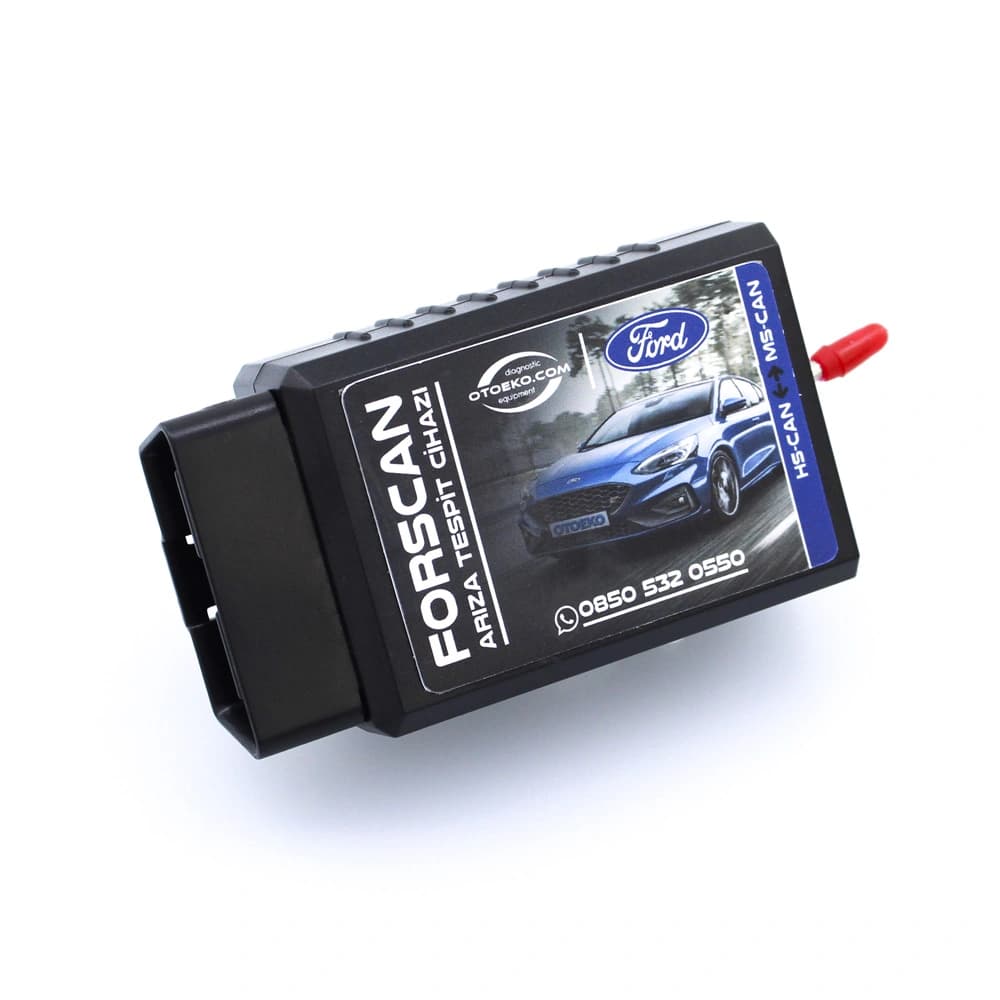
FORD HIDDEN FEATURE HARDWARE · PIC18F25K80 · HS-CAN / MS-CAN SWITCHED BLUETOOTH
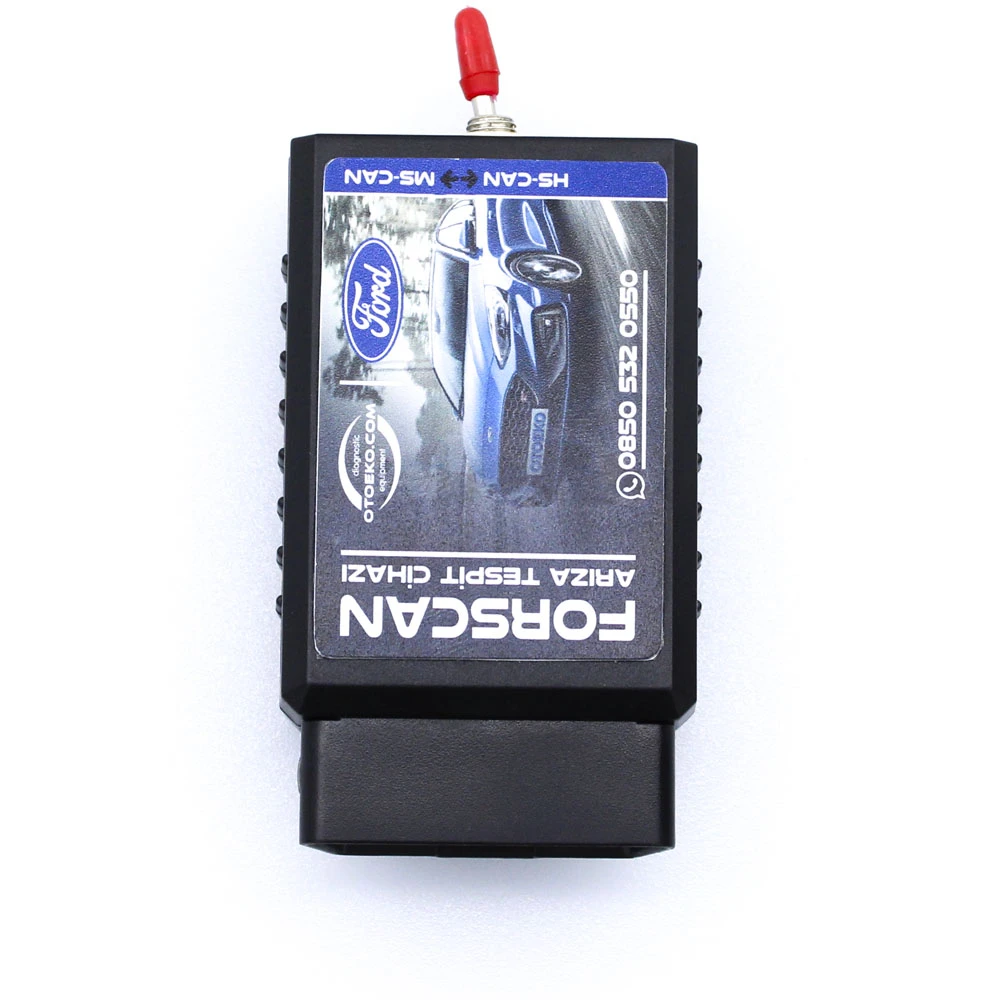
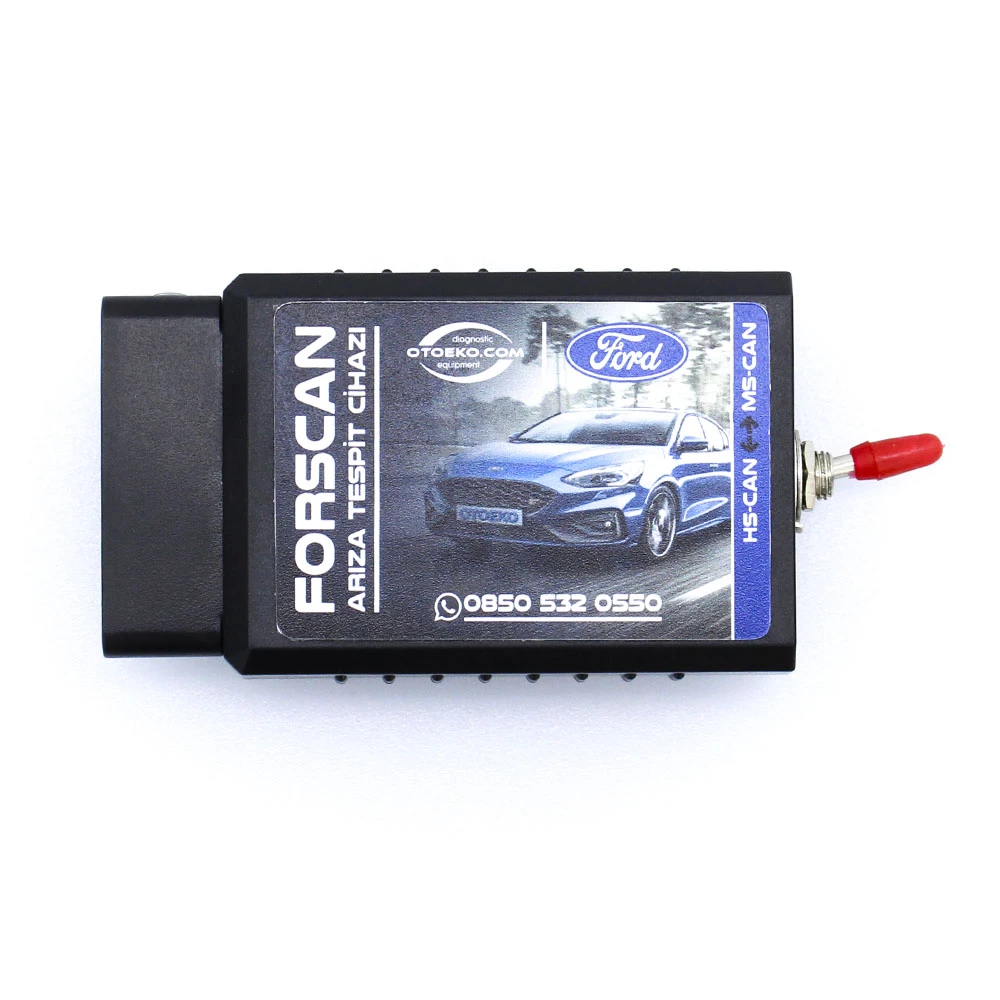
Ford FORScan Hidden Feature Coding Scanner (HS-CAN / MS-CAN Switched Bluetooth PIC18F25K80)
Safely unlock factory-hidden features on your Ford vehicle using the genuine PIC18F25K80 chip, HS-CAN/MS-CAN bus switch, and wireless Bluetooth connectivity.
- PIC18F25K80 Chip
- HS-CAN / MS-CAN Switch
- Bluetooth (PIN: 1234)
- Windows FORScan Ready
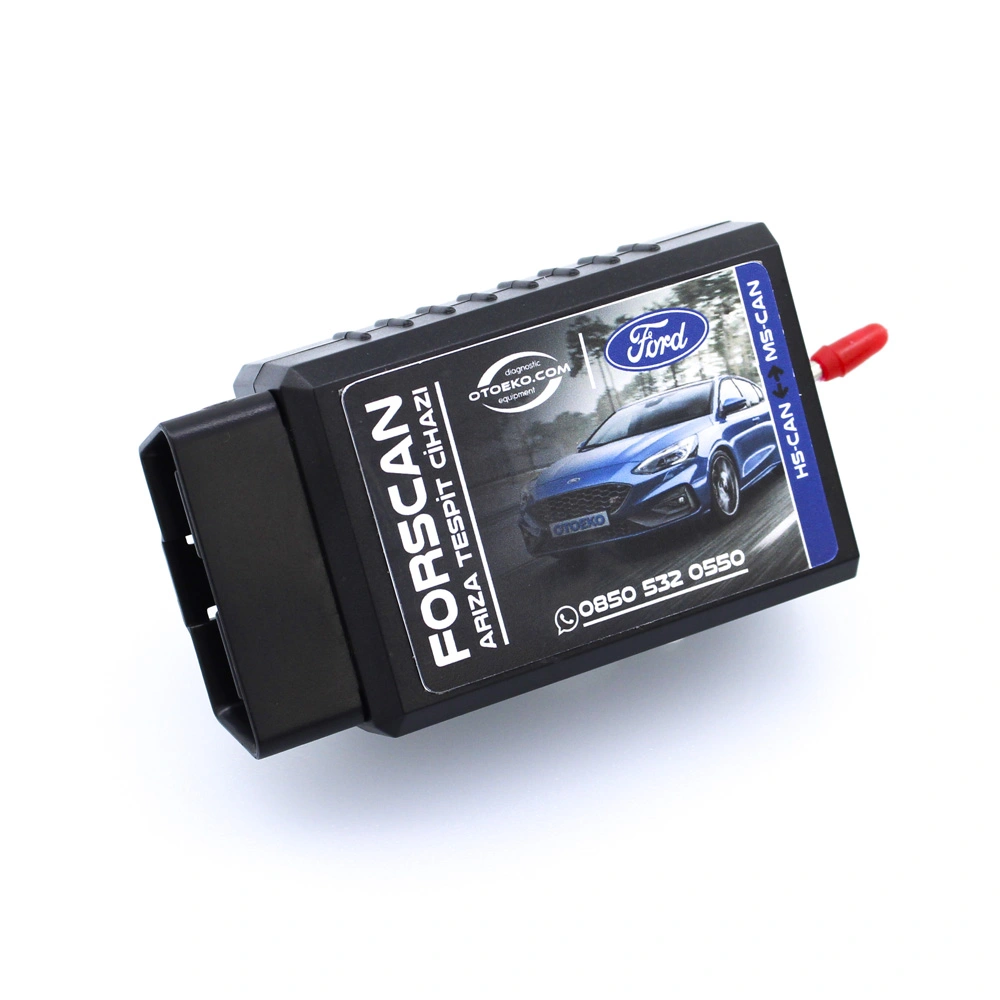
Engineered for Professional Workshop Demands
The Ford FORScan Bluetooth (HS/MS-CAN Switchli PIC18F25K80) is built to deliver speed, accuracy, and stability in busy service bays.
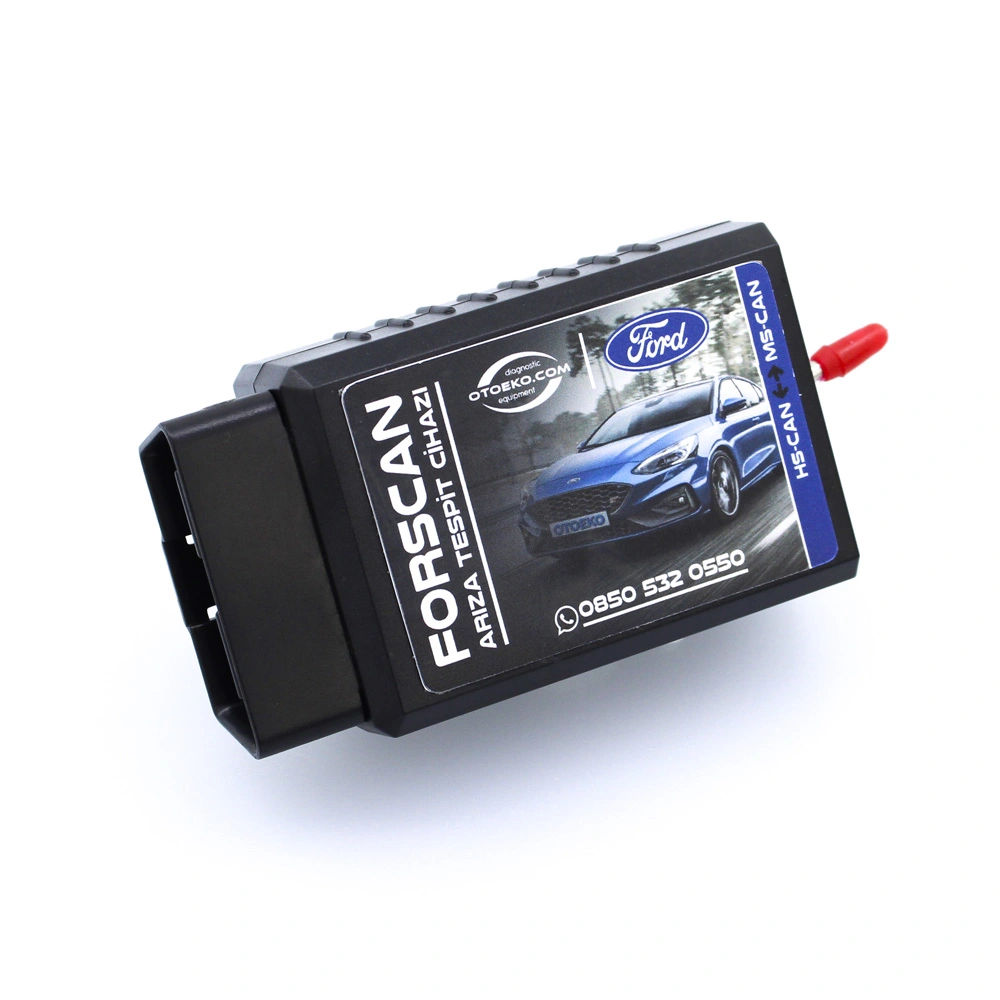
Why an HS-CAN / MS-CAN Switch Is Essential for Ford Coding
Standard OBD2 adapters only read the HS-CAN (engine/ABS) bus. On Ford vehicles, most hidden features—such as door locks, lighting, instrument cluster menus, and climate controls—reside on the medium-speed MS-CAN bus. The built-in toggle switch bridges both networks effortlessly.
Authentic Microchip PIC18F25K80 Microcontroller
FORScan blocks low-quality clone chips due to timing errors. Our interface uses a genuine PIC18F25K80 processor that reliably reads and writes As-Built and Central Configuration blocks.
Wireless Bluetooth Convenience (Pairing PIN: 1234)
Plug the compact adapter into your OBD2 socket and pair wirelessly with your Windows laptop using code '1234'—no tangled cables inside the cabin.
Safe Customization & Configuration Backup
When used properly, enables factory features without harming vehicle electronics. FORScan allows you to save a full backup of your original module parameters before applying changes.
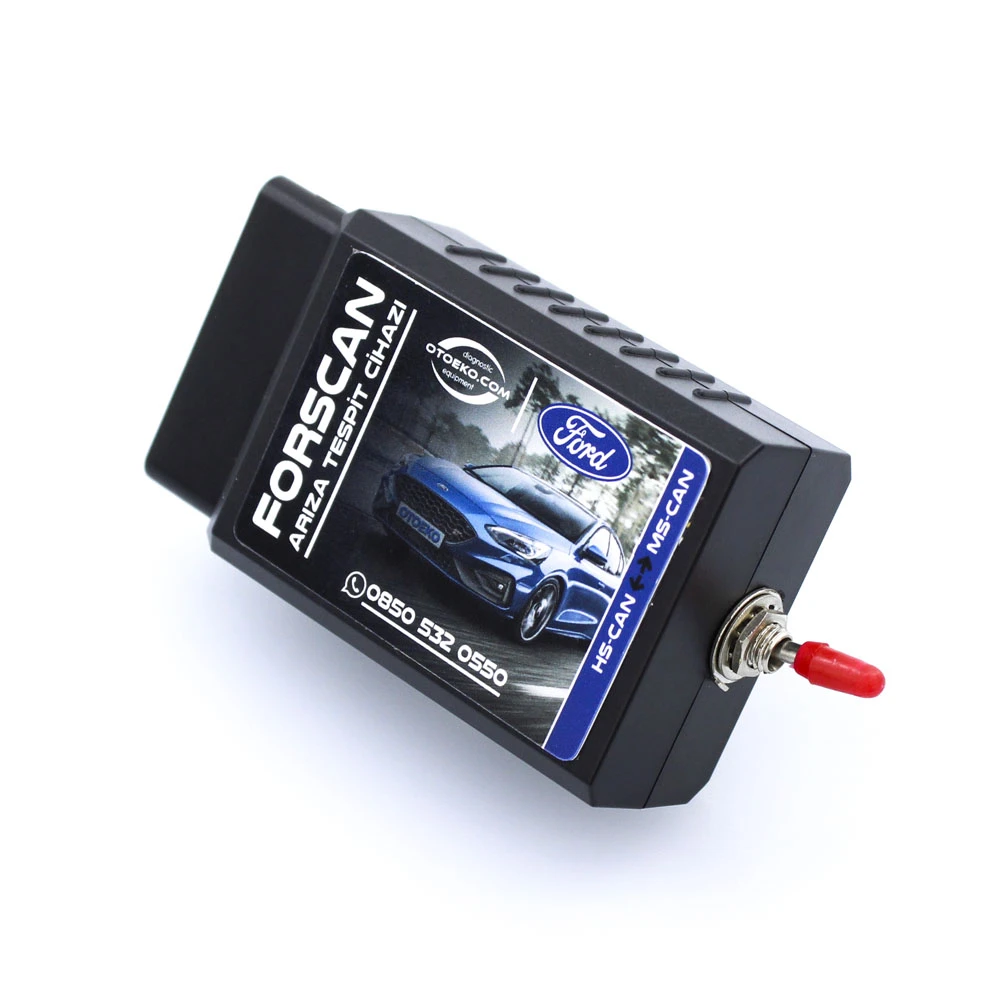
POPULAR ACTIVATABLE HIDDEN FEATURES
Key Functions You Can Unlock on Your Ford with FORScan Bluetooth
Depending on your vehicle's model, production year, and factory hardware package, popular customizations include:
- Driving & Safety: Hill Start Assist (prevents rollback on inclines), Cruise Control activation (after installing steering wheel switches), and Tire Pressure Monitoring (DDS / TPMS)
- Locks & Windows: Automatic door locking above a set speed (Autolock), automatic relocking if no door is opened, and global window open/close via remote key fob
- Lighting & Exterior: Fog light activation, cornering fog lights, side mirror puddle lights, American parking lights, and audible horn chirp on lock
- Cluster & Multimedia: Ford EcoMode fuel-saving display, radio/RDS info on the instrument cluster, perimeter security alarm, and external AUX audio input activation
- Important Note: Available hidden features vary by model, production year, and existing module hardware. Not all listed features are guaranteed on every vehicle.
SUPPORTED FORD VEHICLES
Broad Coverage Across Ford Passenger & Commercial Models
Thanks to its dual-bus HS-CAN / MS-CAN switch architecture, it supports a wide range of Ford and Mazda platforms:
- Ford Passenger Cars: Focus (Mk2, Mk2.5, Mk3, Mk3.5, Mk4), Fiesta (Mk6, Mk7, Mk7.5, Mk8), Mondeo (Mk4, Mk5), Kuga, C-Max, B-Max, S-Max, Galaxy, EcoSport, Puma
- Ford Commercial Vehicles: Tourneo Courier / Transit Courier, Tourneo Connect / Transit Connect, Tourneo Custom / Transit Custom, Transit, and Ford Ranger
- Comprehensive Module Access: PCM (Engine), TCM (Transmission), ABS/ESP, BCM / GEM (Body Control), IPC (Instrument Cluster), ACM / APIM / SYNC (Audio/Multimedia), and RCM (Airbag)
SOFTWARE, LICENSE & PLATFORM NOTICE
FORScan Software, Extended License & Operating System Support
Important software and licensing details to review before purchase:
- Windows Software Support: While the hardware is compatible with Windows and Android (no iOS support), hidden feature coding requires a Windows PC and the full FORScan for Windows software. Our company provides software links and technical support exclusively for Windows operating systems.
- FORScan License Information: Our company sells the hardware interface designed for use with FORScan. The FORScan software itself and its licenses are provided directly by the FORScan developers (forscan.org).
- Extended License Requirement: Advanced functions in FORScan—such as hidden feature activation and module configuration—require an Extended License, which can be obtained from forscan.org as a free 2-month trial or paid subscription.
Detailed Visual & Technical Showcase
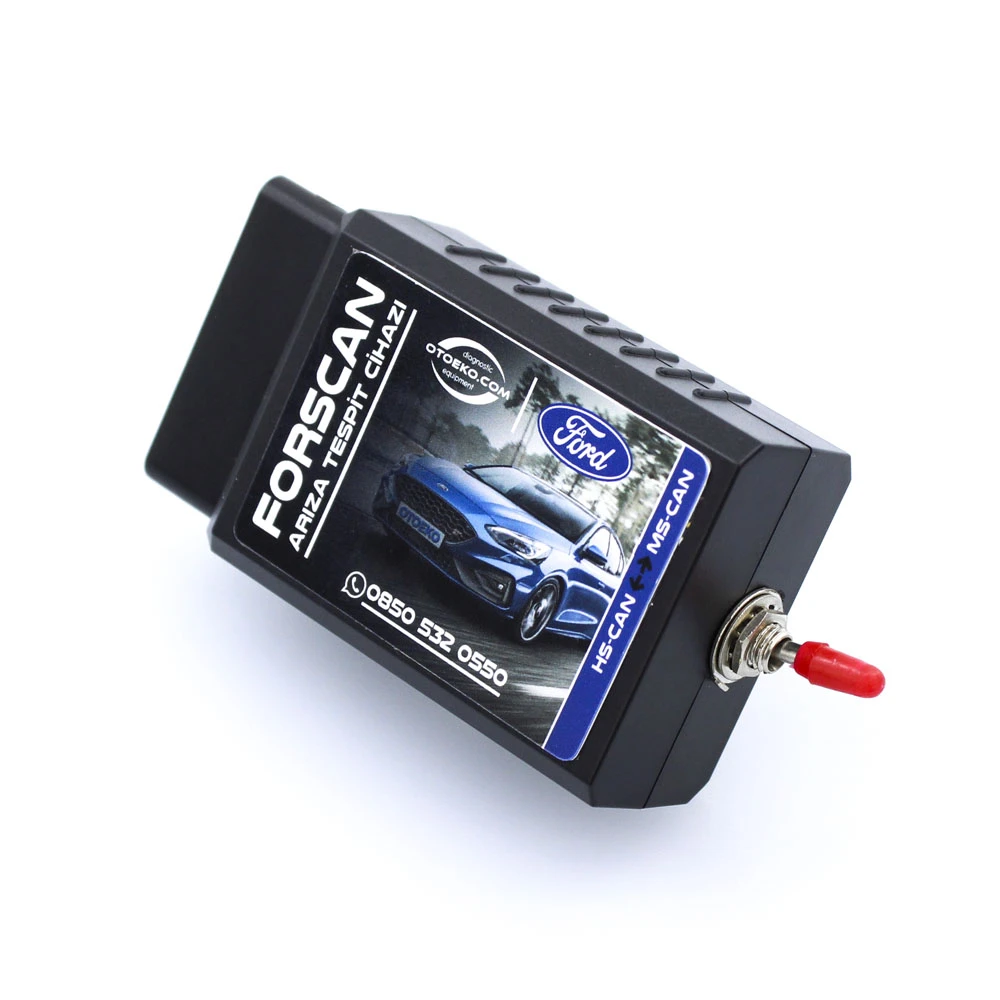
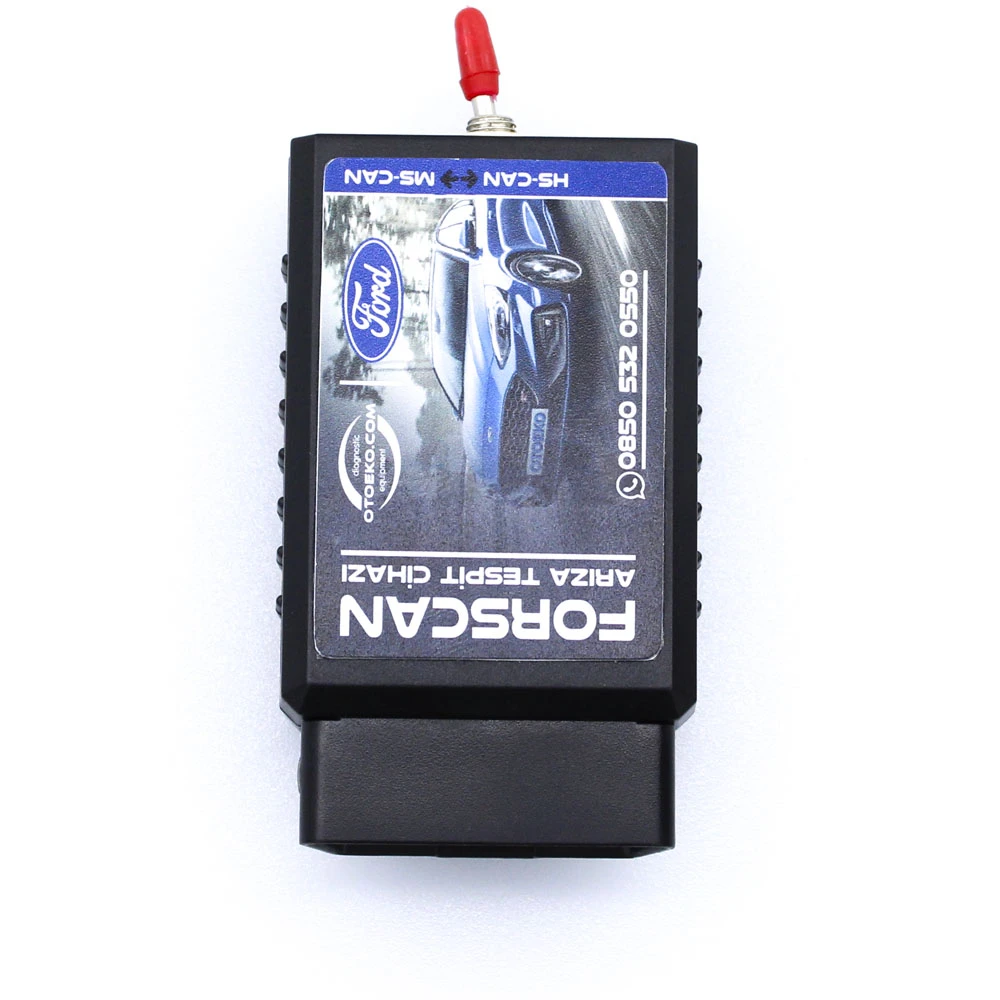
Close-up details and application views of the Ford FORScan Bluetooth (HS/MS-CAN Switchli PIC18F25K80).
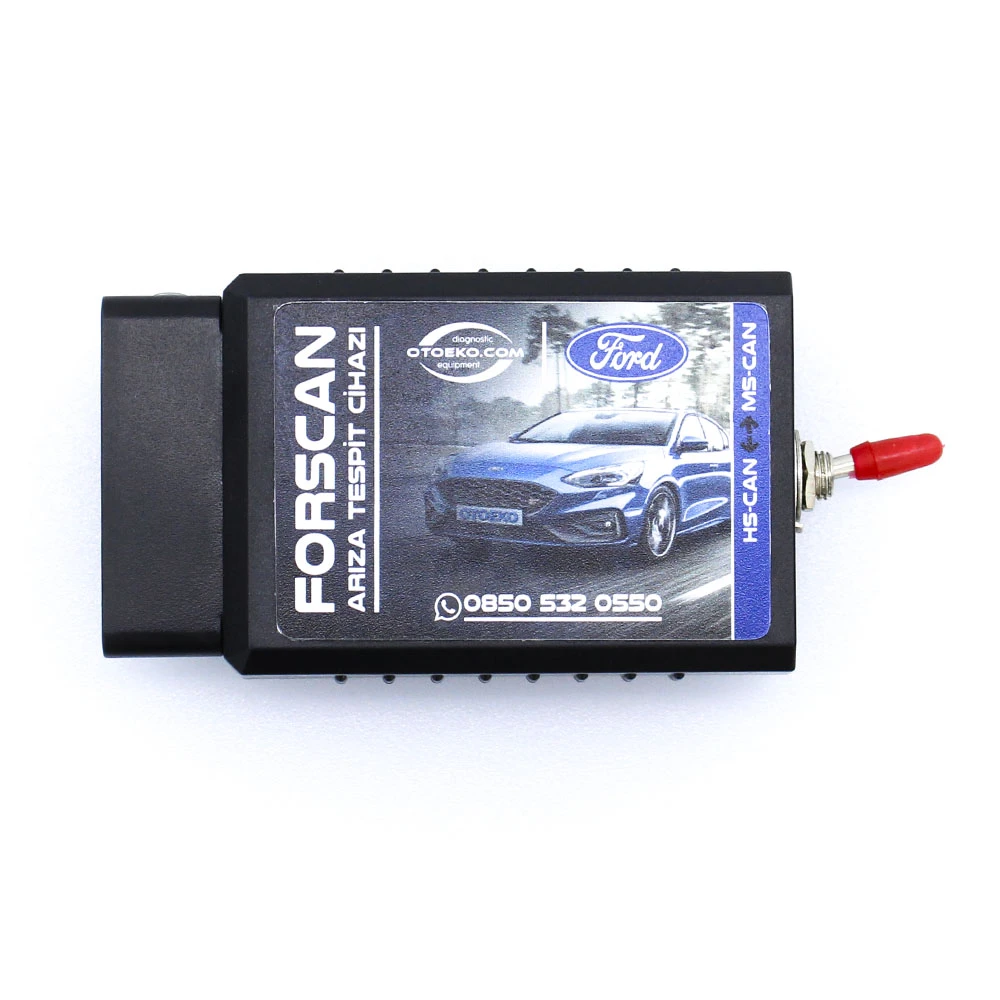
Technical Specifications & System Parameters
Complete manufacturer-verified technical data and operating ranges.
| SKU | OTO0040 |
|---|---|
| Product Type | Ford FORScan Bluetooth Hidden Feature Coding Scanner |
| Microcontroller Chip | Genuine Microchip PIC18F25K80 |
| Hardware Modification | Built-in HS-CAN / MS-CAN Toggle Switch |
| Connection Interface | Wireless Bluetooth 2.0 |
| Pairing PIN | 1234 |
| Vehicle Connector | 16-Pin Standard OBD-II Plug |
| Supported Software | FORScan for Windows (Multi-Language Support) |
|---|---|
| OS Compatibility | Windows 7 / 8 / 10 / 11 (Bluetooth-Enabled PC) |
| Mobile Platform Note | Works with Android hardware (Support is for Windows only; no iOS) |
| Software Download | Via Order Status Inquiry Page or forscan.org |
| Extended License | Free 2-month trial available from forscan.org |
| Warranty | 6-Month Official Otoeko Hardware Warranty |
| Quality Inspection | HS-CAN & MS-CAN switch continuity tested before shipping |
Workshop Application & Operating Guide
Recommended 4-step standard procedure for accurate results.
Install FORScan on Your Windows PC
Download and install the latest FORScan for Windows from forscan.org or your order status page. (Activate an Extended License for coding functions).
Plug Into the Vehicle OBD2 Port
Insert the FORScan Bluetooth adapter into your vehicle's OBD2 socket, ensure the switch is in the HS-CAN position, and turn the ignition on.
Pair via Bluetooth (PIN: 1234)
Search for the device in your Windows Bluetooth settings and pair using PIN code '1234'.
Connect in FORScan & Activate Features
Launch FORScan and connect. Flip the HS/MS-CAN switch when prompted on screen, navigate to the Configuration and Programming tab, and enable your desired features.
Technical Capabilities & Operational Advantages
Key engineering advantages for professional workshop diagnostics.
Core Workshop Requirements
- Non-switched ELM327 adapters cannot detect Ford MS-CAN body, cluster, or comfort modules
- Cheap v2.1 clone chips are blocked by FORScan due to protocol timing errors
- High workshop fees charged for single feature activations
- Lack of module backup capability on generic mobile scanners
With Ford FORScan Bluetooth (HS/MS-CAN Switchli PIC18F25K80)
- HS-CAN / MS-CAN switch modification grants full access to both powertrain and body control modules
- Genuine Microchip PIC18F25K80 processor ensures 100% FORScan compatibility and safe writing
- Unlock supported hidden features and read/clear fault codes across all modules anytime
- Direct Windows FORScan download link provided after purchase with 6-month hardware warranty
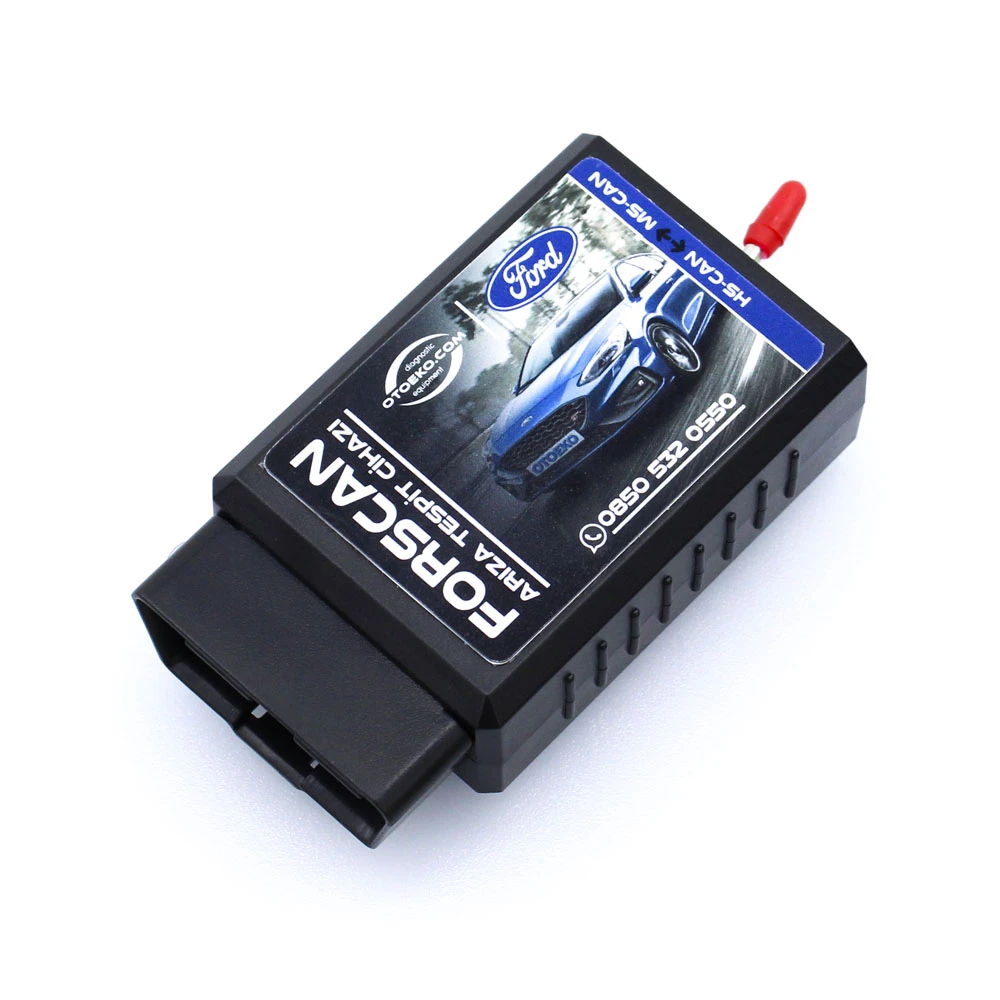
Package Contents — Ready for the Workshop
Complete kit inspected prior to dispatch.
- 1 × Ford FORScan Hidden Feature Scanner (PIC18F25K80 & HS-CAN / MS-CAN Switched Bluetooth)
- Digital Access: Windows FORScan Software Download Link (via Order Inquiry Page)
- Otoeko Quality Control Approval & Official Invoice (6-Month Warranty)
6 Months Official Otoeko Warranty
The Ford FORScan Bluetooth (HS/MS-CAN Switchli PIC18F25K80) is backed by a 6 Months official Otoeko warranty against manufacturing defects, with full technical support.
Frequently Asked Questions
Key technical questions from technicians and workshops about the Ford FORScan Bluetooth (HS/MS-CAN Switchli PIC18F25K80).
What does the HS-CAN / MS-CAN switch do?
Ford vehicles use two separate CAN buses: HS-CAN for engine/ABS and MS-CAN for body, cluster, and comfort modules. The toggle switch allows the adapter to access both networks so you can configure hidden features.
Which hidden features can I activate?
Depending on your vehicle model and hardware trim, you can enable Hill Start Assist, Cruise Control, speed auto-lock, TPMS/DDS tire pressure display, fog lights, global windows, EcoMode, cluster radio display, and AUX input.
How do I get the FORScan Extended License?
While basic diagnostics work on the standard version, module configuration requires an Extended License. You can obtain a free 2-month trial (or paid license) directly from forscan.org using your Hardware ID.
Can I code hidden features from a smartphone?
While the hardware works with Windows and Android (no iOS support), hidden feature coding requires a Windows PC running FORScan for Windows. Our company provides software links and support exclusively for Windows.
What is the Bluetooth pairing code?
Plug the adapter into the OBD2 port, turn on the ignition, search in Windows Bluetooth settings, and pair using PIN '1234'.
Is feature activation safe for my vehicle?
Yes, when properly enabling factory-supported parameters. Always save a backup of your original module configuration inside FORScan before making edits.