
HITACHI · PROFESSIONAL WORKSHOP SERIES
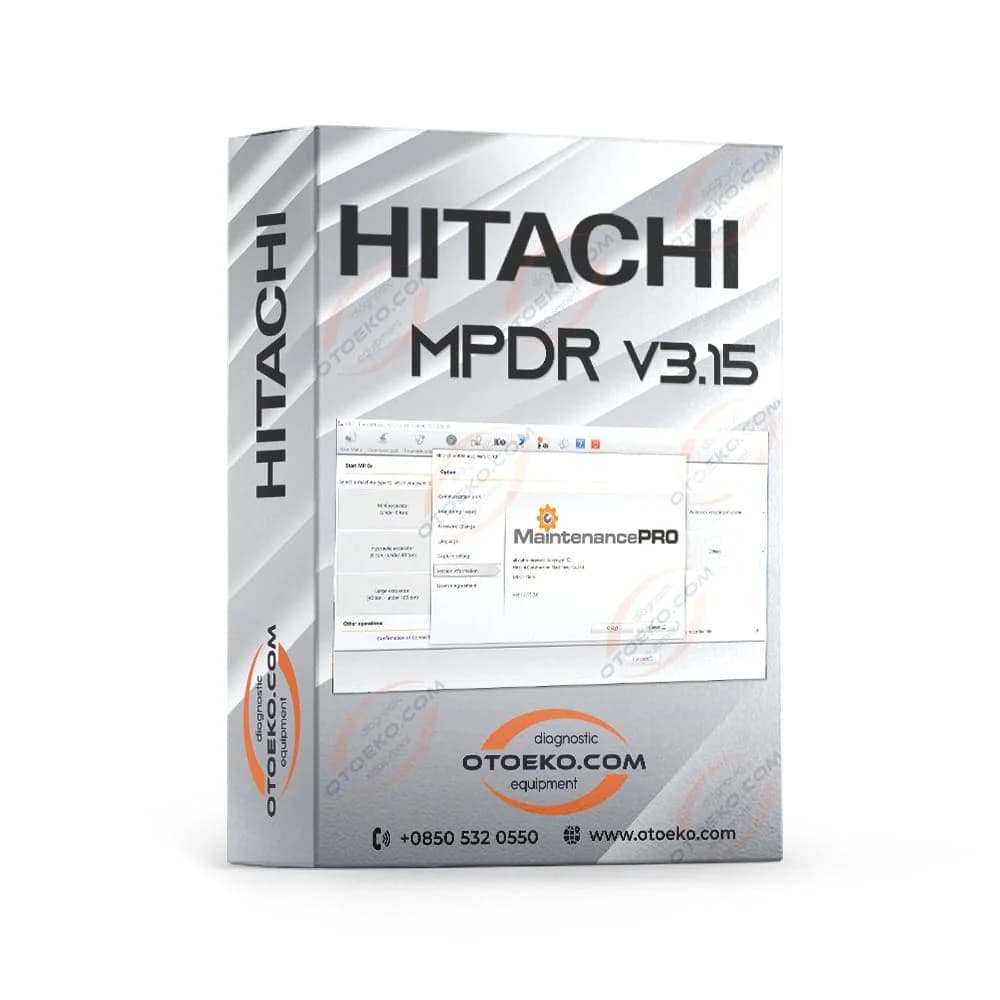
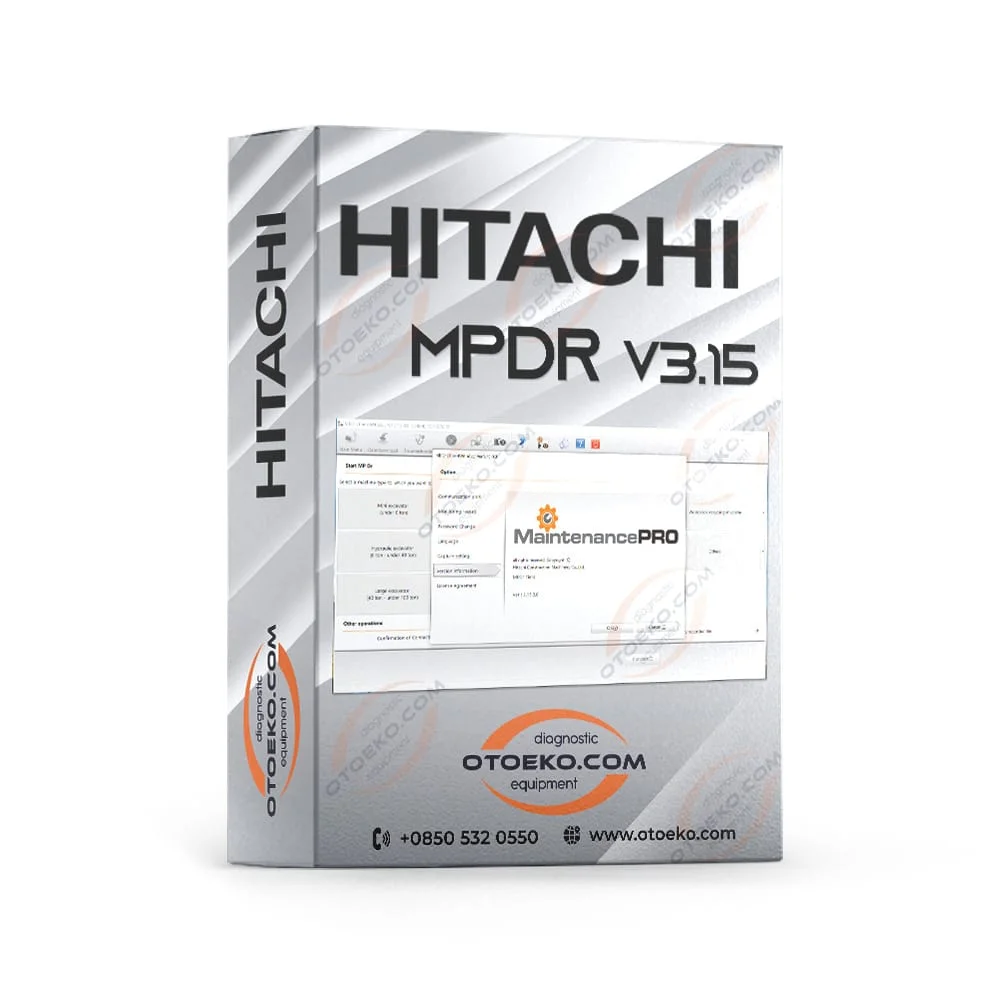
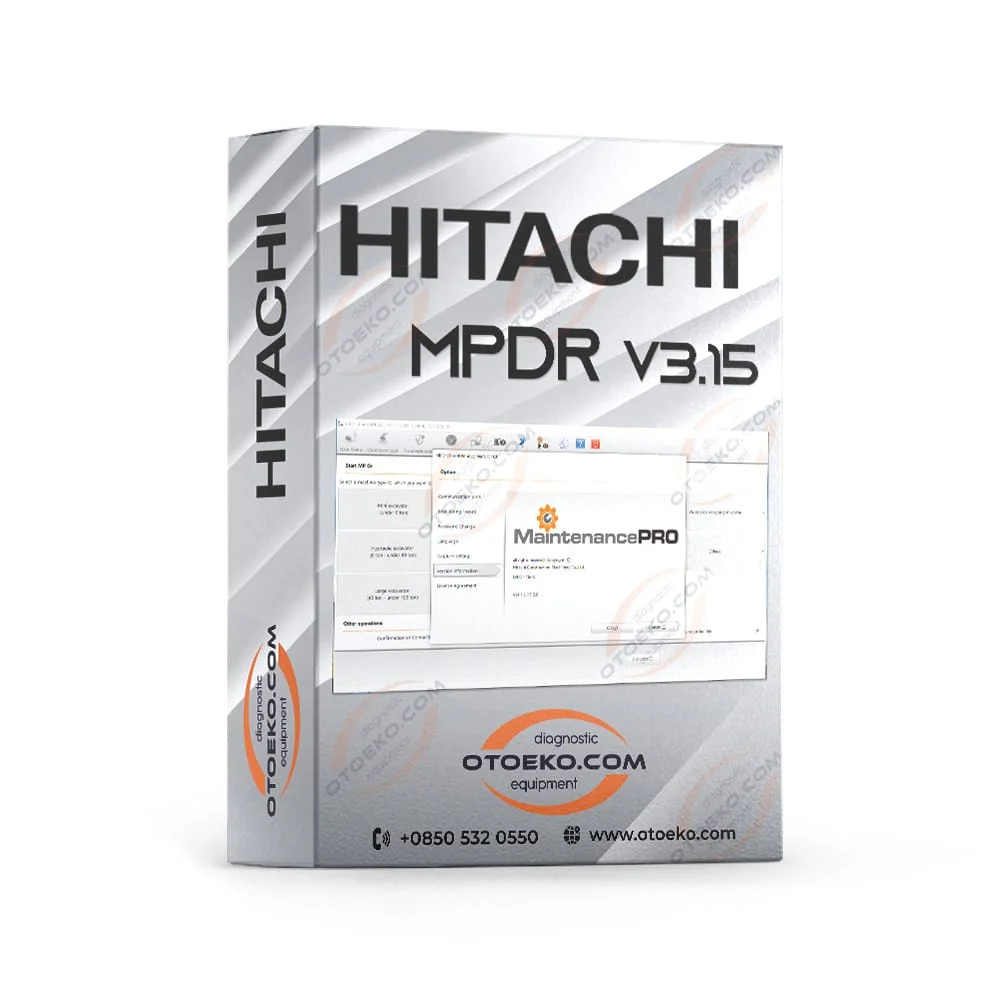
Hitachi MaintenancePRO MPDr v3.15 Construction & Excavator Diagnostic Software (English)
Hitachi MaintenancePRO MPDr v3.15 Construction & Excavator Diagnostic Software (English) — Official-grade diagnostic software for Hitachi ZAXIS (ZX-1, ZX-3, ZX-5, ZX-6, ZX-7) excavators, wheel loaders, and mining machinery, providing fault code analysis, hydra
- Hitachi
- MaintenancePRO MPDr v3.15
- Remote Setup & Test Assurance
- TeamViewer Setup
Engineered for Professional Workshop Demands
The MaintenancePRO MPDr v3.15 is built to deliver speed, accuracy, and stability in busy service bays.
OEM-Aligned Architecture
Engineered to provide stable, high-speed communication and accurate operations across Hitachi systems.
Workshop-Grade Reliability
Eliminates signal drops, communication timeouts, and diagnostic bottlenecks in busy service bays.
Pre-Delivery Verification
Installed and tested remotely via TeamViewer.
Professional Technical Backing
Supported by the Otoeko engineering team with official invoicing and Remote Setup & Test Assurance coverage.
TECHNICAL ARCHITECTURE
Hitachi MaintenancePRO MPDr v3.15 Construction & Excavator Diagnostic Software (English) — System Overview
Hitachi MaintenancePRO MPDr v3.15 Construction & Excavator Diagnostic Software (English) — Official-grade diagnostic software for Hitachi ZAXIS (ZX-1, ZX-3, ZX-5, ZX-6, ZX-7) excavators, wheel loaders, and mining machinery, providing fault code analysis, hydraulic pump pressure monitoring, and actuator calibration. Delivered with full Otoeko quality verification and technical support.
- Engineered for Hitachi (MaintenancePRO MPDr v3.15) diagnostic and service operations
- High-stability signal and data integrity under workshop conditions
- TeamViewer remote installation on 1 PC (vehicle required for testing)
- Compatible with professional automotive diagnostic workflows
WORKSHOP PERFORMANCE
Engineered for Hitachi Service Operations
Built to deliver consistent accuracy, fast response times, and dependable operation in professional workshops.
- Reduces troubleshooting time and prevents communication dropouts
- Industrial-grade durability for daily workshop use
- Warranty & Support: Remote Setup & Test Assurance
- Official corporate invoice and specialist technical support
OPERATIONAL STANDARDS
Quality Control & Delivery Scope
Installed remotely via TeamViewer on a single PC; vehicle required for post-setup testing. Prices exclude VAT.
- Engineered for Hitachi (MaintenancePRO MPDr v3.15) diagnostic and service operations
- High-stability signal and data integrity under workshop conditions
- TeamViewer remote installation on 1 PC (vehicle required for testing)
- Compatible with professional automotive diagnostic workflows
Technical Specifications & System Parameters
Complete manufacturer-verified technical data and operating ranges.
| Product SKU | YAZ03 |
|---|---|
| Brand | Hitachi |
| Model | MaintenancePRO MPDr v3.15 |
| Category | Diagnostic Software |
| Delivery / Interface | TeamViewer Remote Installation |
| Operating Environment | Windows 10 / 11 64-Bit Pro |
| Warranty Coverage | Remote Setup & Test Assurance |
|---|---|
| Origin | Digital Installation Suite |
| Update Policy | Selected Package Version |
| Quality Verification | Remote Setup & Verification |
| Technical Support | Otoeko Technical Support Team |
| Invoicing | Official Corporate Invoice (Excl. VAT for cash software) |
TeamViewer Remote Setup & Operating Guide
Recommended 4-step standard procedure for accurate results.
Preparation
Prepare your Windows 10/11 64-Bit PC with TeamViewer.
Connection / Setup
Our team connects remotely via TeamViewer to install and configure MaintenancePRO MPDr v3.15.
Verification
Verify software activation and interface communication.
Workshop Operation
Perform full vehicle diagnostics and testing.
Technical Capabilities & Operational Advantages
Key engineering advantages for professional workshop diagnostics.
Core Workshop Requirements
- Unstable communication and protocol dropouts with generic unverified tools
- Time lost troubleshooting driver or pinout mismatches
- Lack of after-sales technical guidance
With MaintenancePRO MPDr v3.15
- Verified MaintenancePRO MPDr v3.15 compatibility for seamless workshop operation
- Remote TeamViewer setup by specialists
- Official corporate invoice and Remote Setup & Test Assurance Otoeko assurance
Remote Installation Scope & Official Terms
Remote installation service delivered via TeamViewer and official terms of use.
- Hitachi MaintenancePRO MPDr v3.15 Construction & Excavator Diagnostic Software (English): Complete installation and configuration according to your selected package variation
- TeamViewer Remote Installation: Installed remotely on your computer by the Otoeko technical team
- Single-PC Policy: Installation is valid for one (1) computer only
- Post-Installation Vehicle Test: A compatible vehicle and interface are required for post-setup verification
- Pricing & VAT Notice: Listed price excludes VAT (added at checkout) and applies to cash payment
TeamViewer Remote Installation & Verification
The MaintenancePRO MPDr v3.15 software package is installed and tested remotely on your PC via TeamViewer by our technical team (Valid for a single PC only; a vehicle is required for post-installation testing. Listed price excludes VAT and applies to cash payment).
Frequently Asked Questions
Key technical questions from technicians and workshops about the MaintenancePRO MPDr v3.15.
What systems is the Hitachi MaintenancePRO MPDr v3.15 Construction & Excavator Diagnostic Software (English) compatible with?
It is engineered specifically for Hitachi / MaintenancePRO MPDr v3.15 applications within the CAT / Perkins / JCB / Hitachi segment.
How is the product delivered?
Delivered remotely via TeamViewer onto a single PC by our technical specialists.
What are the warranty terms?
Installed remotely via TeamViewer on a single PC; vehicle required for post-setup testing. Prices exclude VAT.
Is technical support included?
Yes, the Otoeko technical team provides full assistance regarding setup and operation.
What operating environment is recommended?
Windows 10/11 64-Bit Pro with SSD storage.
Is an official invoice provided?
Yes, all orders are processed with an official corporate invoice.