
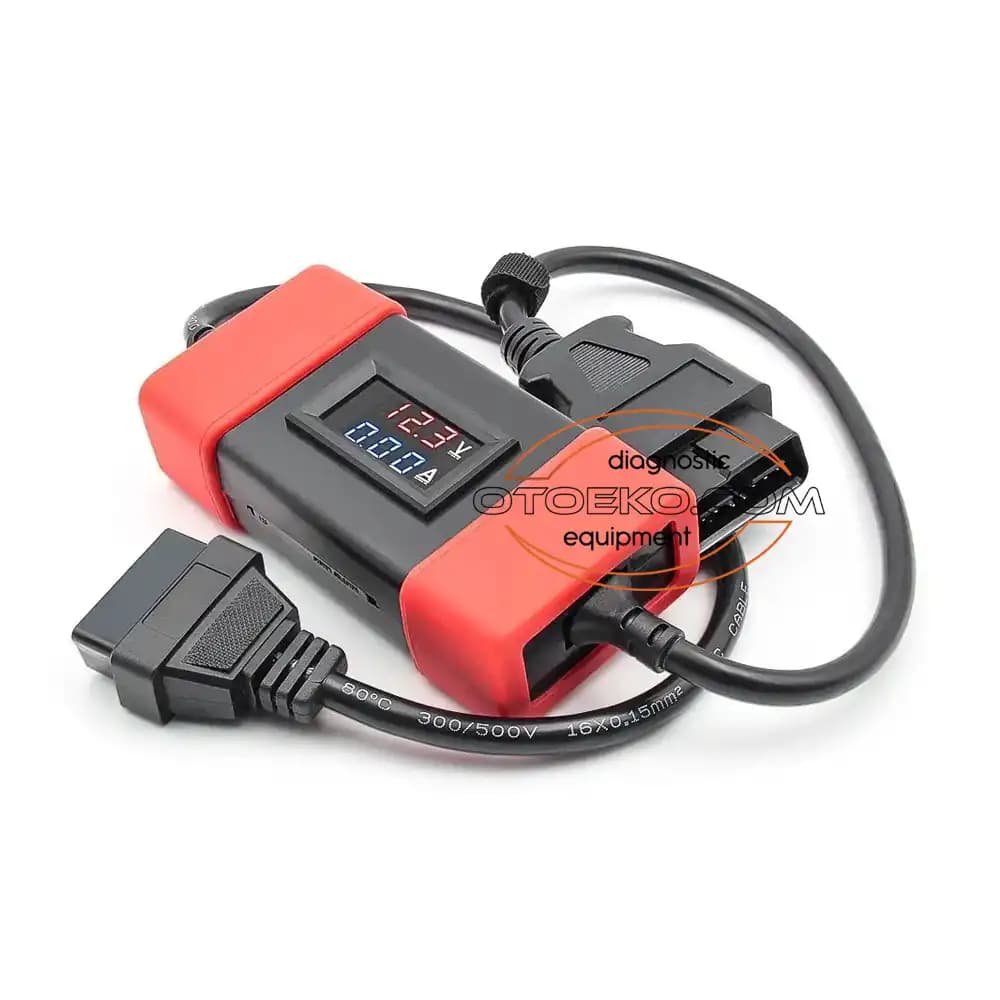
Launch • 24/12V Konvertör
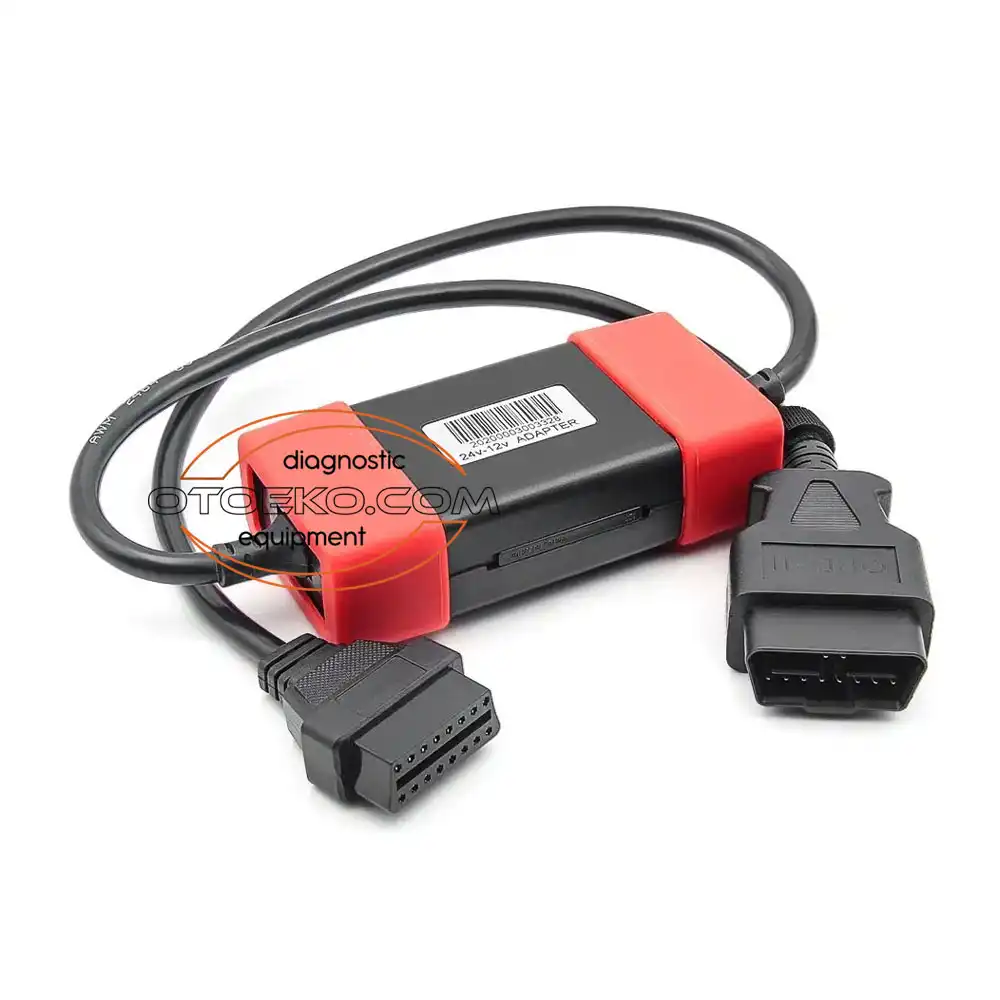
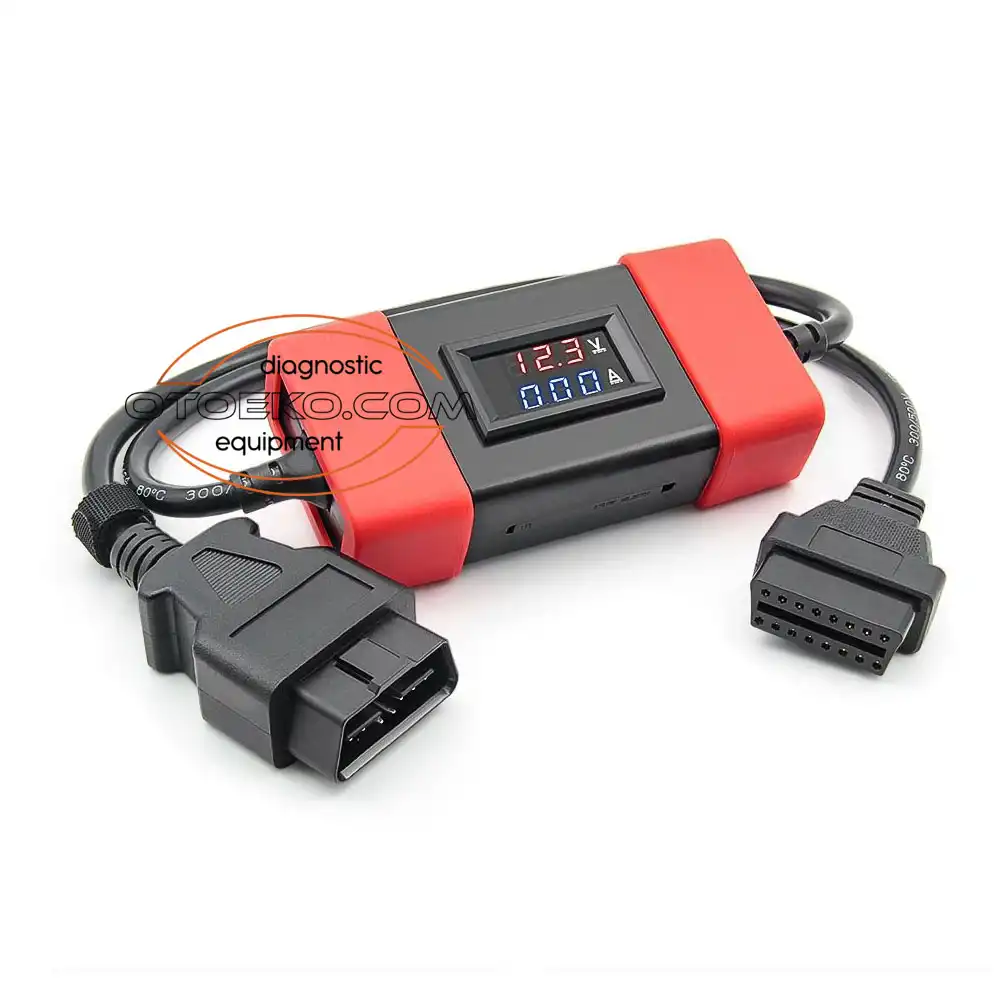
Launch X431 / DBScar / Thinkdiag 24V to 12V Heavy-Duty Truck OBD2 Voltage Converter & VCI Protector Adapter
Launch X431 / DBScar / Thinkdiag 24V to 12V Heavy-Duty Truck OBD2 Voltage Converter & VCI Protector Adapter
- 24/12V Konvertör
- Launch
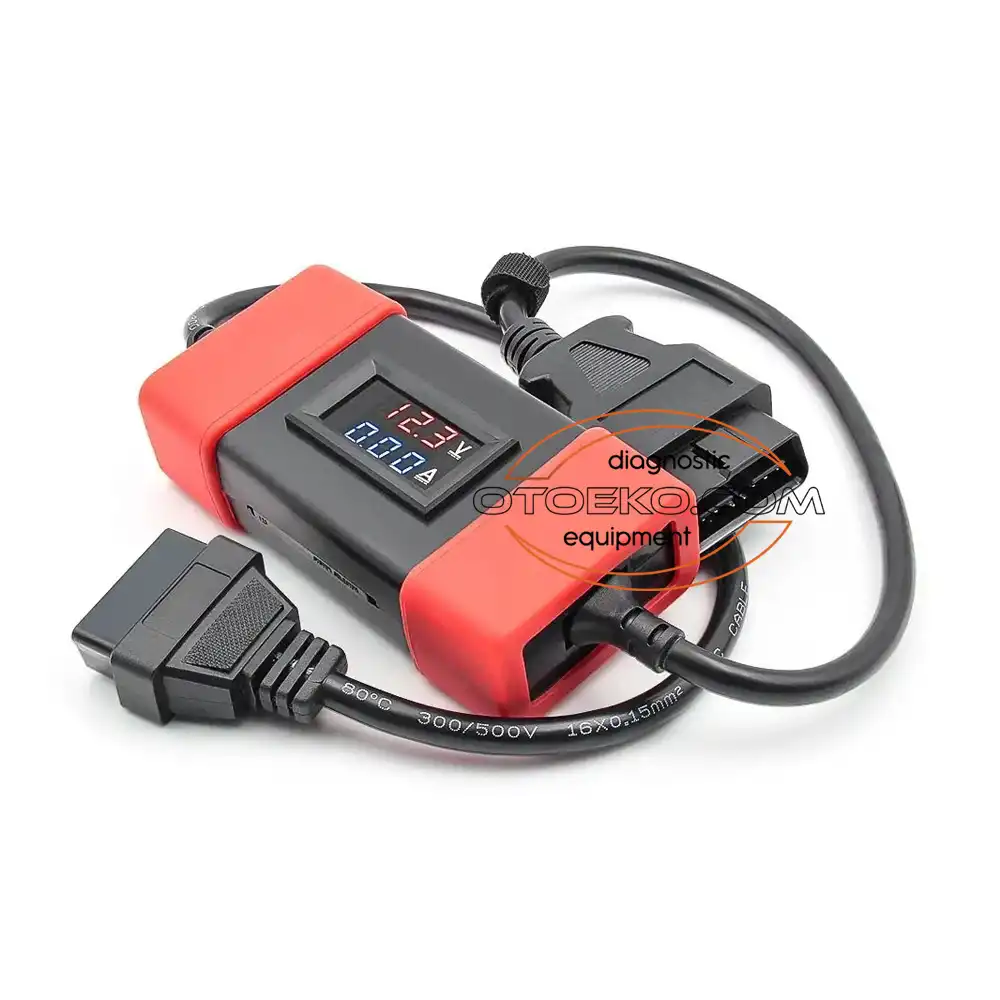
Engineered for Professional Workshop Demands
The 24/12V Konvertör is built to deliver speed, accuracy, and stability in busy service bays.
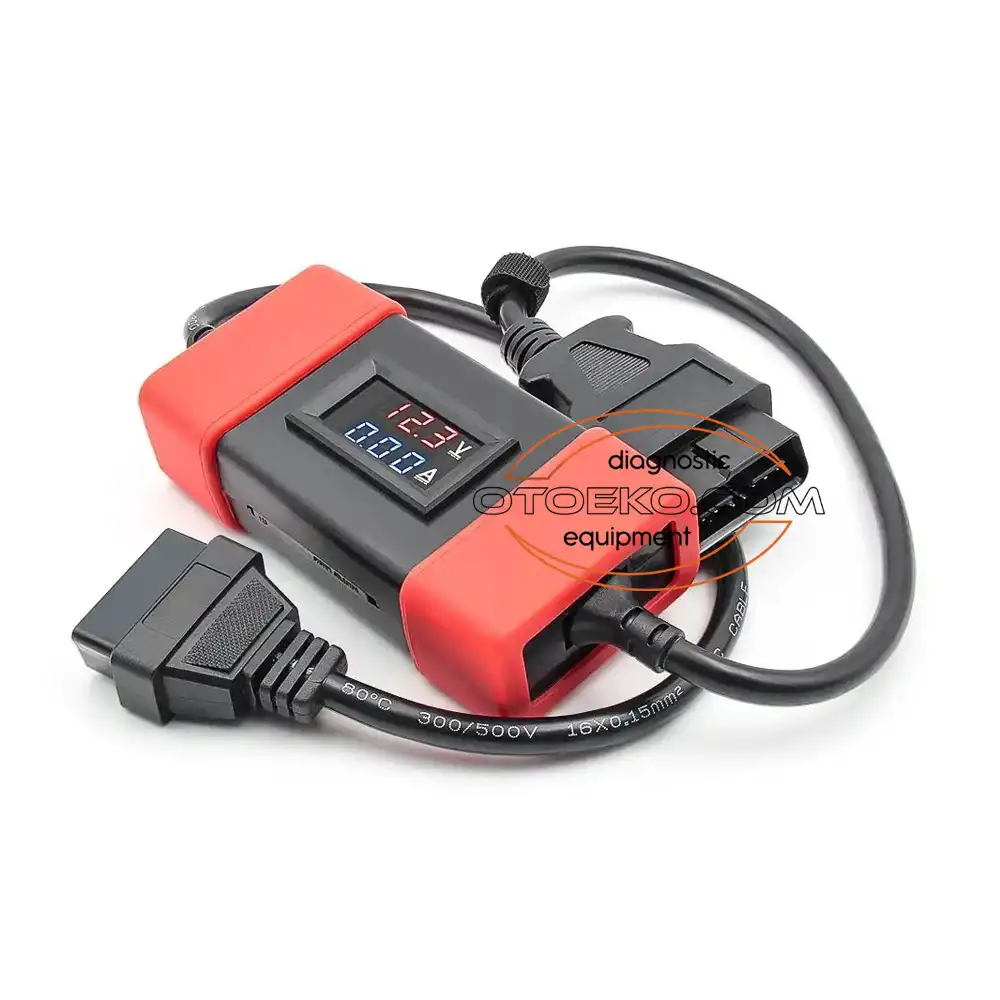
Precision 24V -> 12V Voltage Regulation
Steps down 24V–28V commercial vehicle power on OBD2 Pin 16 to a rock-solid 12V DC output safe for passenger-rated VCI hardware.
Protects JV700 & VCI Motherboards
Completely eliminates the risk of frying 12V Launch, Thinkdiag, Easydiag, or Mucar interfaces when working on heavy-duty trucks.
Transparent Data Line Pass-Through
Only modifies the power supply pin; all CAN-Bus, SAE J1939, J1708, and K-Line communication pins are wired straight through.
Cool-Running Switching Regulator
Uses a modern high-efficiency switching DC-DC buck circuit that stays cool during extended DPF regeneration and ECU coding sessions.
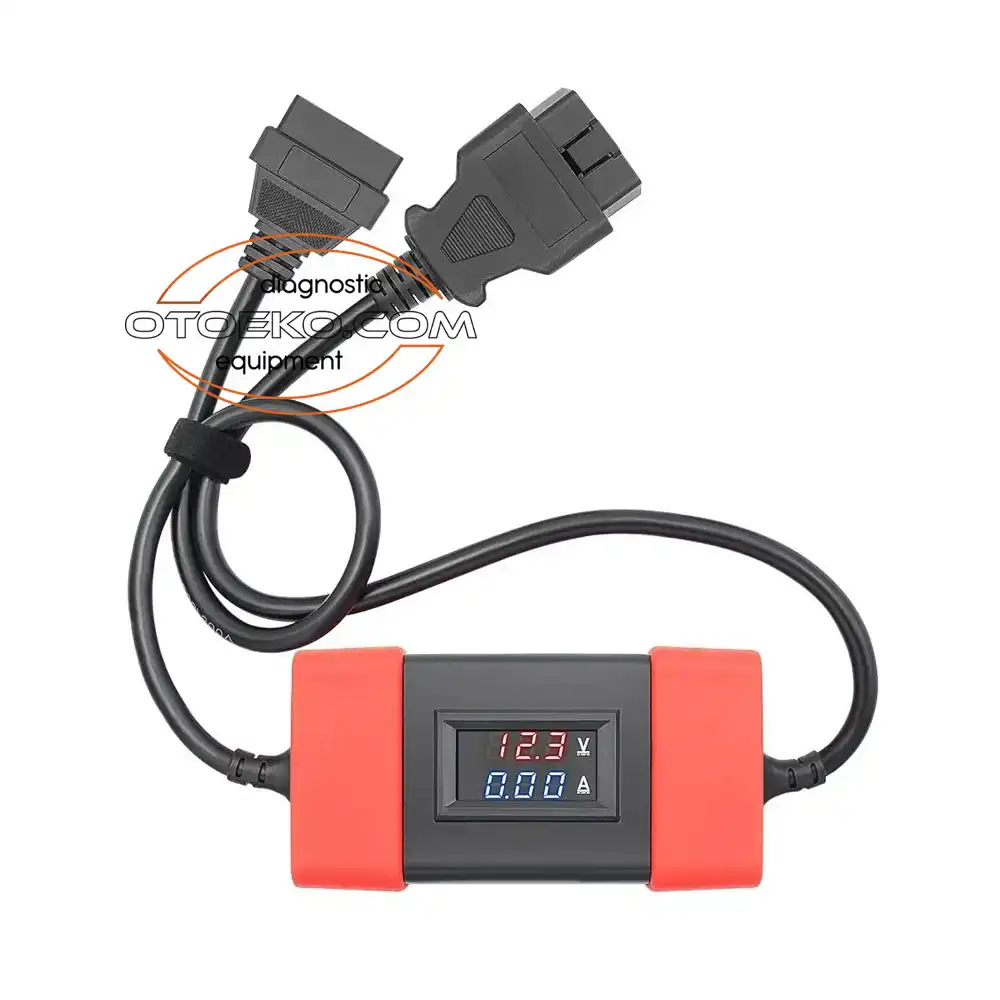
ARCHITECTURE
Precision 24V -> 12V Voltage Regulation
Steps down 24V–28V commercial vehicle power on OBD2 Pin 16 to a rock-solid 12V DC output safe for passenger-rated VCI hardware.
- Input Voltage (Vehicle Side): 18V – 32V DC (24V Heavy-Duty Systems)
- Output Voltage (Scanner Side): Regulated 12V – 12.5V DC
- Vehicle Side Connector: 16-Pin J1962 OBD2 Male Plug
- Scanner Side Connector: 16-Pin J1962 OBD2 Female Socket
DIAGNOSTICS
Protects JV700 & VCI Motherboards
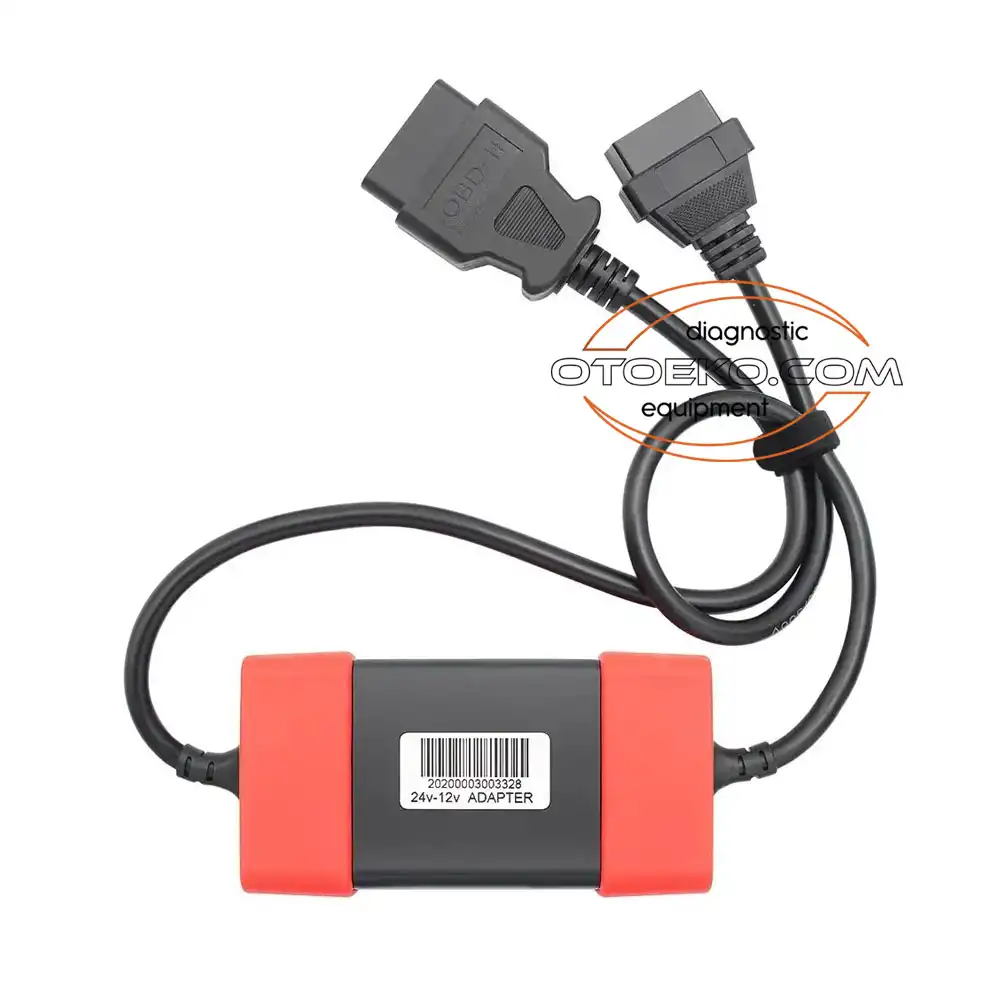
Completely eliminates the risk of frying 12V Launch, Thinkdiag, Easydiag, or Mucar interfaces when working on heavy-duty trucks.
- Converter Architecture: Active Switching DC-DC Buck Regulator
- Data Pin Mapping: Full 16-Pin Pass-Through (Pin 16 Regulated, Pins 4/5 GND)
- Safety Protections: Over-Voltage, Over-Current & Short-Circuit Protection
- Status Indicator: Integrated Power / Regulation LED Indicator
COMPATIBILITY
Transparent Data Line Pass-Through
Only modifies the power supply pin; all CAN-Bus, SAE J1939, J1708, and K-Line communication pins are wired straight through.
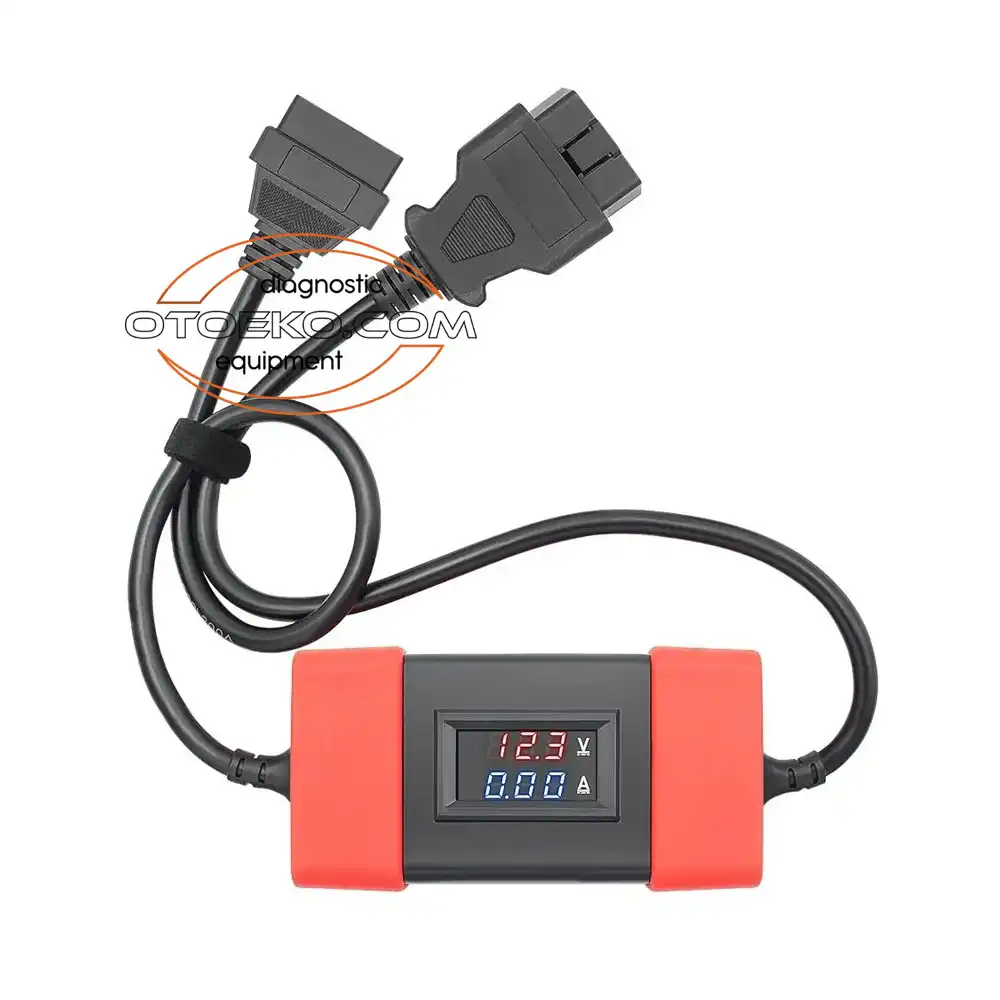
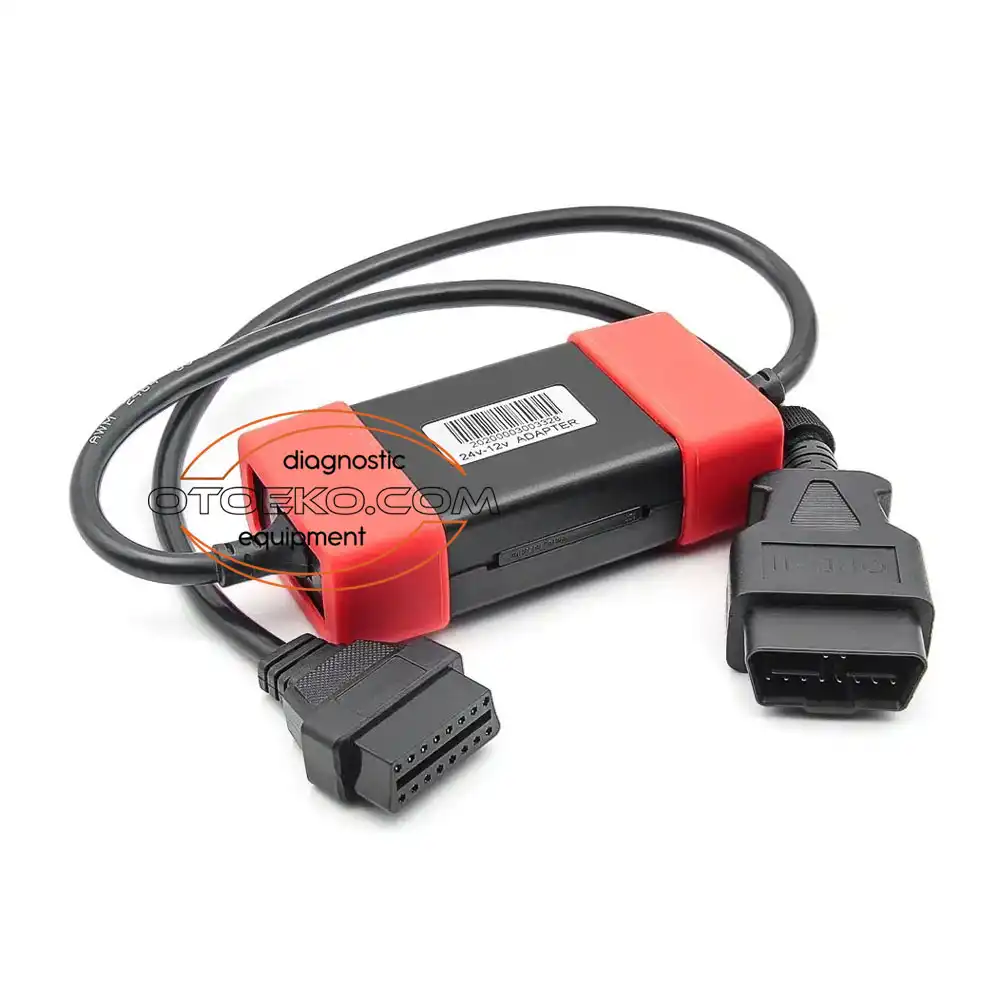
Detailed Visual & Technical Showcase
Close-up details and application views of the 24/12V Konvertör.
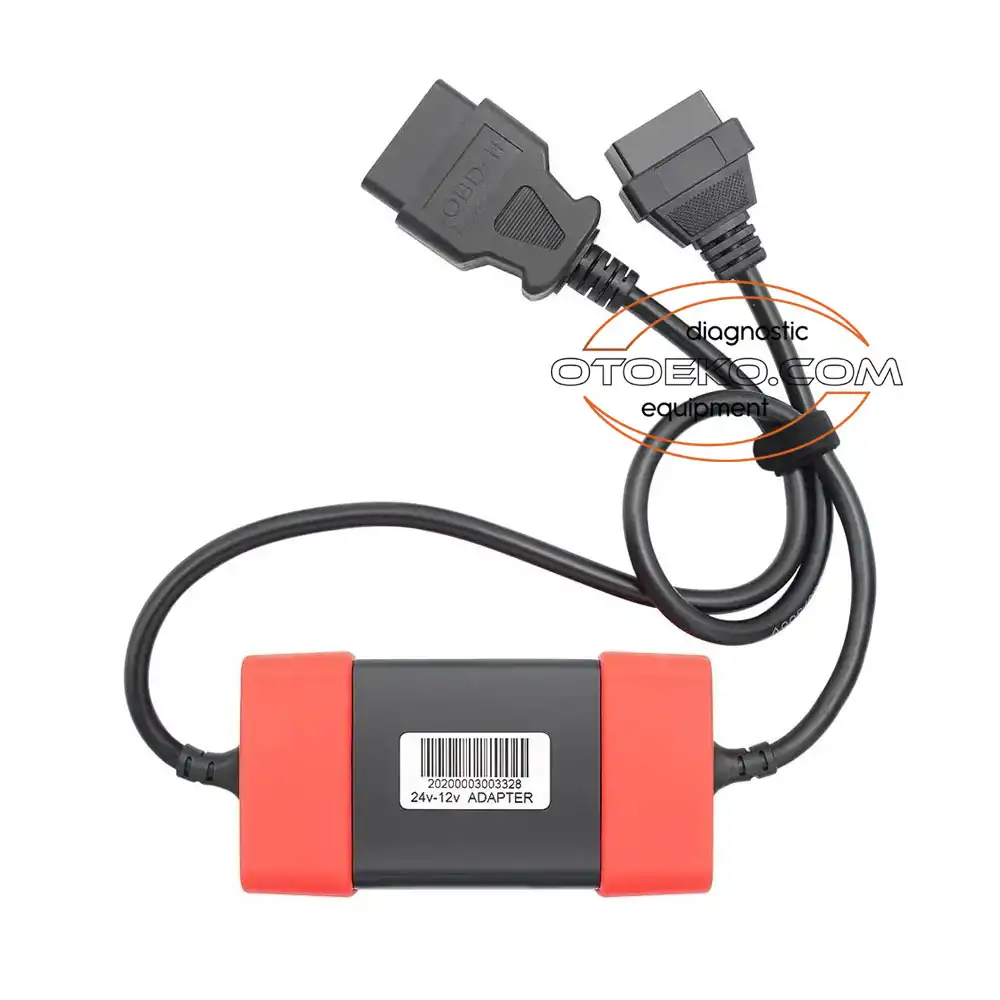
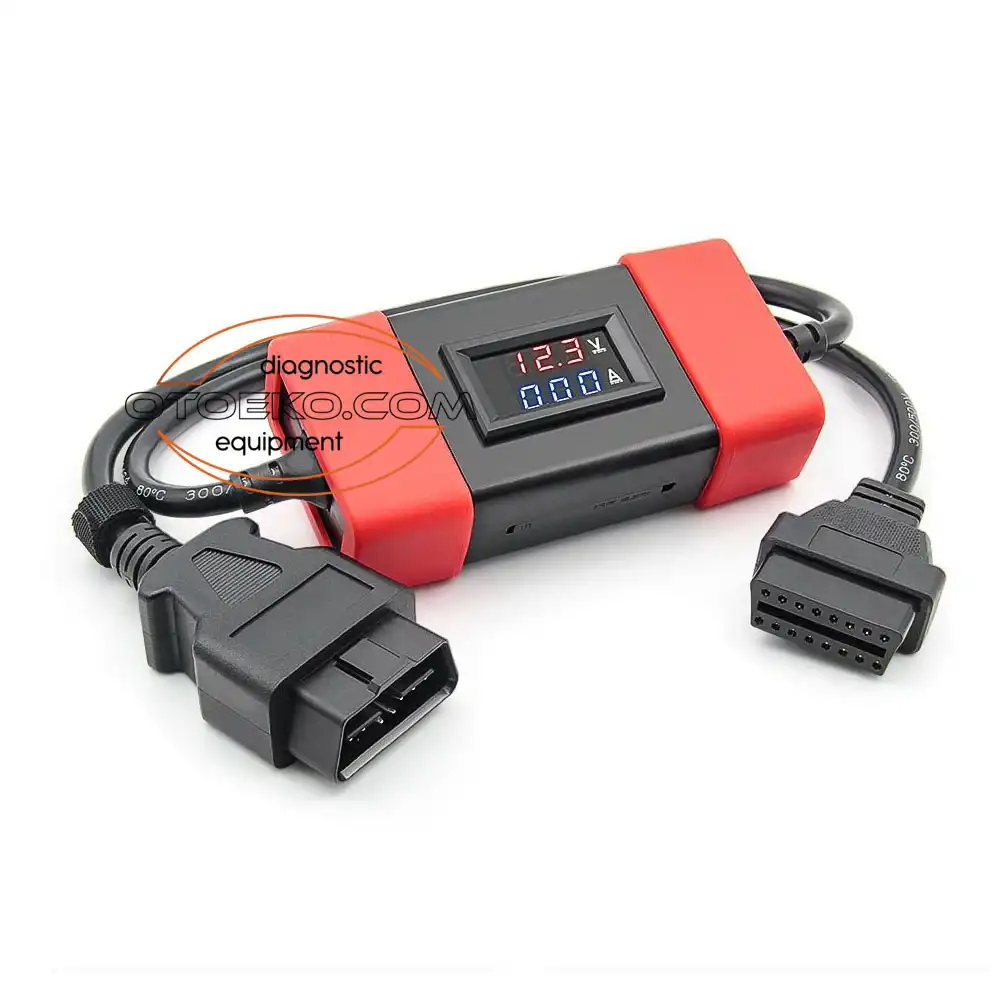
Technical Specifications & System Parameters
Complete manufacturer-verified technical data and operating ranges.
| Input Voltage (Vehicle Side) | 18V – 32V DC (24V Heavy-Duty Systems) |
|---|---|
| Output Voltage (Scanner Side) | Regulated 12V – 12.5V DC |
| Vehicle Side Connector | 16-Pin J1962 OBD2 Male Plug |
| Scanner Side Connector | 16-Pin J1962 OBD2 Female Socket |
| Converter Architecture | Active Switching DC-DC Buck Regulator |
|---|---|
| Data Pin Mapping | Full 16-Pin Pass-Through (Pin 16 Regulated, Pins 4/5 GND) |
| Safety Protections | Over-Voltage, Over-Current & Short-Circuit Protection |
| Status Indicator | Integrated Power / Regulation LED Indicator |
Workshop Application & Operating Guide
Recommended 4-step standard procedure for accurate results.
Package Contents — Ready for the Workshop
Complete kit inspected prior to dispatch.
6 Months Otoeko Warranty Official Otoeko Warranty
The 24/12V Konvertör is backed by a 6 Months Otoeko Warranty official Otoeko warranty against manufacturing defects, with full technical support.
Frequently Asked Questions
Key technical questions from technicians and workshops about the 24/12V Konvertör.
What happens if I plug my 12V Launch or Thinkdiag dongle into a 24V truck without this converter?
Plugging a 12V-only VCI directly into a 24V truck socket will immediately burn out the internal voltage regulator and the JV700 multiplexer chip. This converter drops the voltage to 12V to keep your VCI safe.
Does this adapter unlock heavy-duty truck software by itself?
No, this is a hardware voltage step-down protector. Your diagnostic app/tablet must already have Heavy-Duty (HD) truck software coverage installed.
Can I daisy-chain this with 9-pin J1939 or MAN/Mercedes truck adapter cables?
Yes. Plug your brand-specific adapter (e.g., 9-pin J1939 or MAN 12/37-pin) into the truck first, connect this 24V-12V converter to the adapter, and then plug your 12V VCI into the converter.
Does it slow down ECU coding or DPF regeneration?
No, because all CAN and J1939 data lines pass directly through without buffering, communication speed is 100% unaffected.
Is it compatible with Thinkdiag and Mucar BT200?
Yes, it works with all 16-pin OBD2 Bluetooth and USB diagnostic dongles that require 12V operating power.
How can I test its output before connecting my dongle?
You can plug the converter into a 24V truck port and measure between Pin 16 (+) and Pin 4/5 (-) on the female socket with a multimeter to verify the steady 12.3V–12.5V output.