
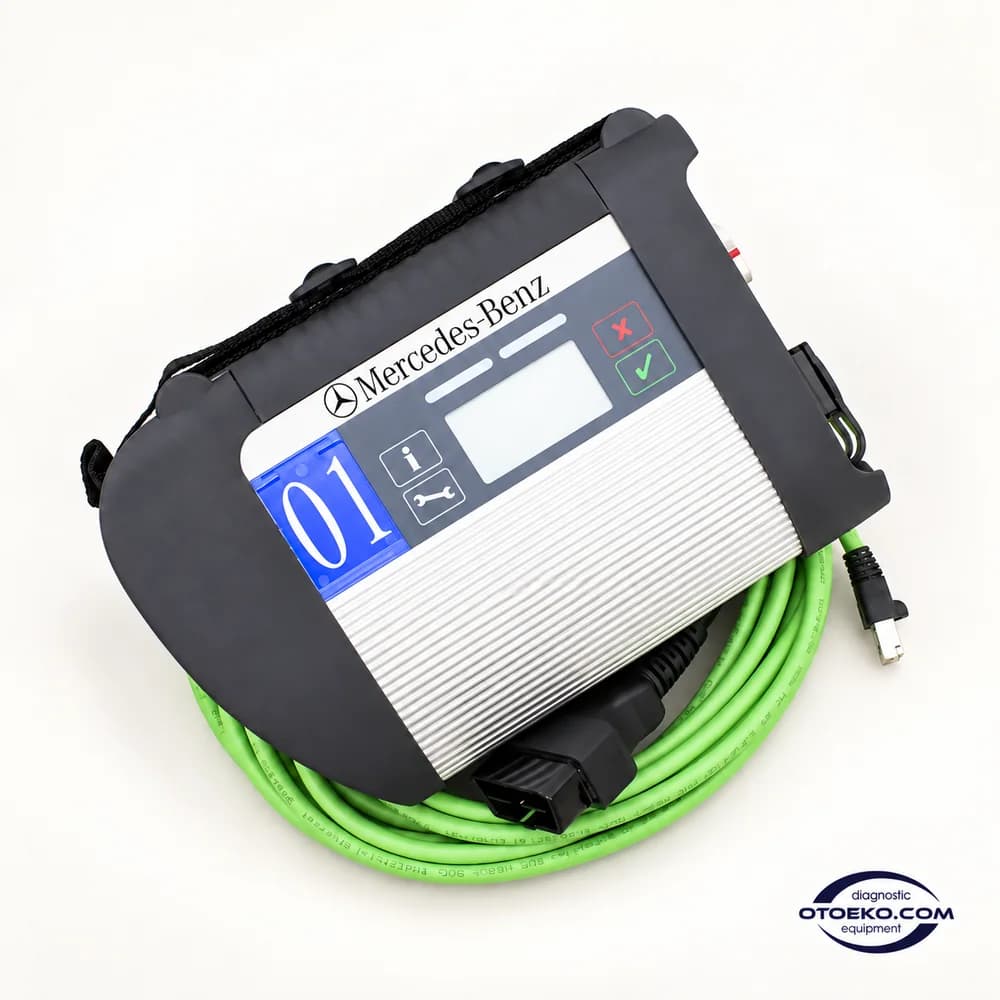
C4 DoIP
Make every Mercedes diagnostic step evidence-based.
C4 DoIP connects a computer to the vehicle through a compatible XENTRY/DAS environment. Build one coherent workflow from a quick test and actual values to supported component checks and post-service verification.
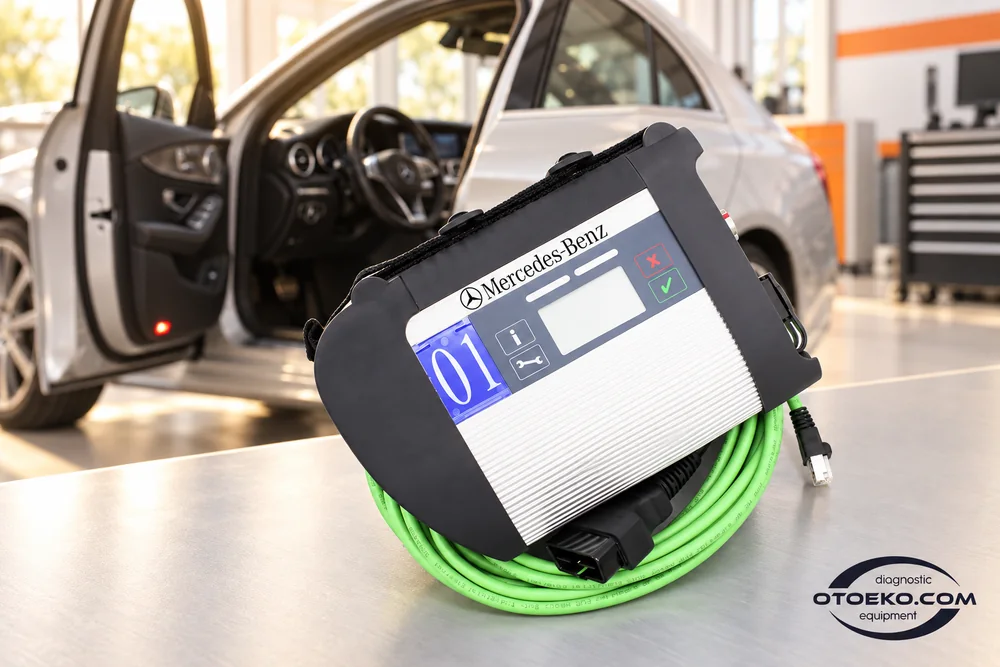
Build a controlled diagnostic session
1. Match vehicle and software
Identify the model and intended operation. Prepare the appropriate XENTRY/DAS version, interface configuration and required access rights before starting the session.
2. Check communication
Connect the OBD cable to the vehicle and the LAN cable to the computer, or use an appropriate Wi-Fi setup. Confirm connection status after selecting the interface.
3. Move from overview to detail
Inspect accessible modules and existing records. Read actual values in the relevant system and compare findings with the component tests available for that vehicle.
4. Measure the result again
Scan the relevant system after the repair or service procedure. Check operating values as well as fault records to verify that the expected condition has been restored.
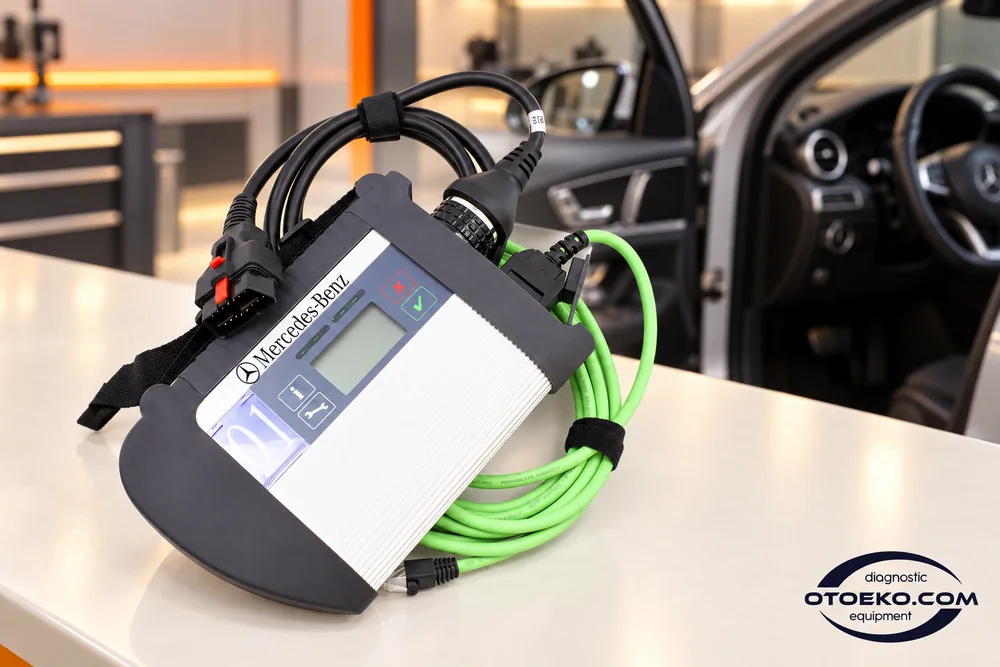
See the vehicle's electronic overview first
The quick test offered by compatible software helps you review accessible control units and their stored records within one session. Understanding the initial condition at vehicle reception puts the subsequent investigation into a clearer order.
The C4 interface transports data from the vehicle to the computer; vehicle equipment and software coverage determine which modules are available. Confirm identity and control-unit information before continuing with the relevant engine, chassis or body-system investigation.
- Scan supported control units
- Confirm vehicle and module identification
- Keep the initial record before making changes
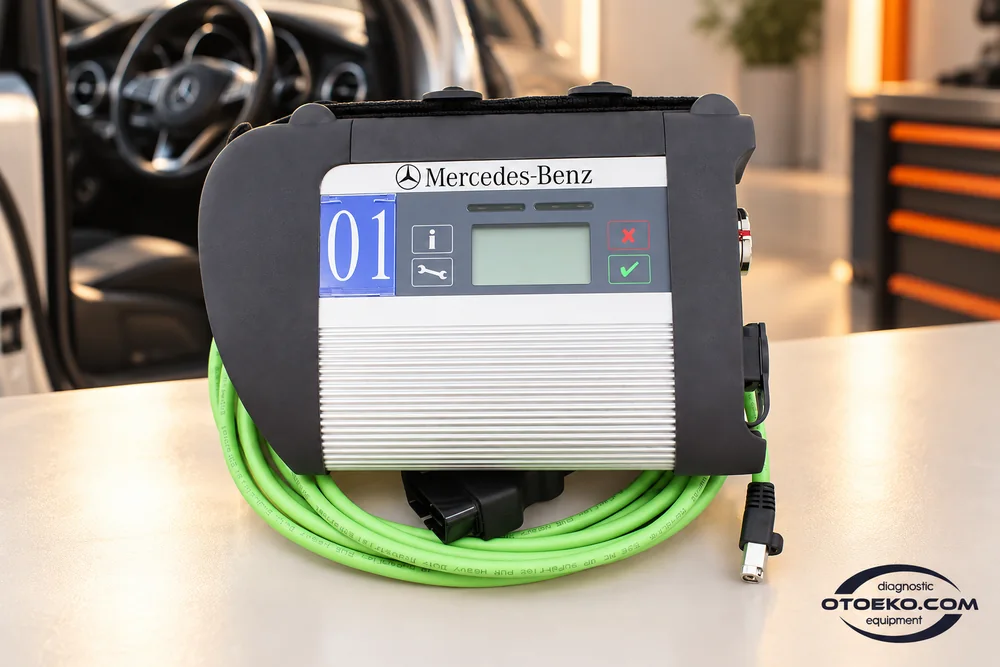
Trace the complaint through actual values
Actual values considered alongside a fault code help explain how an electronic system is behaving at that moment. Select relevant parameters such as speed, temperature, pressure or position from those offered by the software and control unit.
Watching the same value under different operating conditions helps identify when the symptom appears. Where available, combine specified-versus-actual comparisons with physical measurements to deepen the investigation before deciding whether a component needs replacement.
- Select actual values relevant to the complaint
- Inspect supported specified/actual comparisons
- Interpret measurements within their operating conditions
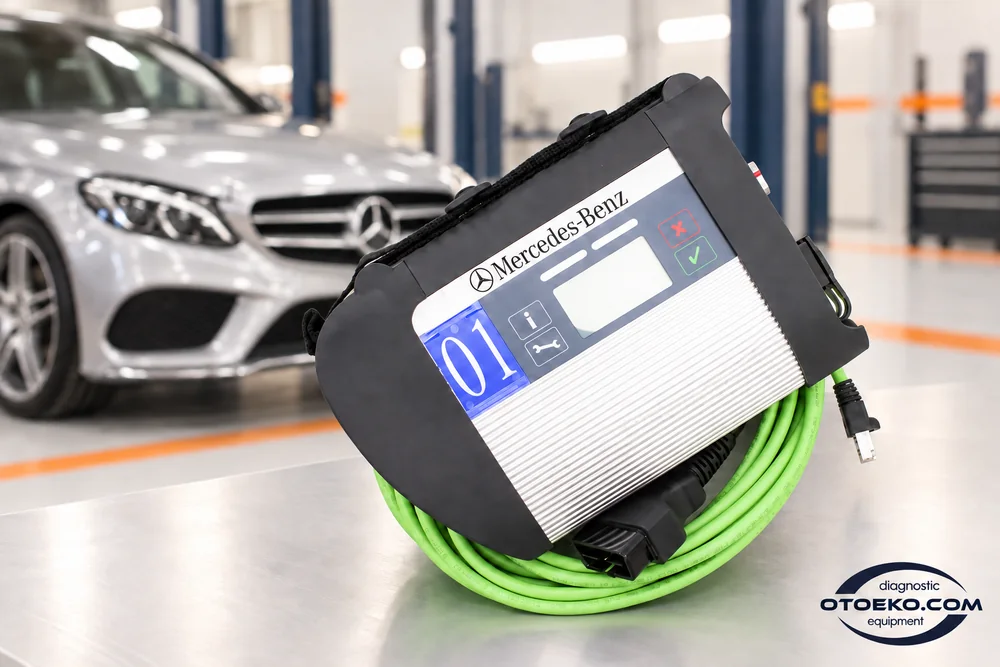
Check component response with controlled tests
Actuation menus in supported control units let you observe how a component responds to a software command. This provides another way to investigate whether the symptom in a fault record matches the behaviour seen on the vehicle.
Follow the ignition, engine and mechanical conditions requested by the software. A component responding to a command does not by itself establish that the entire system is healthy; interpret the result alongside supply, connection and sensor checks.
- Use the actuation menus offered for the vehicle
- Meet the test prerequisites in sequence
- Compare the response with electrical and mechanical checks
Work areas in supported systems
Use the diagnostic and service menus available for the control unit, keeping a consistent record from the initial scan to final verification.
- Quick test and control-unit identification
- Reading and clearing fault records
- Viewing actual values
- Supported specified/actual-value comparisons
- Actuation and component tests
- Service resets
- Supported learning and adaptation routines
- Coding with appropriate software and access rights
Coverage depends on the vehicle, control unit, software and permissions. Match these conditions in advance, particularly for programming and online operations.
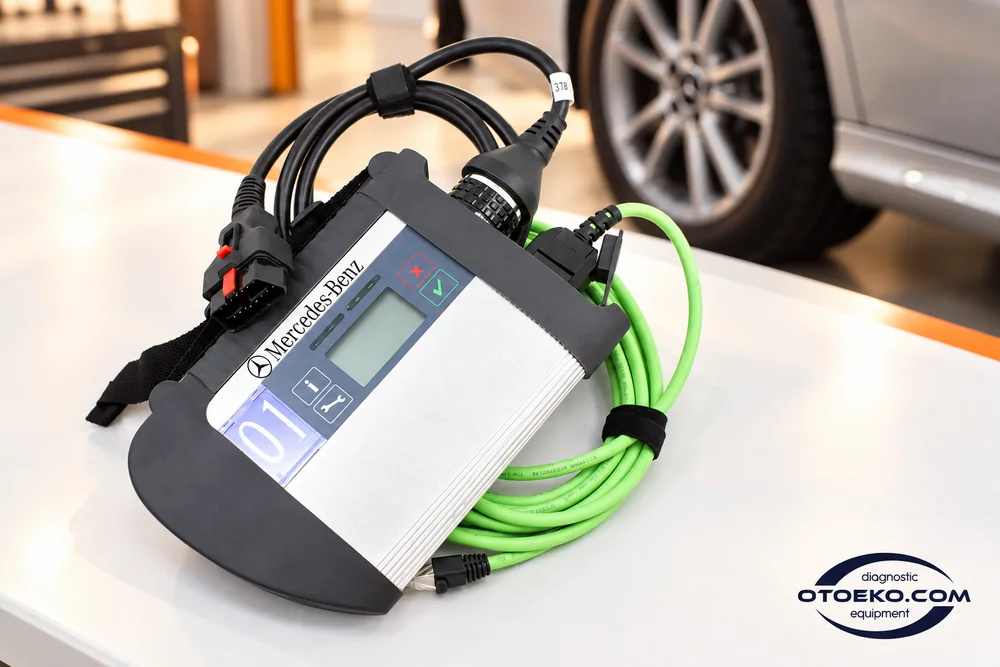
Complete the electronic stage of maintenance
Maintenance and component replacement can require a service reset, learning process or adaptation in some systems. Within a compatible XENTRY/DAS environment, follow the procedures provided for the vehicle as part of the same diagnostic workflow.
Menu availability and the required sequence vary by model. Meet the prerequisites, record relevant settings and perform a follow-up check. Treat the mechanical work and the electronic completion procedure as connected steps in verifying the repair.
- Supported maintenance and service menus
- Adaptations matched to the vehicle procedure
- Follow-up scanning and operating-value checks
Arrange the working area with LAN or Wi-Fi
Ethernet LAN and Wi-Fi let you organise the computer connection around the workshop. Both direct cable use and a suitable wireless setup require the interface and computer configurations to match the diagnostic environment.
The display on the device is for connection and status information; diagnostic screens remain in the computer software. During longer sessions, check cable routing, fully seated connectors and computer power-saving settings to reduce avoidable interruptions.
- Ethernet LAN computer connection
- Wi-Fi with appropriate configuration
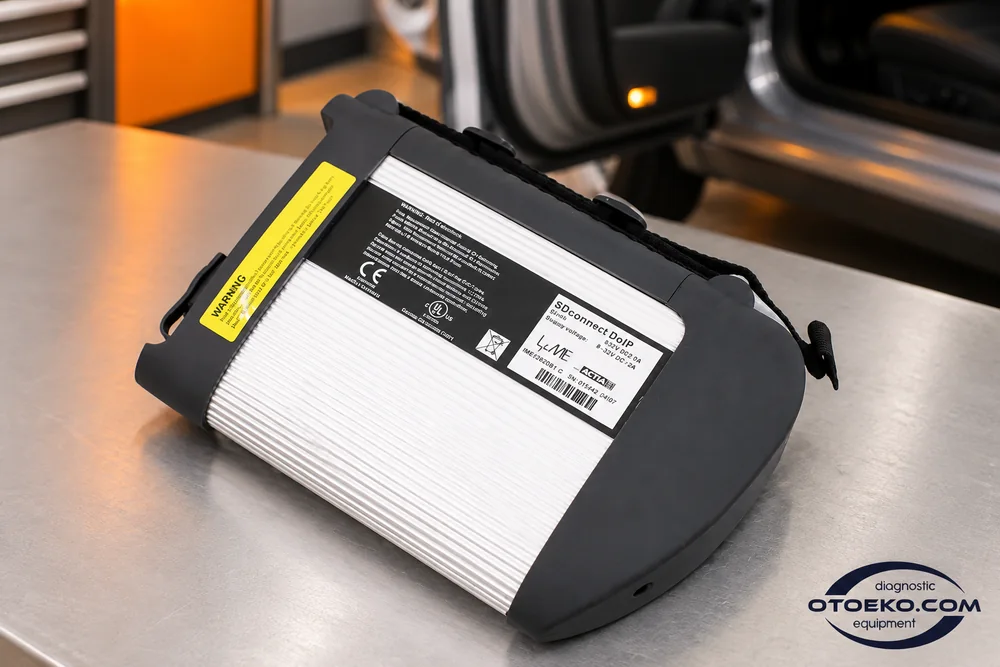
- Connection and status display on the interface body

Explore C4 DoIP in 360°
Rotate the interface to inspect its front panel, rear housing and connection points.
Inspect the C4 DoIP body and connections closely
See the actual interface, status display and cable connections in the Otoeko product recording.
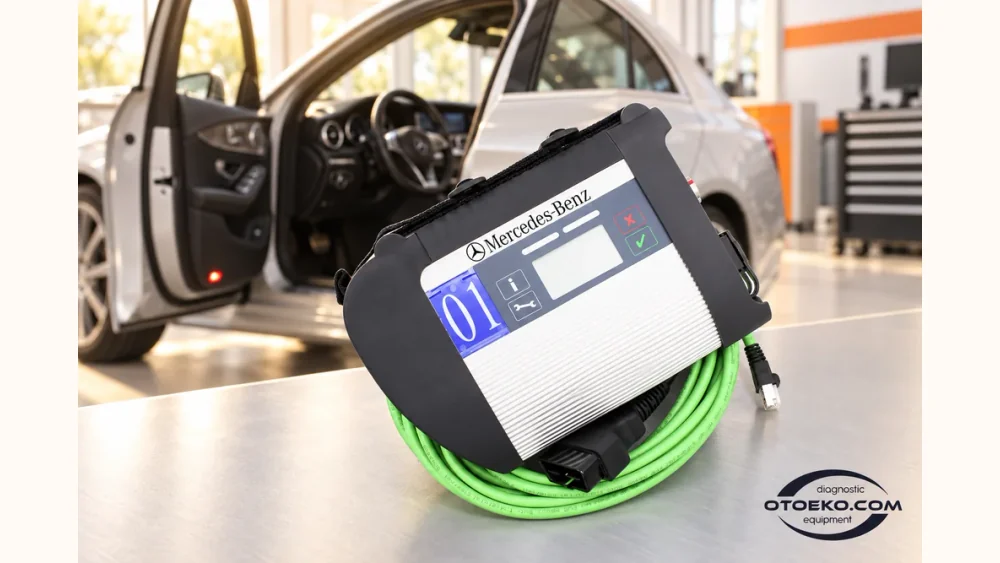
C4 DoIP technical and usage details
| Model / variant | C4 DoIP |
|---|---|
| Device type | Vehicle-to-computer diagnostic interface / multiplexer |
| Computer connection | Ethernet LAN / Wi-Fi |
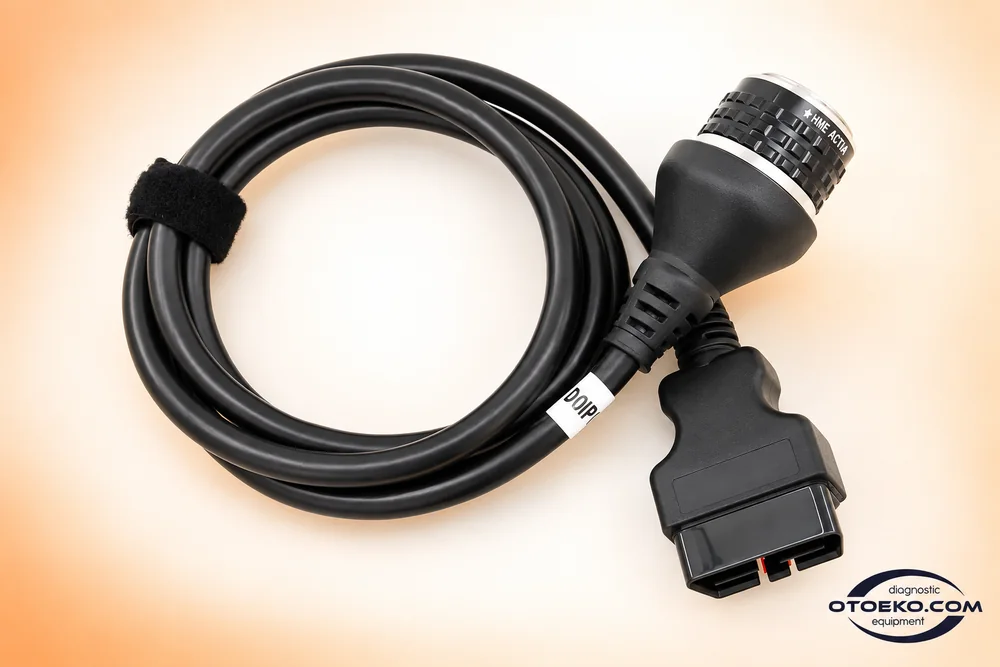
| Vehicle connection | Included OBD cable |
| Software environment | Compatible XENTRY / DAS version and configuration |
| DoIP | On the offered C4 variant; vehicle and version conditions apply |
| Body display | Connection and status indicator |
| Licence scope | Hardware set; software and online access separate |
| Special vehicle connections | Appropriate extra cable and software coverage required |
Vehicle control units and the compatible XENTRY/DAS release determine available procedures. Diagnostic menus run on the computer while the interface screen shows connection status.
Assess DoIP against the work you intend to do
This C4 variant is offered with DoIP support. IP-based diagnostic communication forms part of the working environment on vehicle systems that use it, with compatible software and appropriate interface configuration.
DoIP alone does not provide access to every new Mercedes platform or protected control unit. Check the model, system, software release and required permissions together. Passenger-car or commercial-vehicle compatibility should not be inferred solely from a model year or emissions class.
- Communication with appropriate DoIP systems
- Coverage assessment by vehicle and software version
- Suitable additional cables for special vehicle connectors
Prepare the right environment for coding and programming
Supported coding and control-unit procedures require the interface, software, suitable licence and access permissions to work together. Relevant user rights for SCN or online operations are arranged separately from the hardware purchase.
Repair information such as WIS/ASRA and parts catalogues are also separate from the diagnostic interface. Plan the software and information access your work needs, then prepare the supply support and connection conditions specified by the procedure before programming.
- Evaluate hardware and software licences separately
- Arrange the necessary user role for online procedures
- Prepare procedure-appropriate power and communication
The essential connection hardware set
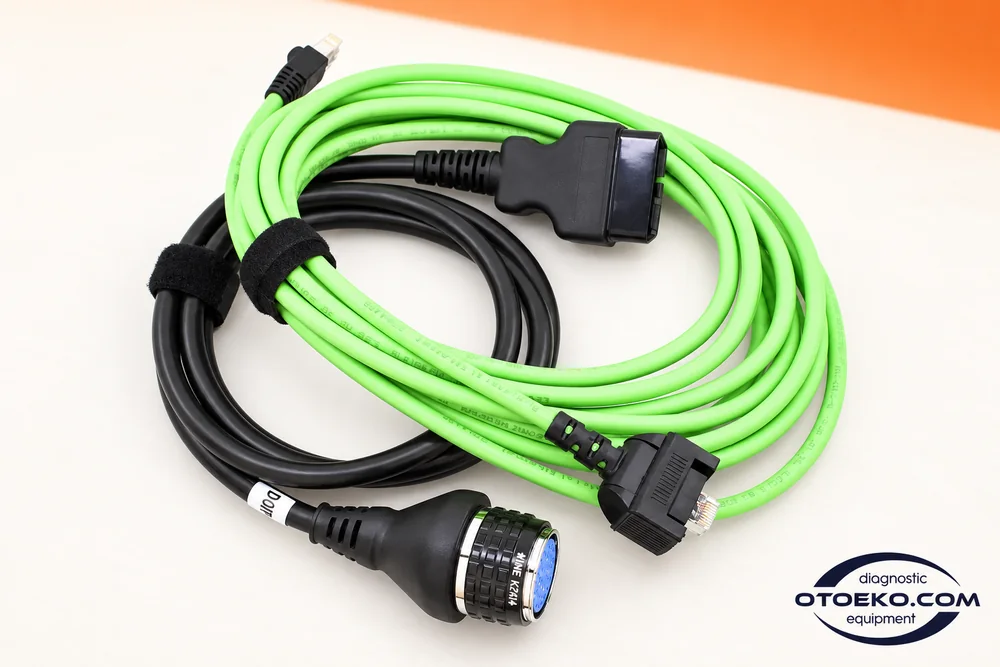
The set contains the C4 DoIP main unit and the connection cables below. A computer and software are supplied separately.
- C4 DoIP main unit
- OBD vehicle connection cable
- LAN computer connection cable
Package and existing warranty condition
C4 DoIP hardware carries 6 months of cover for manufacturing defects. Damage from drops, liquid exposure or incorrect voltage is excluded. Software is not included; a compatible computer, software licence and required online permissions are arranged separately.
Practical questions about C4 DoIP
Can I diagnose directly from the display on the unit?
The body display provides connection and status information. Diagnostic menus, measurements and service procedures run on a computer with compatible XENTRY/DAS software; the computer is part of the required working environment.
Are software and a computer included?
No. The set contains the C4 DoIP hardware and specified connection cables. A computer, compatible software, licence and any required online access are supplied separately.
Does DoIP mean every new Mercedes model is supported?
No. DoIP is a communication method. Exact procedure coverage depends on the vehicle platform, control unit, software release and user permissions considered together.
Can I use wireless communication instead of LAN?
The offered variant provides LAN and Wi-Fi connection options. Wireless use requires matching computer and interface settings and correct device selection in the diagnostic software.
Does the device unlock SCN or online coding?
Buying the interface does not create online permissions. A supported operation requires the appropriate software, user role, licence and access conditions to be arranged separately.
Is a commercial-vehicle 14-pin connection standard?
The standard list contains the OBD cable. Vehicles using a special connector require an appropriate additional cable and software coverage; emissions class alone is not a compatibility check.
Are WIS/ASRA and EPC built-in device functions?
These are separate repair-information and parts-information systems. They are not physical communication features of the interface or software licences included with the hardware set.
What is the existing warranty period?
Manufacturing defects are covered for 6 months. User-caused damage such as drops, liquid exposure and incorrect voltage is excluded.