
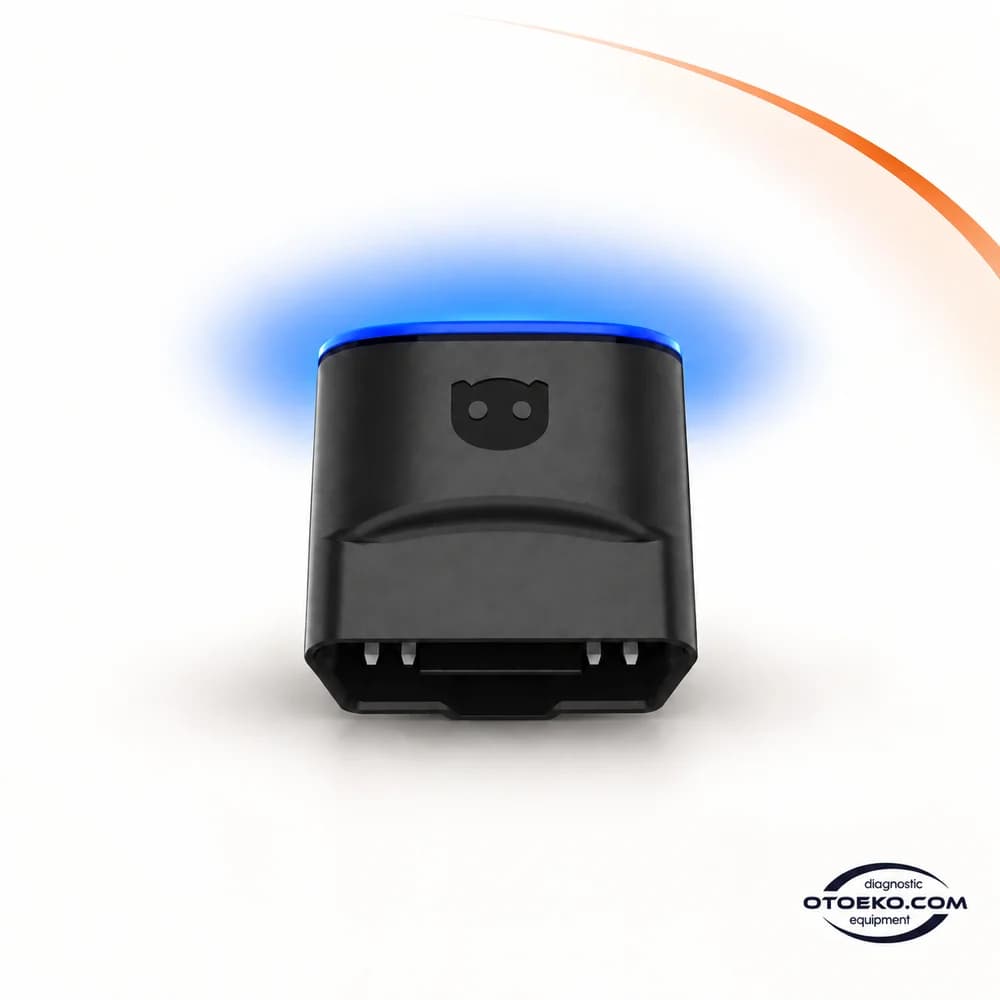
OBDeleven 3
Understand your car. Take control.
OBDeleven 3 connects your vehicle’s OBD2 port to a clear diagnostic and customization experience on your phone. Choose the right level of access, from fault codes and live data to supported One-Click Apps and VAG coding.
Build the right connection before starting
1. Check the required coverage
Consider the make, model, model year and intended operation together. Generic OBD2 support does not mean access to every control unit or coding function.
2. Connect the device
Insert OBDeleven 3 into the vehicle’s OBD2 socket. Set the ignition as instructed by the vehicle and app, then establish the Bluetooth connection on your phone.
3. Read the current condition first
Scan supported systems and review fault codes and relevant live parameters. Save the initial results and, where supported, a control-unit backup before making changes.
4. Select the operation and check it
Choose the appropriate diagnostic function, One-Click App or VAG operation. Follow its prerequisites and check the result after the procedure is complete.
Turn a warning light into useful diagnostic information
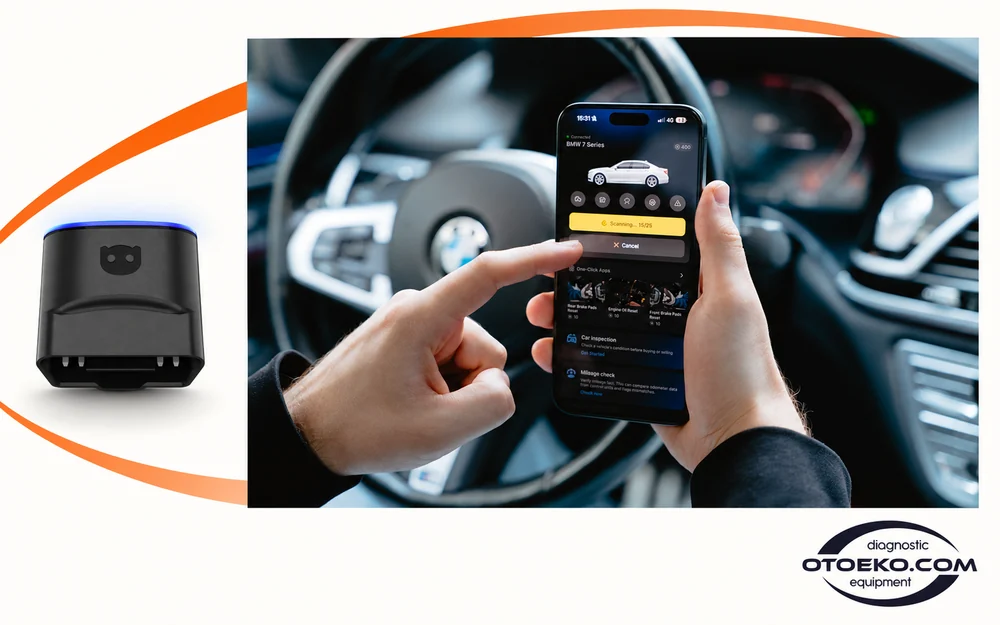
A warning light alone does not identify the cause of a fault. OBDeleven 3 brings supported fault codes to your phone, giving you specific information to begin an inspection. Knowing which system reported the code helps narrow the area that needs attention.
Generic OBD2 diagnostics and manufacturer-specific advanced diagnostics provide different levels of access. Start with supported engine and transmission information, then explore additional control units where the make, model and region allow it.
- Read and clear supported fault codes
- Compare diagnostic results before and after work
- Investigate the cause before clearing a code
Follow changes through live data
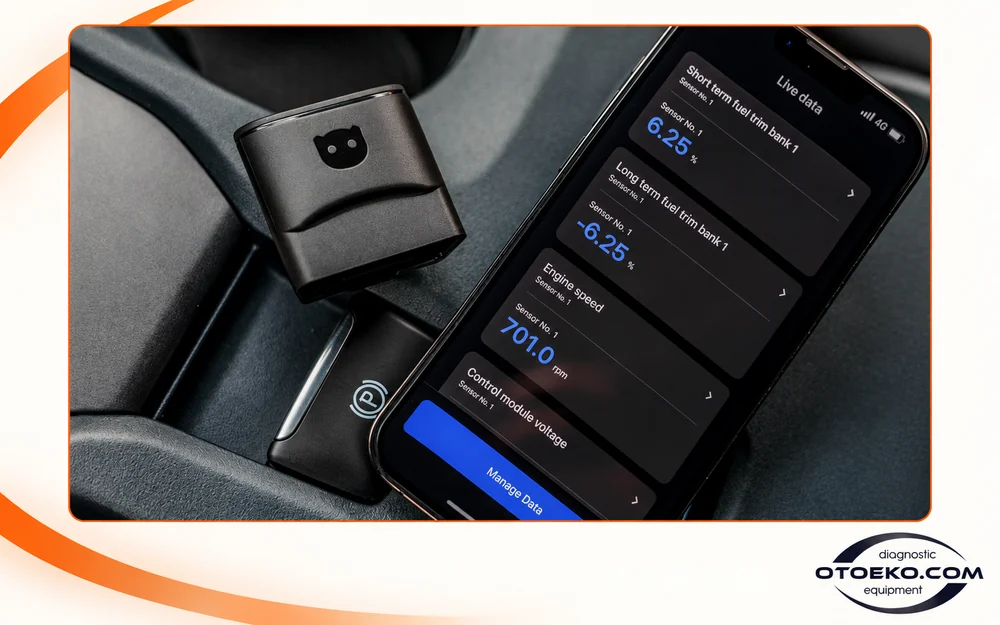
Supported values such as engine speed, coolant temperature and engine load help describe what the vehicle is doing at that moment. Monitoring changing conditions can add useful context beyond a single stored fault code.
The available parameters depend on what the vehicle’s control units expose. Every model does not provide the same sensor list, so readings should be assessed alongside the vehicle’s operating conditions and relevant service information.
- Supported real-time parameters
- Monitoring directly on your phone
- A data set that varies by vehicle and control unit
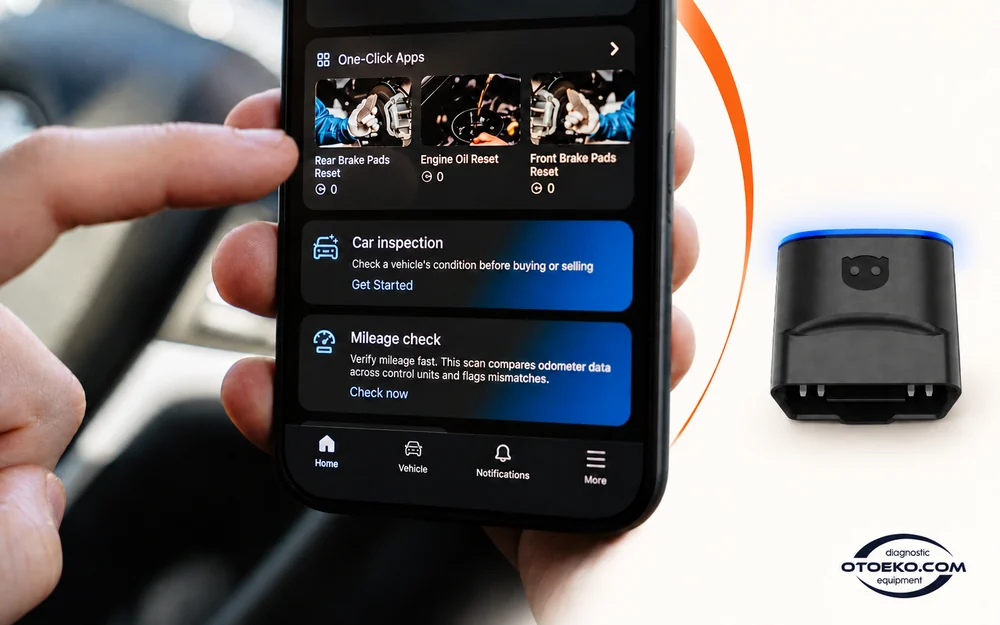
Access supported customizations in a structured way
One-Click Apps provide ready-made customization and service procedures for compatible vehicles. Comfort settings or service reminders can be selected where that particular App is available, without manually editing individual coding values.
Ultimate Plan provides access to supported One-Click Apps during its active term, subject to fair-use conditions. The necessary hardware must already be present in the car: software cannot create a missing sensor or physical component.
- Ready-made operations matched to the vehicle
- Ultimate access subject to fair-use conditions
- Availability depends on equipment, model year and region
Where can it fit into your workflow?
Choose functions according to the support available on the actual vehicle.
- Reading and clearing supported fault codes
- Monitoring live parameters
- Compatible One-Click Apps customizations
- Supported service-reminder procedures
- VAG coding and adaptations
- Available control-unit backups and vehicle information
Clearing a fault code does not repair a physical fault. All operation-specific prerequisites must be met before coding or adaptations.
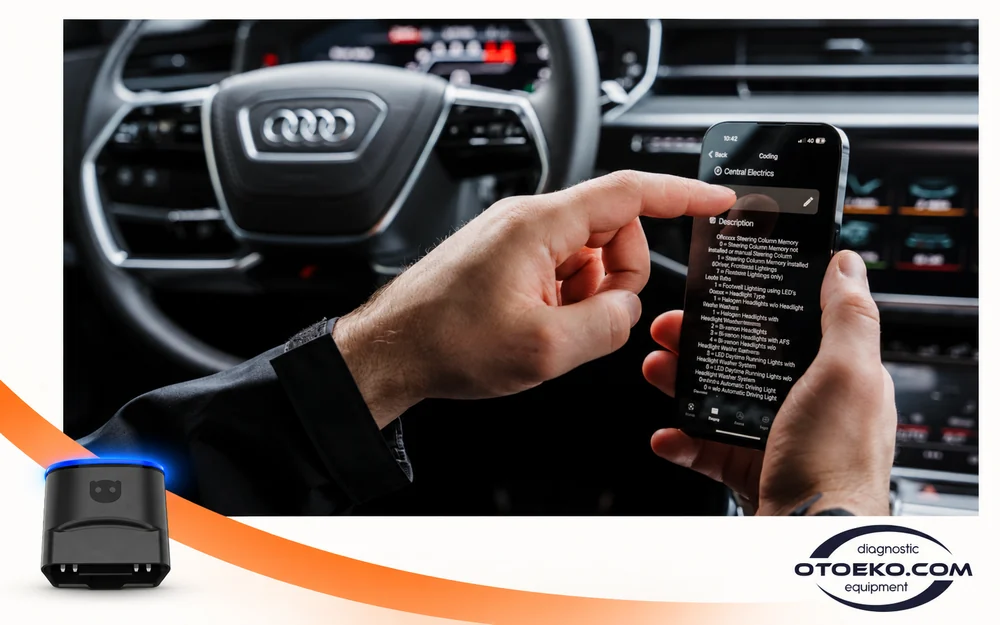
More control for experienced VAG users
Supported Volkswagen Group vehicles offer more detailed work through manual coding, long coding, adaptations and basic settings. Saving current values and an available control-unit backup helps keep changes organized and traceable.
These functions require suitable vehicle support and active PRO or Ultimate access. VAG coding capabilities do not automatically extend to every brand; OBDeleven 3 should not be treated as a universal ECU flashing or key-programming device.
- Supported VAG coding and adaptations
- Backup for compatible control units
- Advanced access for users familiar with the procedure
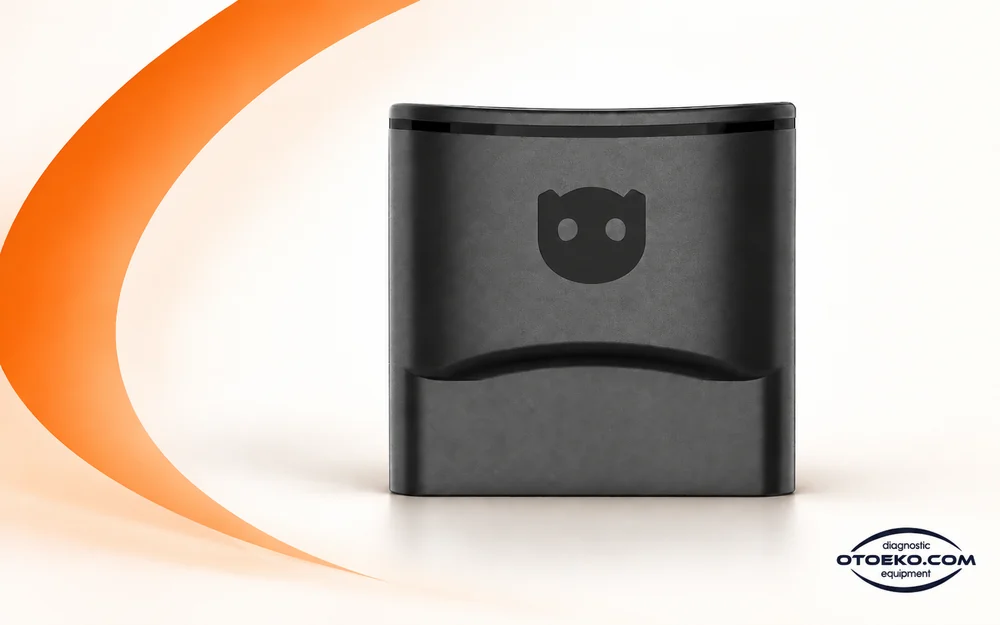
Compact hardware that works with your phone
Measuring 41 × 33 × 24 mm and weighing 25 grams, OBDeleven 3 takes power from the vehicle’s OBD2 port. Its Bluetooth link transfers diagnostic information to an Android or iOS phone, so this mobile workflow does not require a separate laptop.
The 5× CAN-FD interface hardware is designed for communication with supported vehicles. Protocol hardware does not override manufacturer security or regional access rules. Check your phone’s operating-system requirements as part of the setup.
- Bluetooth BLE 4.2
- Android 8.0+ and iOS 16.6+
- Vehicle-powered operation at 9–16 V DC
Get to know OBDeleven 3
See the actual device and its mobile workflow in the product introduction. Vehicle functions shown should be assessed against your model and regional coverage.
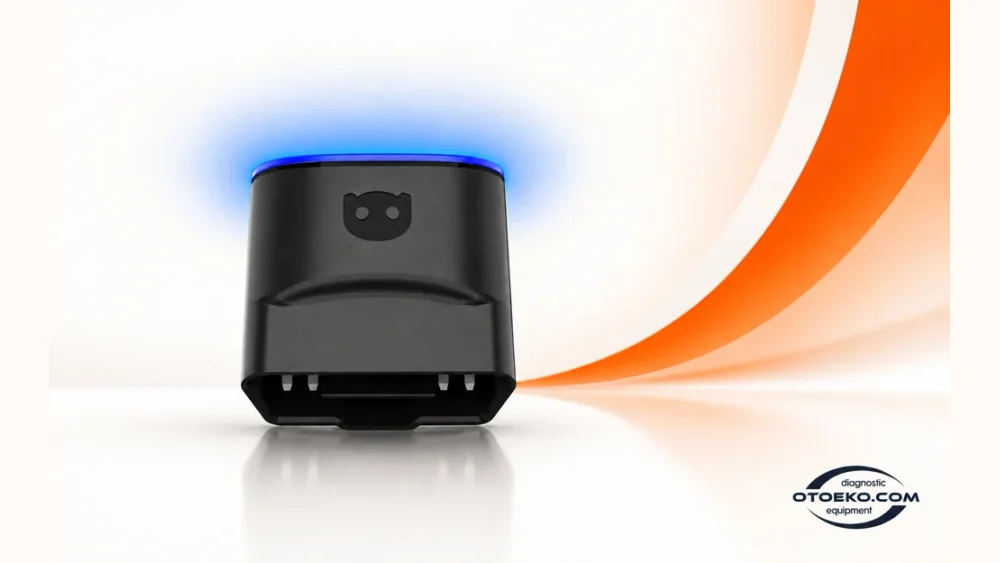
Technical specifications
| Model | OBDeleven 3 |
|---|---|
| Connection | Bluetooth BLE 4.2 |
| Interface hardware | 5× CAN-FD |
| Nominal supply | 12 V DC |
| Operating voltage | 9–16 V DC |
| Power source | Vehicle OBD2 socket |
| Dimensions | 41 × 33 × 24 mm |
| Weight | 25 g |
| Idle / maximum power consumption | 0.42 W / 0.54 W |
| Android | 8.0 or newer |
| iOS | 16.6 or newer |
| Product option | Ultimate Plan |
Protocol hardware and available vehicle functions are separate considerations. Coverage depends on the vehicle, year, control unit, region, software and active plan.
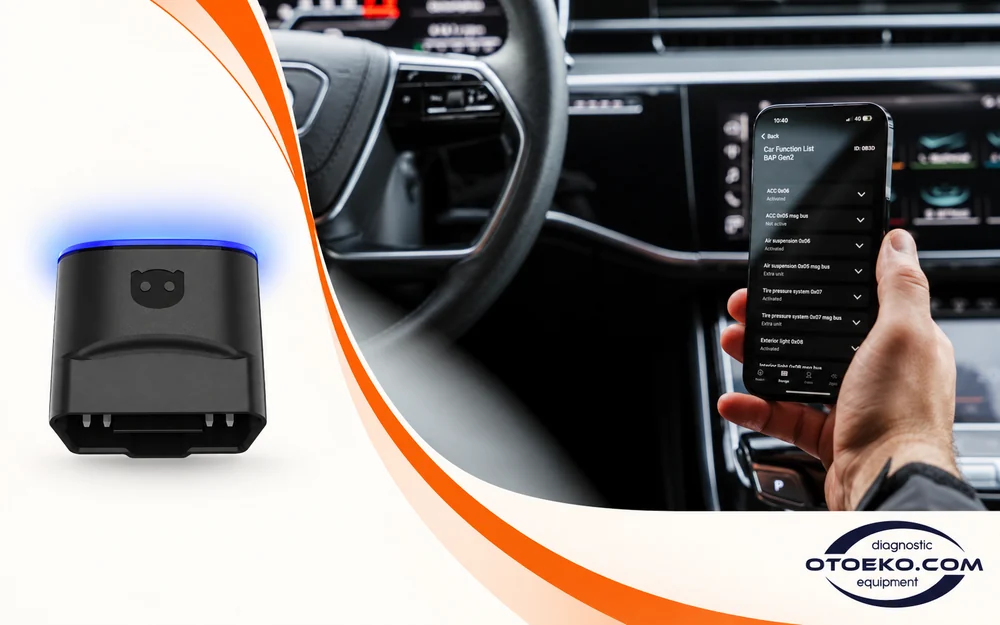
Evaluate compatibility at the right level
Turkey is explicitly listed for BMW Group advanced diagnostics and One-Click Apps. Toyota/Lexus and Mercedes advanced functionality is currently listed for the EEA, US and UK. Generic CAN OBD2 diagnostics must be considered separately from that enhanced coverage.
New security systems also affect access. Significant restrictions apply to SFD2-protected VAG vehicles from 2024, coding on BMW vehicles from 2024, and advanced coverage for Mercedes vehicles from 2023. A brand logo alone is not a guarantee of a particular function.
- Make, model year, control unit and region all matter
- Advanced Ford coverage is limited to US-manufactured vehicles
- Generic OBD2 primarily targets CAN vehicles from around 2008
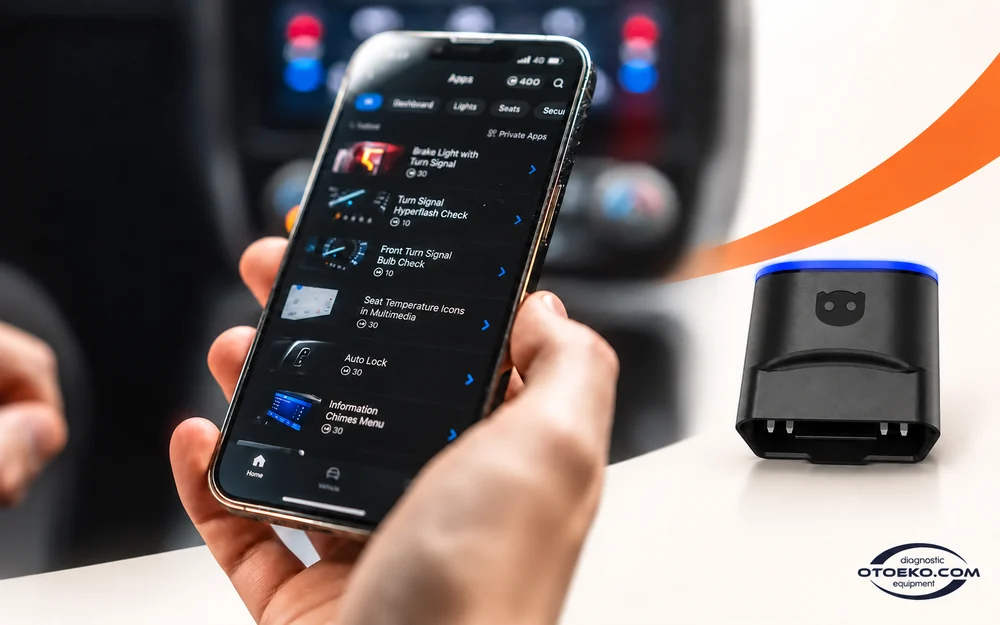
Match the plan to the work you want to do
Routine fault checks, ready-made customizations and manual VAG coding serve different purposes. This product’s Ultimate Plan option provides broader access to supported operations for the active subscription assigned to your account.
Standard free diagnostics and paid-plan functions are distinct. Checking the vehicle, active plan and operation requirements before making a change helps you select the function you actually need and understand its scope.
- Clear separation of basic and paid functions
- Ultimate access tied to the active subscription term
- Operation selection based on the actual vehicle
Product option
This listing is for OBDeleven 3 with the Ultimate Plan option stated in its name. Phones and vehicles in usage images are not included.
- OBDeleven 3 device
- Ultimate Plan access specified by the product option
Voltas IT / Lithuania origin and authenticity guarantee
The OBDeleven device is developed and manufactured by Voltas IT (now officially UAB OBDeleven), headquartered in Kaunas, Lithuania, since 2014. The manufacturer operates under ISO 9001 and ISO 27001 quality and security management standards and develops its application under official licences from the Volkswagen Group and BMW Group.
The unit in this listing is a genuine OBDeleven 3 from the manufacturer’s Lithuanian production line, verifiable by serial number and account pairing. Clone devices cannot match the manufacturer’s Bluetooth stability and CAN-FD line support, which raises the risk of inconsistent results in some One-Click Apps operations or VAG coding.
- Manufacturer: Voltas IT / UAB OBDeleven (Kaunas, Lithuania)
- ISO 9001 and ISO 27001 certified production
- Officially licensed development under VAG and BMW Group
Plan and usage scope
Ultimate functions apply during the subscription assigned to your account and under fair-use conditions. Vehicle coverage, regional rules and manufacturer security restrictions apply independently of the plan level; no plan unlocks every feature on every vehicle.
Questions before choosing
Can I access every system in my vehicle?
Generic OBD2 diagnostics and manufacturer-specific advanced diagnostics have different coverage. Available control units depend on the make, model year, installed equipment and region. Evaluate the intended operation together with those details.
Does Ultimate unlock every hidden feature?
No. Only One-Click Apps that are available and technically compatible with the vehicle can be used. Ultimate access follows the active subscription term and fair-use conditions; it cannot add physical equipment that the vehicle does not have.
Can I use manual VAG coding on BMW or Toyota?
Manual VAG coding is a Volkswagen Group function set. Supported diagnostics and One-Click Apps for BMW, Toyota and other brands are assessed separately; the VAG coding list cannot be applied directly to those vehicles.
Which regional restrictions matter in Turkey?
Turkey is listed for BMW advanced diagnostics and One-Click Apps. Toyota/Lexus and Mercedes advanced coverage currently lists the EEA, US and UK. Generic CAN OBD2 diagnostics is a separate level of coverage.
Does it fully support new SFD2-protected VAG vehicles?
Significant access restrictions affect SFD2-protected VAG vehicles from 2024. Ordinary SFD support does not mean SFD2 has been unlocked. Full scanning or coding on these vehicles should not be assumed.
Which phone operating system is required?
The OBDeleven 3 manual specifies Android 8.0 or newer and iOS 16.6 or newer. A working Bluetooth connection and compatibility with the relevant app are also required. Check that the phone supports the current app version.
Does the device stop working when the plan expires?
Free diagnostic functions and paid-plan access are separate. Ultimate operations requiring an active subscription depend on its term, while supported basic diagnostics is covered by the free plan.
Will clearing a fault code fix the problem?
Clearing a code removes the stored warning record; it does not repair a damaged component or connection. Record the codes and conditions first, address the cause, then perform an appropriate follow-up scan.