
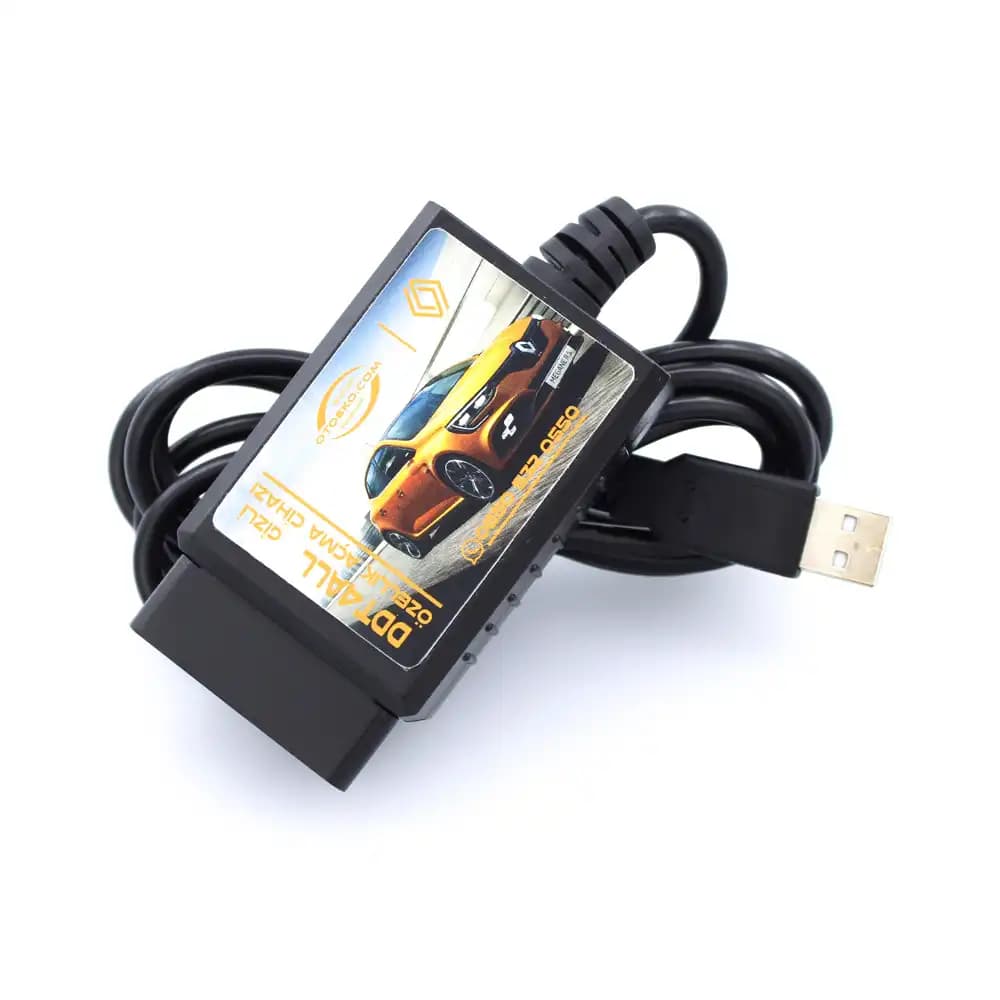
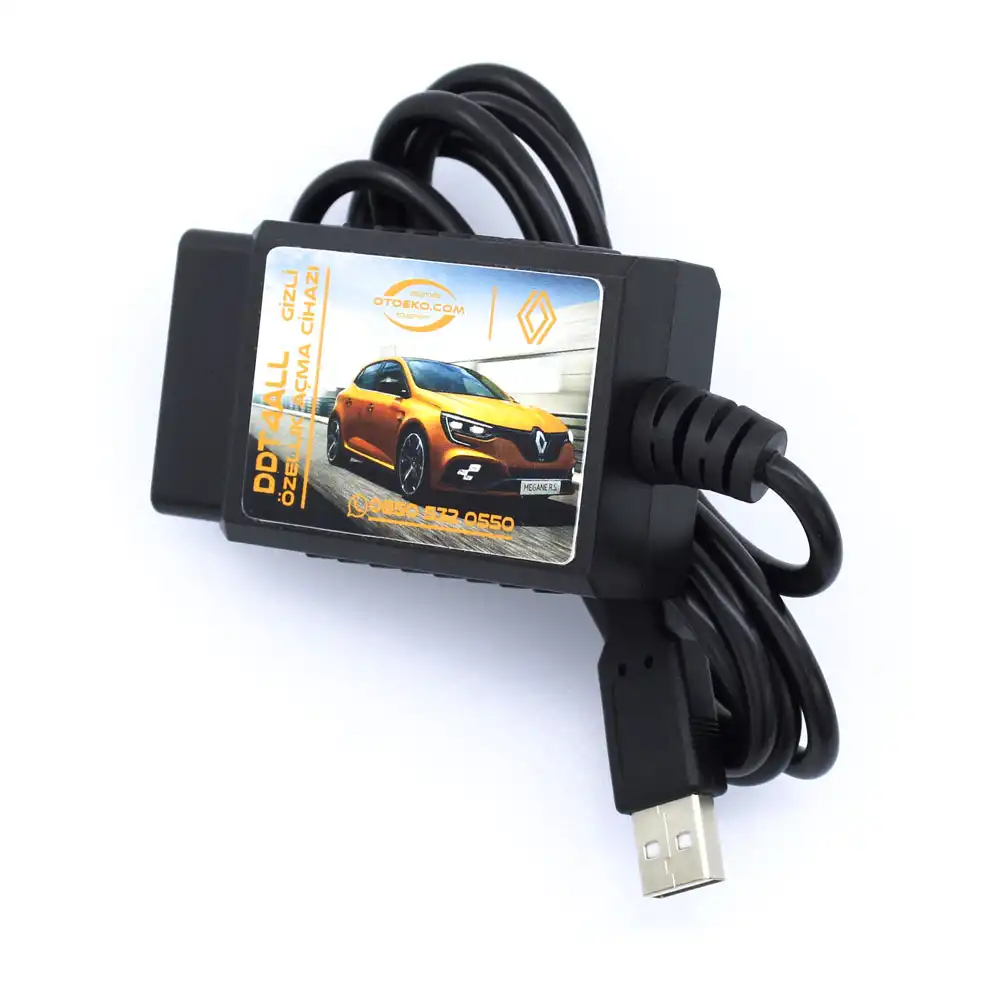
RENAULT & DACIA CODING · GENUINE PIC18F25K80 CHIP · STABLE USB WIRED DDT4ALL
Renault & Dacia DDT4All USB Wired Hidden Feature Coding Interface (Genuine PIC18F25K80 Chip)
Unlock hidden comfort, lighting, and multimedia features on your Renault or Dacia with maximum stability using a wired USB connection and genuine PIC18F25K80 chip.
- Stable USB 2.0 Wired
- Genuine PIC18F25K80
- DDT2000 / DDT4All
- Renault & Dacia Ready
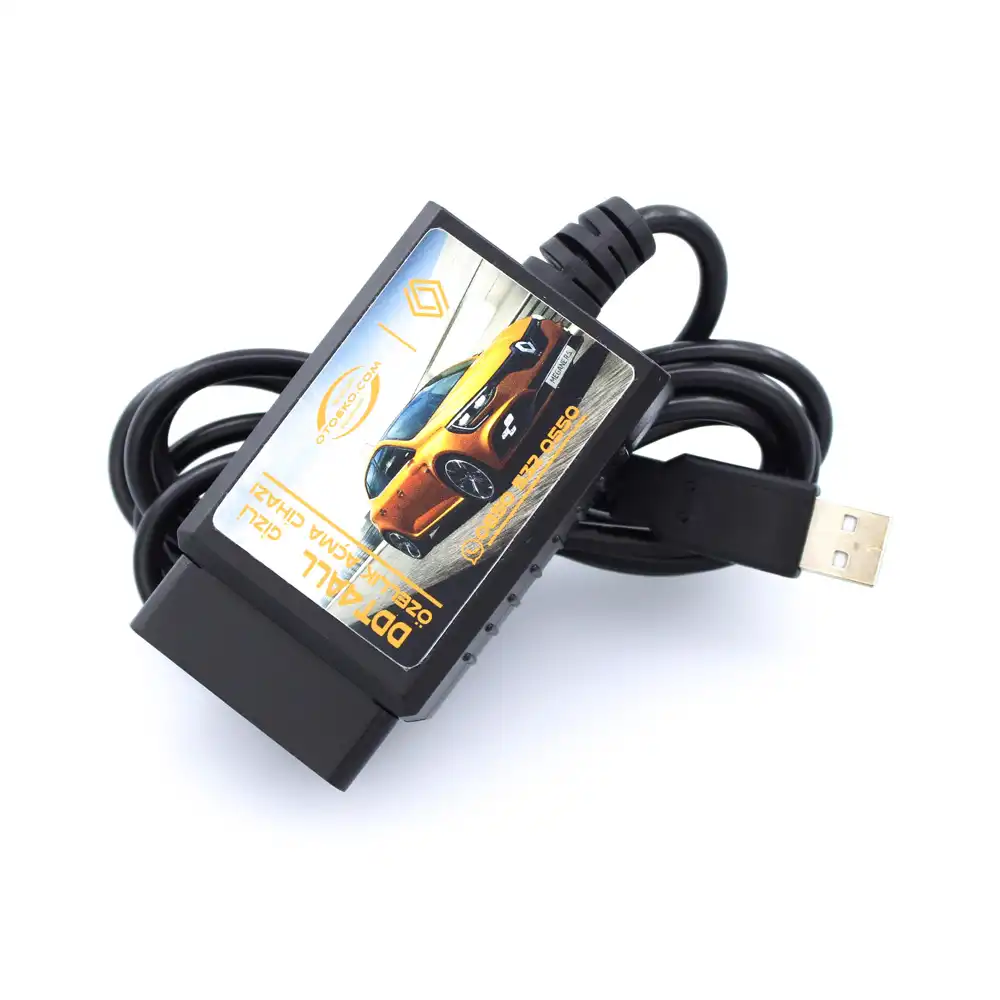
Engineered for Professional Workshop Demands
The Renault & Dacia DDT4All USB Kablolu (Orijinal PIC18F25K80 Çip) is built to deliver speed, accuracy, and stability in busy service bays.
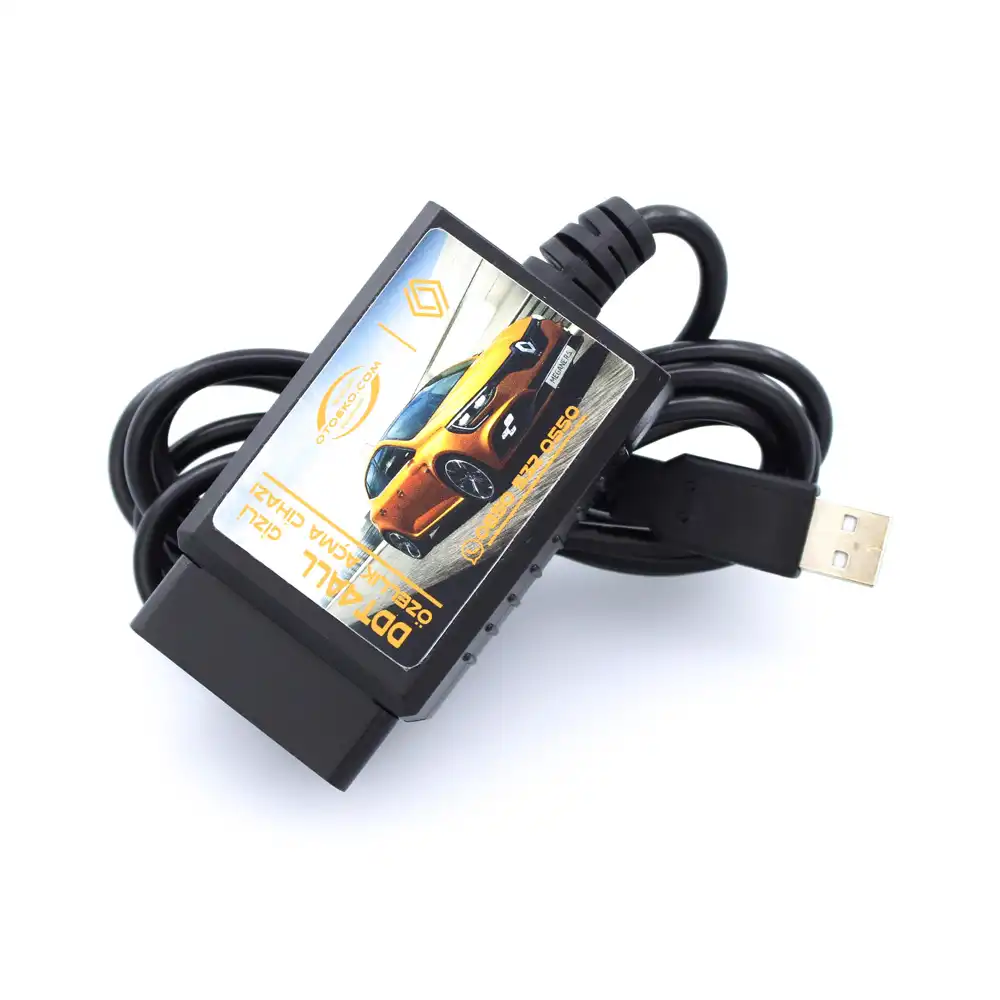
Why Choose the Wired USB Model for Module Coding?
A wired USB connection delivers a more stable, uninterrupted data stream than wireless links—making it the preferred choice for extended coding sessions on sensitive modules like R-Link, ABS, and Instrument Clusters.
Genuine Microchip PIC18F25K80 Processor Architecture
Unlike cheap generic cables, the genuine Microchip PIC18F25K80 processor reads all vehicle control modules accurately and executes long CAN commands without timeout errors.
Full DDT4All (DDT2000 Database) Integration
Designed for seamless operation with the Windows-based open-source DDT4All software built on Renault's DDT2000 engineering database.
Software, Video Tutorials & Docs via Order Lookup
Once your order is delivered, download the DDT4All software package, step-by-step tutorial videos, and documentation directly from our Order Status Lookup page.
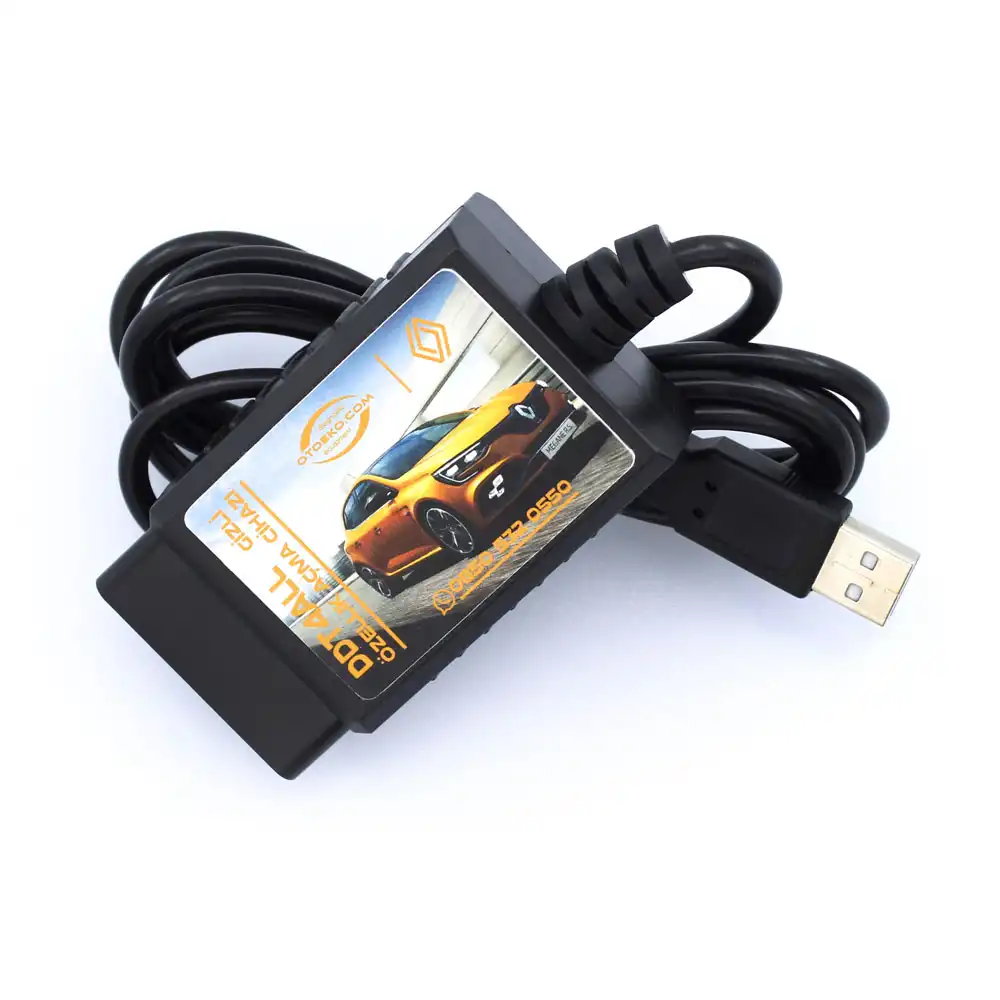
RENAULT & DACIA HIDDEN FEATURE LIST
Popular Features You Can Unlock With DDT4All USB Wired
Depending on your vehicle model, production year, and trim level, you can activate:
- Driving & Cluster: Hill Start Assist (Hill Holder), Trip Computer activation, cluster clock and exterior temperature display (if sensor equipped), and permanent daytime gauge illumination
- Lighting & Comfort: One-touch Highway Comfort Turn Signals, Follow Me Home lighting, cornering fog lights, and remote window closing
- Multimedia & Display: Video in Motion playback, Android Auto / CarPlay activation (on compatible R-Link/MediaNav units), and Traffic Sign Recognition (if camera equipped)
- Security & Alerts: Factory alarm activation, overspeed warning, and seatbelt reminder chime customization
- Important Note: Available features vary depending on vehicle model, year, and installed hardware. Not all features are guaranteed on every vehicle.
SUPPORTED MODELS & CLIO 5 BYPASS NOTE
Wide Coverage Across Renault and Dacia Vehicles
Popular Renault and Dacia models supported by the DDT4All USB Wired interface:
- Renault Models: Clio 4, Megane 3, Megane 4, Fluence, Captur, Kadjar, Symbol, Talisman, Scenic, Kangoo, and Clio 5 (compatible modules)
- Dacia Models: Duster, Sandero / Sandero Stepway, Logan, Lodgy, and Dokker
- Clio 5 & 2020-21+ Security Gateway Note: On Clio 5 and newer 2020-21+ models equipped with a factory Security Gateway (SGW), an additional 16+32 Pin Bypass Cable may be required.
SOFTWARE, PLATFORM & SAFE CODING NOTES
Windows OS Requirement and Activation Guidelines
Important platform rules before purchasing and coding:
- Windows-Only Support: This device operates with Windows operating systems (Windows 7, 8, 10, 11). Our company provides software support and links exclusively for Windows. Android and iOS support does not apply to this wired model.
- DDT4All Software Information: We supply hardware designed for use with the open-source DDT4All software. Software, tutorial videos, and guides are available on the Order Status Lookup page after delivery.
- Safe Coding Practice: Hidden feature coding requires care; always take a screenshot of the original parameter screen before applying changes.
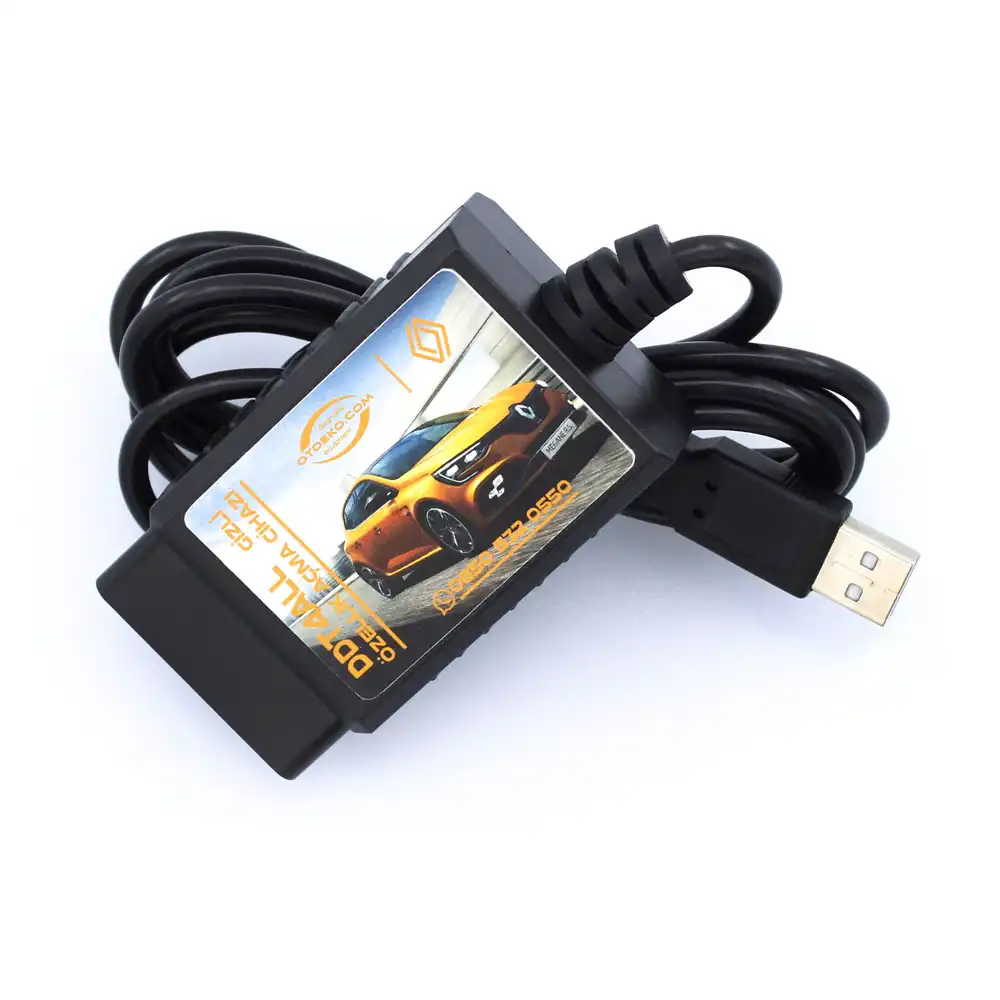
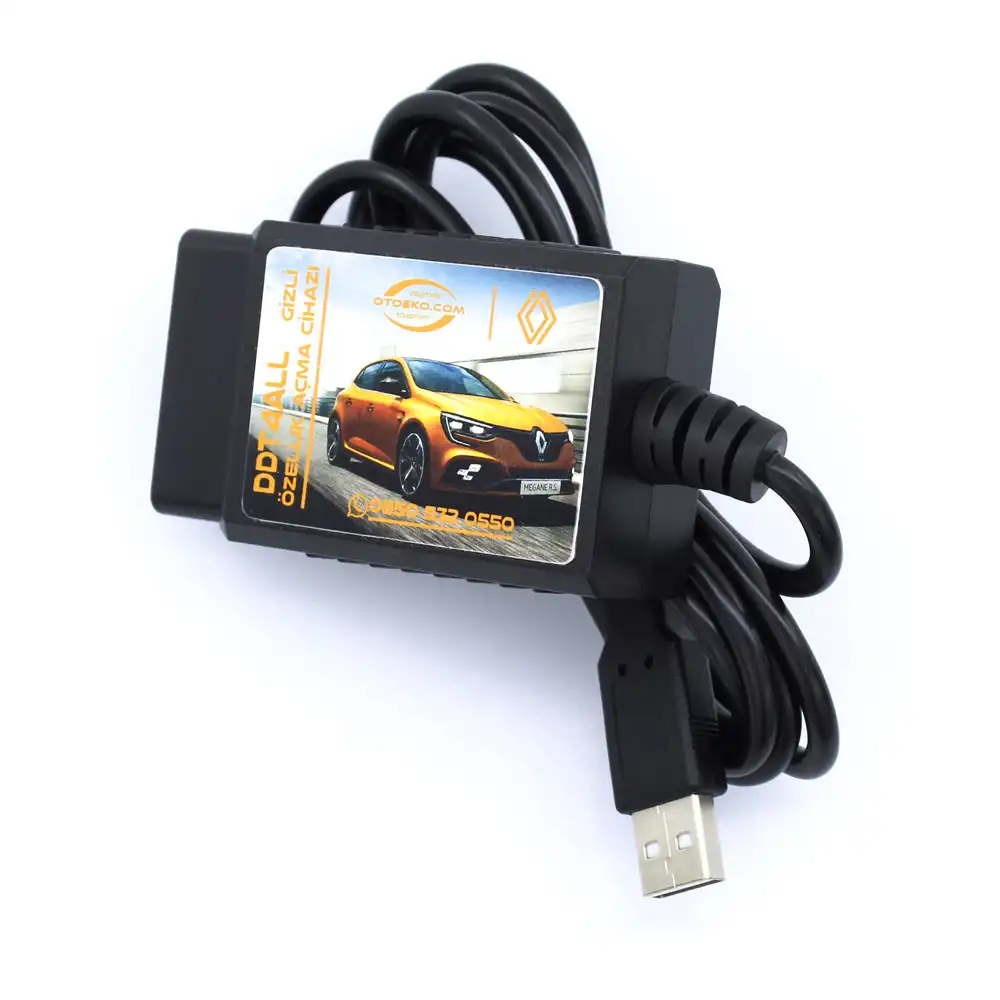
Detailed Visual & Technical Showcase
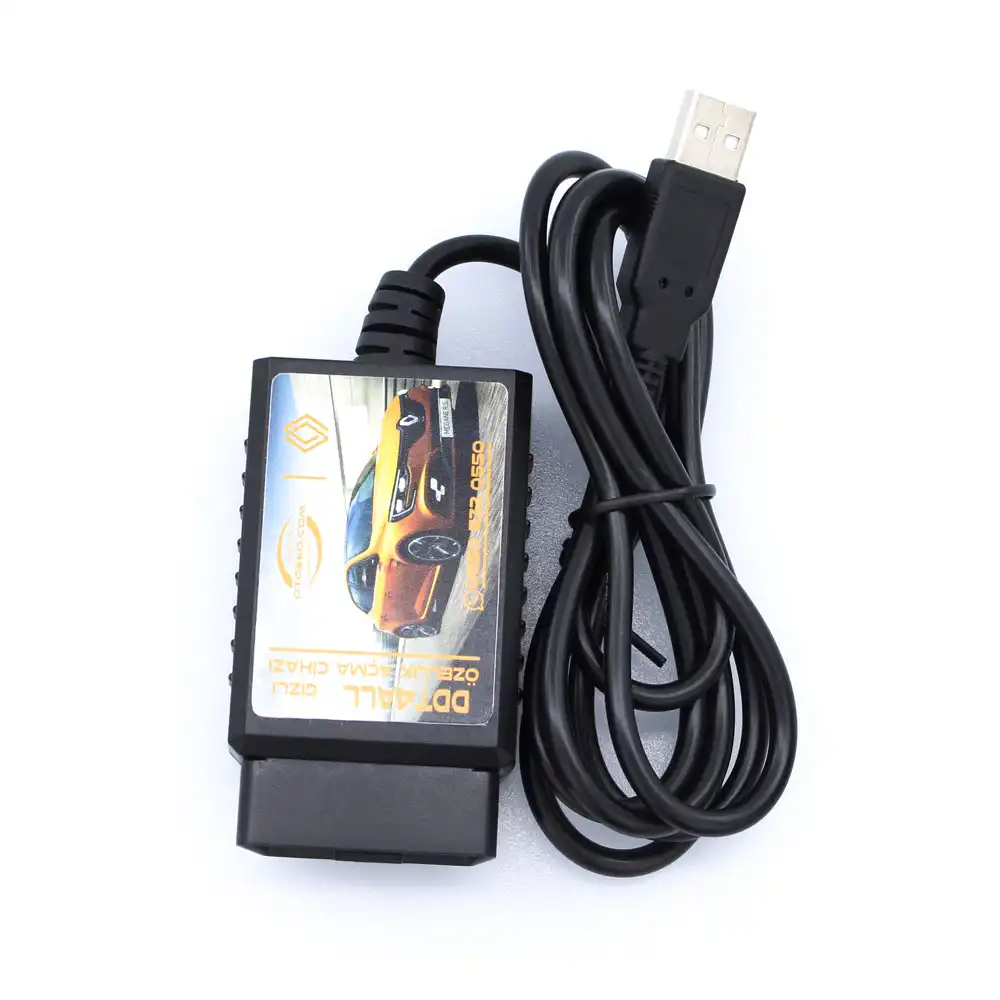
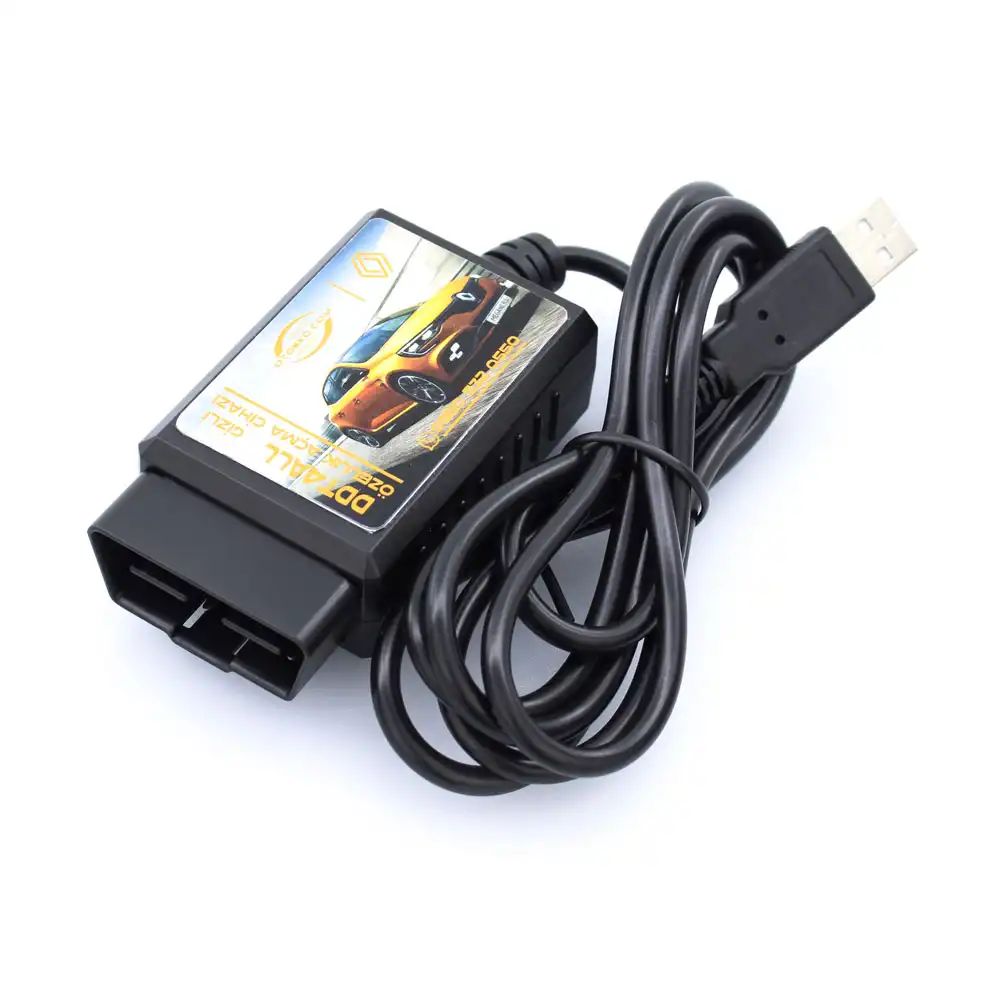
Close-up details and application views of the Renault & Dacia DDT4All USB Kablolu (Orijinal PIC18F25K80 Çip).
Technical Specifications & System Parameters
Complete manufacturer-verified technical data and operating ranges.
| SKU | OTO0083 |
|---|---|
| Product Type | Renault & Dacia DDT4All USB Wired Coding Interface |
| Microcontroller Chip | Genuine Microchip PIC18F25K80 |
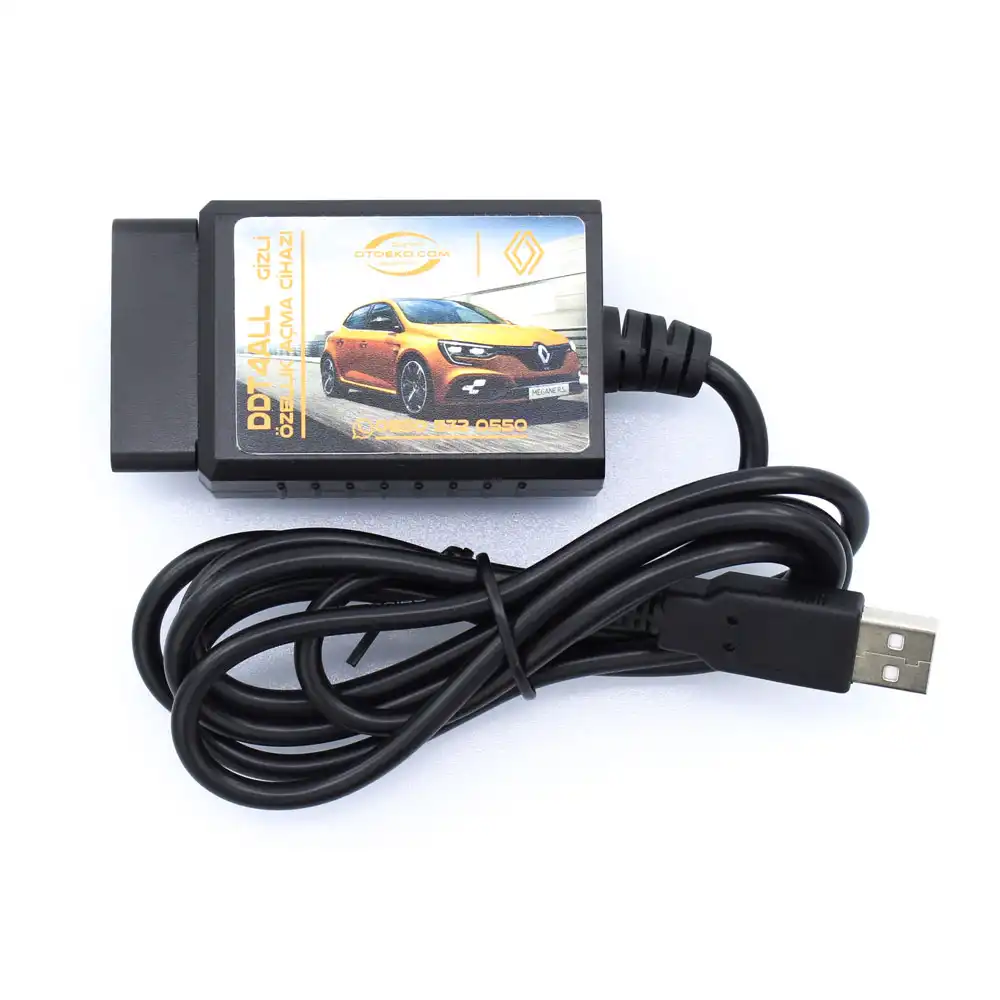
| Connection Interface | High-Speed USB 2.0 Wired (Virtual COM Port) |
| Compatible Software | DDT4All (DDT2000 Database — Windows) |
| Vehicle Connector | 16-Pin Standard OBD2 Socket |
| Power Supply | 12V DC (Powered via Vehicle OBD2 Port) |
| Supported OS | Windows 7 / 8 / 10 / 11 (Windows PC Only) |
|---|---|
| Mobile OS Support | None (Android & iOS are not supported) |
| 2020-21+ Vehicles | Clio 5 etc. may require a 16+32 Pin Bypass Cable |
| Digital Resources | Software, Videos & Docs via Order Lookup Page |
| Secondary Function | Basic OBD2 Engine Fault Code Read & Clear |
| Warranty Period | 6-Month Official Otoeko Hardware Warranty |
| Quality Inspection | Tested for PIC18F25K80 chip & USB serial comms |
Workshop Application & Operating Guide
Recommended 4-step standard procedure for accurate results.
Download & Install DDT4All Software
After delivery, download the DDT4All software, tutorial videos, and documentation from our Order Status Lookup page onto your Windows PC.
Plug Into Vehicle OBD2 Port
Plug the DDT4All USB Wired interface into the vehicle's OBD2 socket and turn on the ignition.
Connect USB to Windows PC
Connect the USB cable to your Windows laptop and allow the USB-Serial drivers to initialize.
Connect in DDT4All & Activate Features
Launch DDT4All, select the USB COM port, back up original settings by taking a screenshot, and activate your desired hidden features.
Technical Capabilities & Operational Advantages
Key engineering advantages for professional workshop diagnostics.
Core Workshop Requirements
- Fake v2.1 USB clones that fail to initialize in DDT4All or cannot read UCH/ABS modules
- Wireless signal drops during sensitive module coding
- Cables sold without the DDT2000 database or step-by-step video instructions
- Paying high workshop fees for single feature activations
With Renault & Dacia DDT4All USB Kablolu (Orijinal PIC18F25K80 Çip)
- Genuine Microchip PIC18F25K80 processor for full module reading and writing in DDT4All
- Direct physical USB 2.0 connection for maximum coding stability
- Includes access to DDT4All Windows software, tutorial videos, and documentation after delivery
- Corporate invoiced delivery backed by a 6-month Otoeko hardware warranty
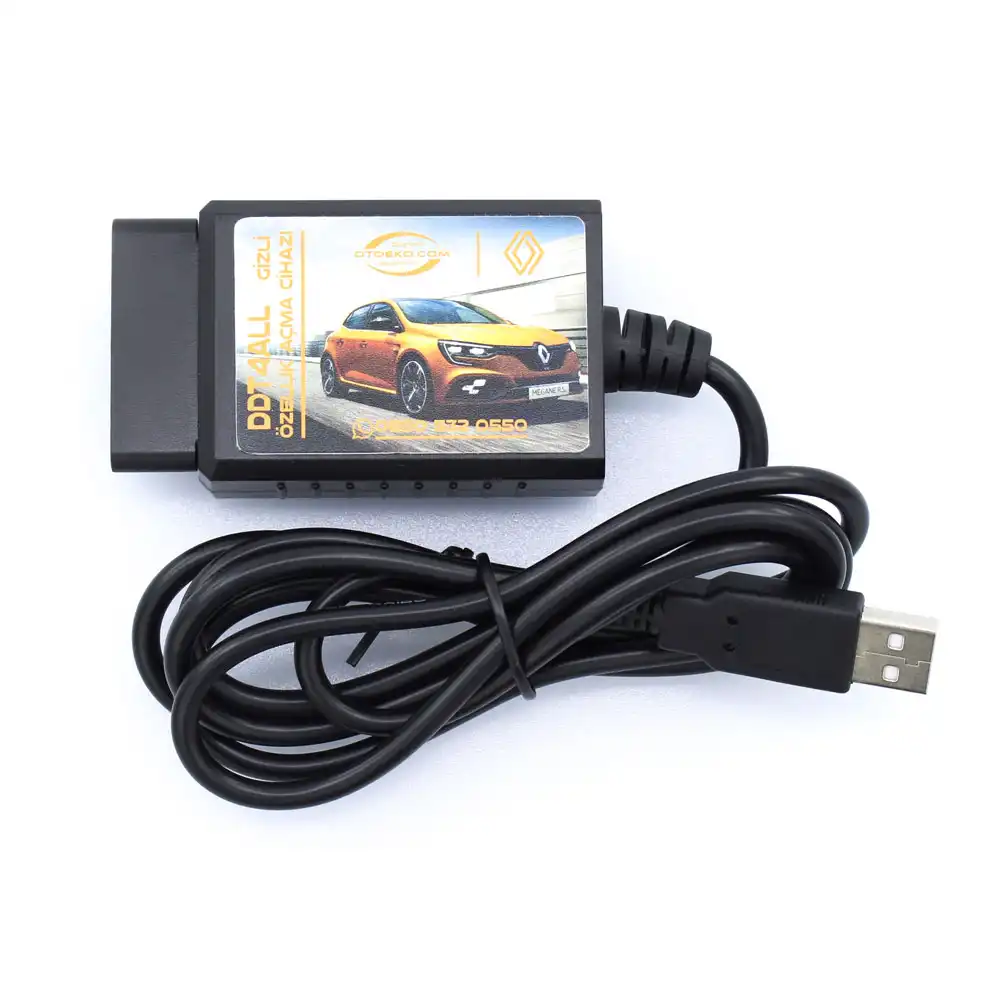
Package Contents — Ready for the Workshop
Complete kit inspected prior to dispatch.
- 1 × Renault & Dacia DDT4All USB Wired Hidden Feature Coding Interface (PIC18F25K80)
- Digital Access: DDT4All Windows Software, Tutorial Videos & Guides (via Order Lookup Page)
- Otoeko Quality Inspection & Corporate Invoiced Delivery (6-Month Warranty)
6 Months Official Otoeko Warranty
The Renault & Dacia DDT4All USB Kablolu (Orijinal PIC18F25K80 Çip) is backed by a 6 Months official Otoeko warranty against manufacturing defects, with full technical support.
Frequently Asked Questions
Key technical questions from technicians and workshops about the Renault & Dacia DDT4All USB Kablolu (Orijinal PIC18F25K80 Çip).
What are the advantages of the Wired USB model over Bluetooth?
A wired USB connection provides a more stable, uninterrupted data stream with zero wireless interference or pairing steps, making it ideal for sensitive coding tasks.
Which vehicles are compatible with the DDT4All USB interface?
It supports a wide range of Renault and Dacia models (Megane, Clio, Captur, Kadjar, Fluence, Symbol, Duster, Sandero, Lodgy, Dokker, etc.). Newer 2020-21+ models such as Clio 5 may require a 16+32 Pin Bypass Cable.
What is the advantage of the PIC18F25K80 chip?
The genuine PIC18F25K80 microcontroller reads all vehicle ECUs accurately and executes long CAN coding commands sent by DDT4All.
Which operating systems are supported? Is mobile supported?
DDT4All runs on Windows OS. Our company provides software support and links exclusively for Windows; Android and iOS support does not apply to this wired model.
Why do Clio 5 and newer models require a bypass cable?
2020-21+ models include a factory Security Gateway (SGW) that blocks direct OBD2 coding; a 16+32 Pin Security Bypass Cable is required to unlock write access.
How do I obtain the software and tutorial videos?
After your device is delivered, log in to our Order Status Lookup page to download the software, tutorial videos, and documentation.