
RENAULT & DACIA · DDT2000 ARCHITECTURE · AIRBAG / UCH / EPS / EEPROM PROGRAMMING
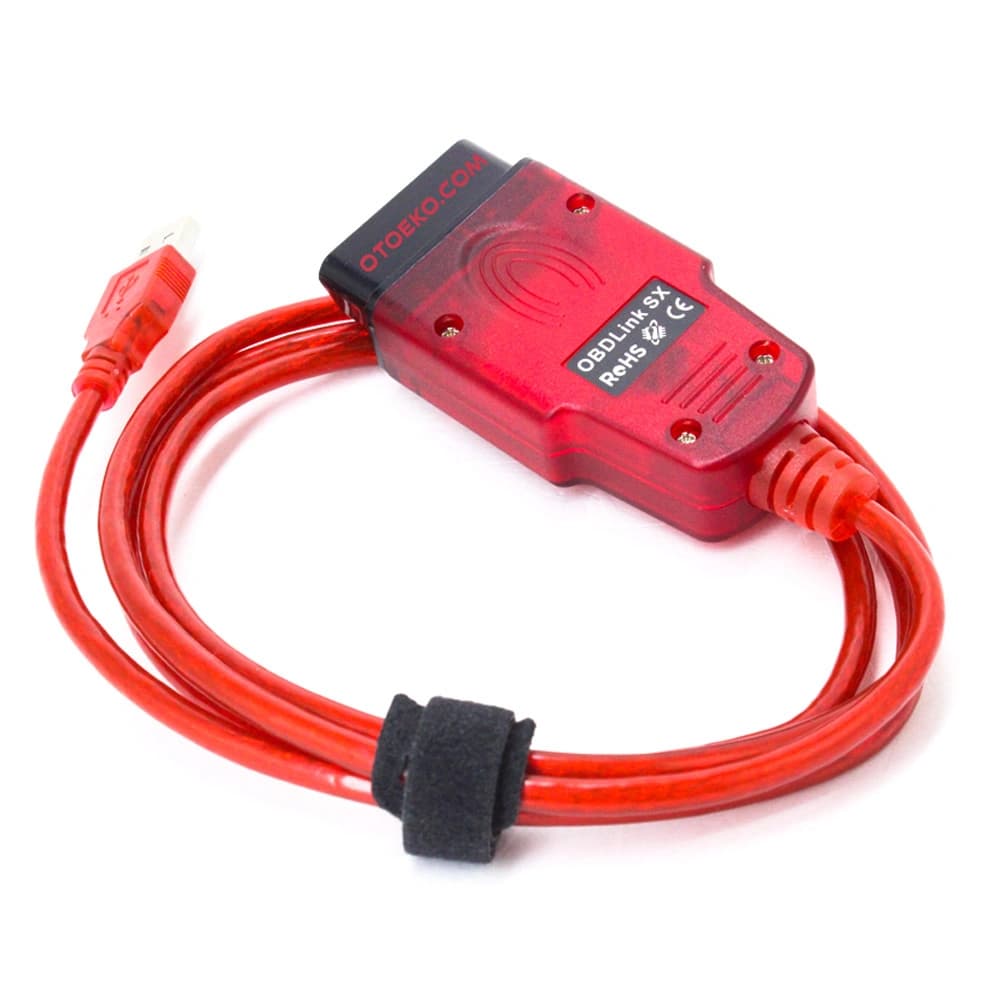
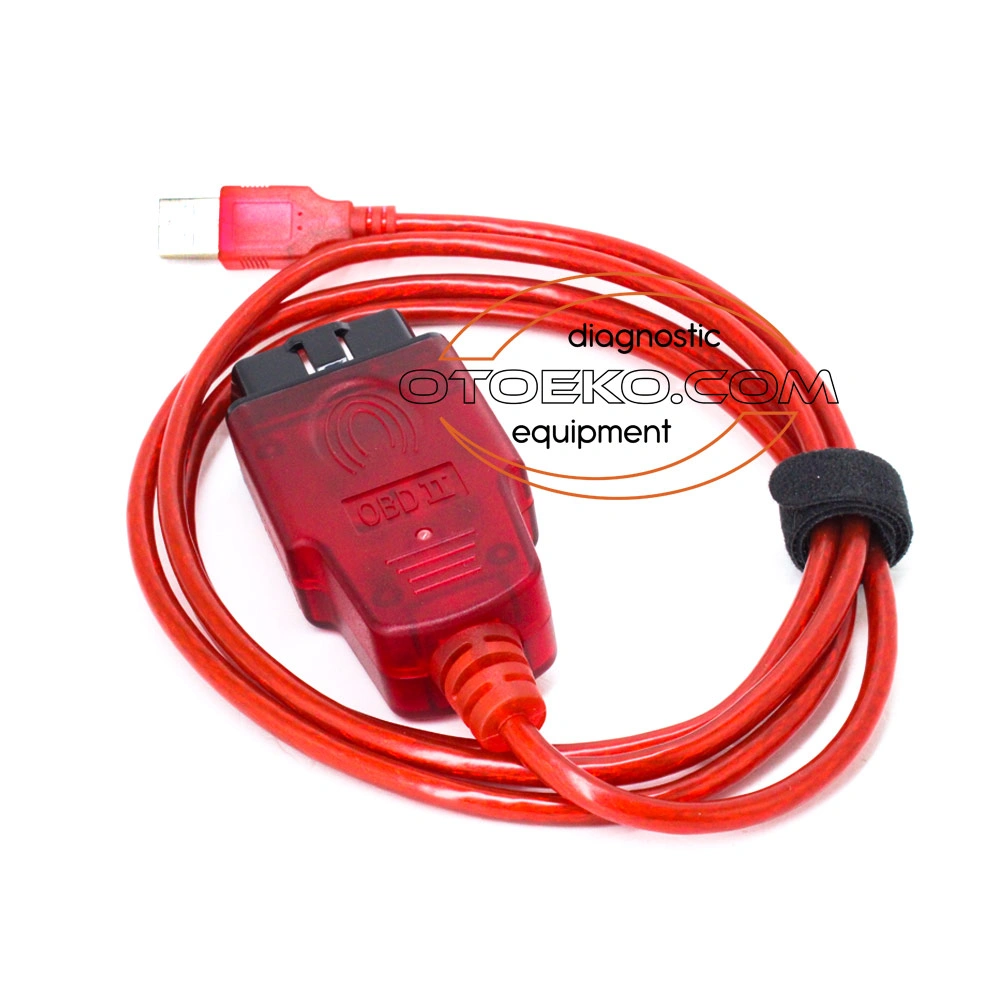
Renolink V1.87 Renault & Dacia ECU Programming, Airbag Reset & UCH Coding Interface
Read and write ECU, EEPROM, and Flash memories directly via the OBD2 socket; manage Airbag crash resets, EPS virginizing, UCH matching, and cluster coding from one interface.
- DDT2000 Architecture
- Airbag Crash Clear
- UCH & EPS Virginizer
- OBD2 EEPROM / Flash
Engineered for Professional Workshop Demands
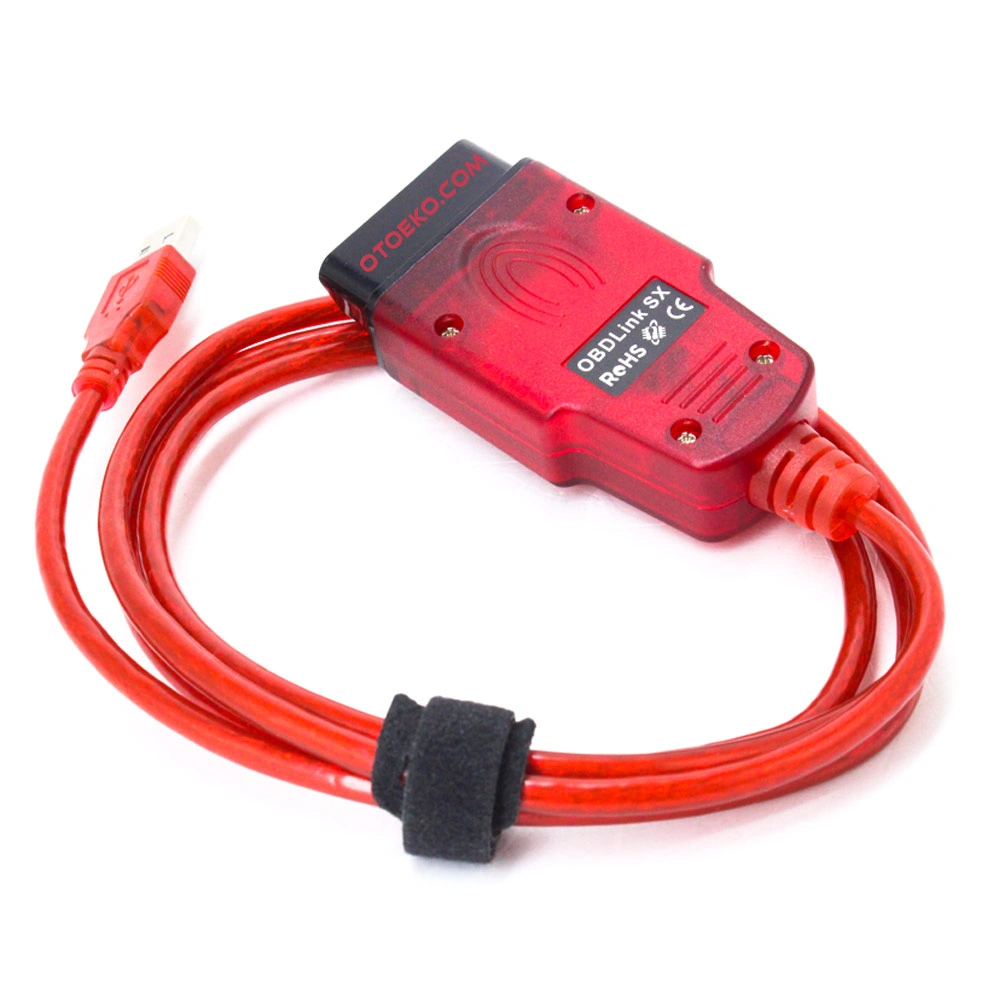
The Renolink V1.87 USB OBD2 (DDT2000 Altyapılı ECU Programlama) is built to deliver speed, accuracy, and stability in busy service bays.
OBD2 Airbag Crash Data Reset (Clear Crash)
Resets crash-locked SRS airbag control units directly through the vehicle's OBD2 diagnostic socket without removing the module or desoldering chips.
UCH, EPS & Engine ECU Virginizer
Resets second-hand UCH body modules, EPS electric power steering racks, and engine ECUs back to a factory 'Virgin' state so they can be adapted to another vehicle.
Direct EEPROM & Flash Memory Read / Write
Reads, backs up, and writes EEPROM and Flash memories of instrument clusters (TDB), UCH, ECM, and Airbag units directly over the OBD2 port.
DDT2000 Foundation & December 2019 Database
Built on Renault's engineering DDT2000 protocol library with the December 2019 database and a high-baud USB interface for stable memory programming.
PROFESSIONAL PROGRAMMING FUNCTIONS
Core Module Operations Supported by Renolink V1.87
Advanced capabilities designed for automotive electronics specialists, locksmiths, and Renault/Dacia workshops:
- Airbag Reset (Clear Crash): Clear crash data and reprogram SRS airbag control units over OBD2
- ECU & UCH Programming: Read/reset UCH body control modules, extract PIN/ISK codes, program keys/cards, and match engine ECUs
- EPS Virginizer: Reset electric power steering (EPS/DAE) modules on Megane 3, Scenic 3, Clio 4, Captur, Duster, and more
- Instrument Cluster (TDB) Programming: Read/write cluster EEPROM and Flash, change display language, and adapt replacement clusters
- Important Note: Function availability varies by model, year, and hardware version. Intended for professional use; improper programming can damage ECUs.
SUPPORTED RENAULT & DACIA VEHICLES
Broad Model Coverage Up to December 2019
Primary Renault and Dacia passenger and light commercial vehicles covered by the V1.87 database:
- Renault Models: Clio 2/3/4, Megane 2/3/4 (up to 2019), Fluence, Scenic 2/3, Captur, Kadjar, Laguna 2/3, Symbol, Talisman, Kangoo, Master, Trafic
- Dacia Models: Duster, Sandero, Logan, Lodgy, and Dokker (engine, UCH, EPS, cluster, and airbag units up to Dec 2019)
- Supported Modules: UCH (BMT), Airbag (SRS), EPS (DAE), Instrument Cluster (TDB), ECM (Injection), ABS/ESP, and ESL
SETUP, SOFTWARE & SAFE OPERATION
Software Download, OS Requirements, and Safety Guidelines
Essential setup and safety instructions before operating Renolink V1.87:
- Software Download via Order Lookup: Once your device is delivered, download the Renolink V1.87 software and installation video from our Order Status Lookup page.
- Windows 7 / 8 / 10 Compatibility: Runs on Windows 7, Windows 8, and Windows 10 laptops via a stable wired USB 2.0 connection.
- Professional Use Advisory: Always back up the original EEPROM/Flash dump and maintain stable battery voltage prior to executing any write or virginize command.
Detailed Visual & Technical Showcase
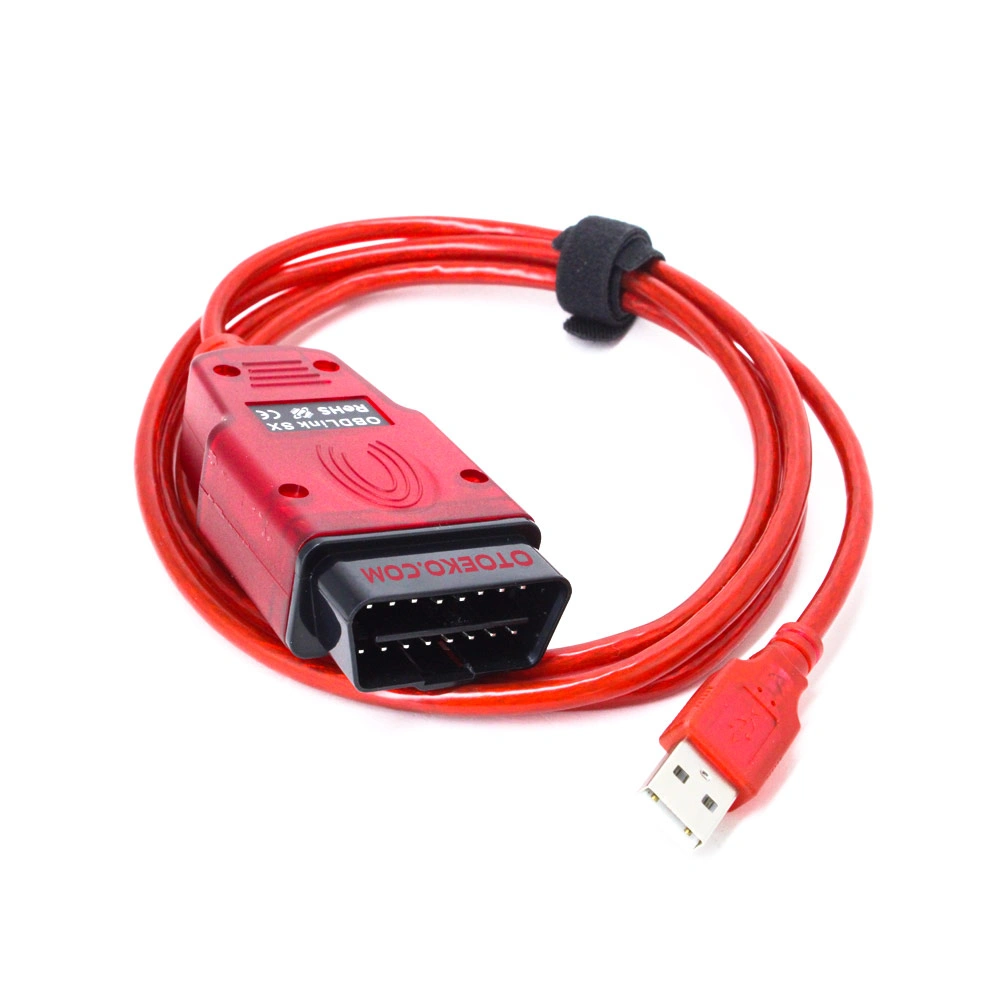
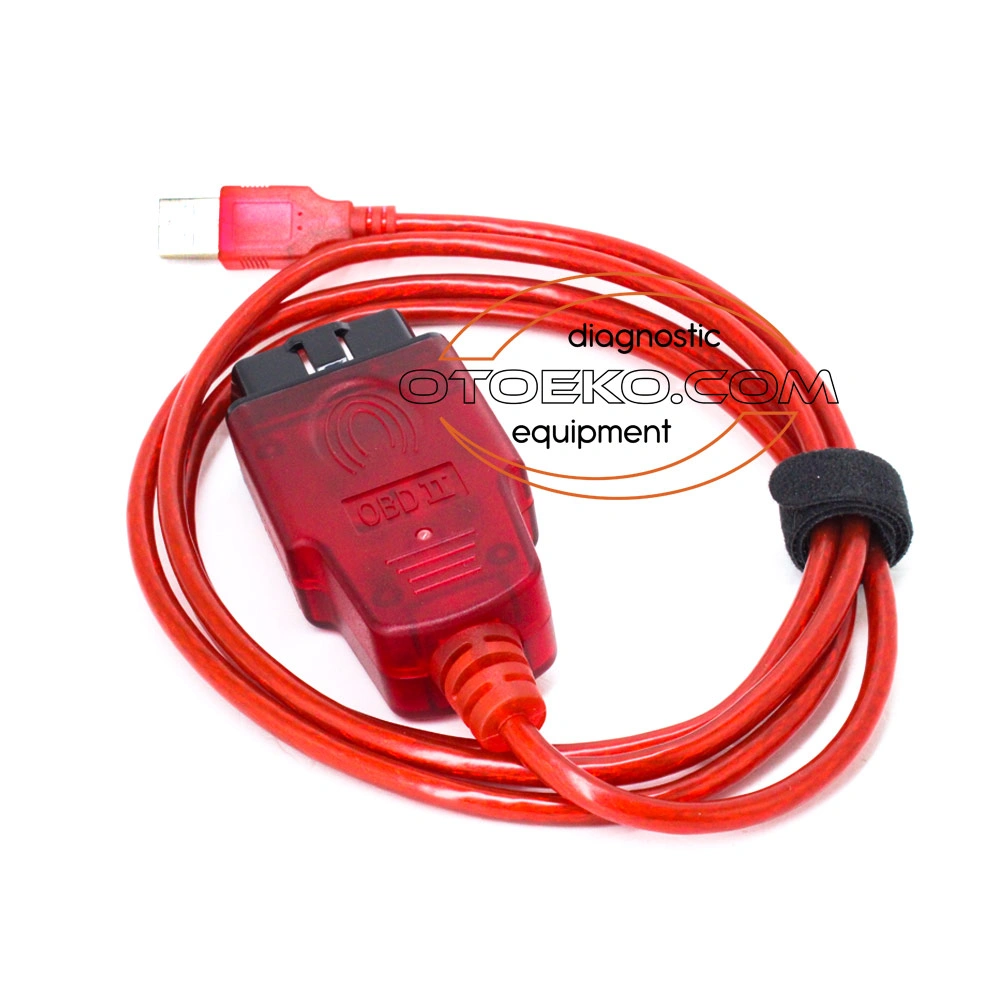
Close-up details and application views of the Renolink V1.87 USB OBD2 (DDT2000 Altyapılı ECU Programlama).
Technical Specifications & System Parameters
Complete manufacturer-verified technical data and operating ranges.
| SKU | OTO0085 |
|---|---|
| Product Model | Renolink V1.87 ECU Programming Interface |
| Software Foundation | DDT2000-Based Renolink V1.87 (Dec 2019 DB) |
| Supported Brands | Renault & Dacia (Passenger & Light Commercial) |
| Connection Interface | High-Speed USB 2.0 Wired — 16-Pin OBD2 |
| Memory Operations | Direct OBD2 EEPROM & Flash Read / Write |
| Power Supply | 12V DC (Powered via Vehicle OBD2 Socket) |
| Special Functions | Airbag Crash Clear, EPS Virginizer, UCH & Keys |
|---|---|
| Cluster Functions | TDB Read/Write, Language Change, Adaptation |
| Operating System | Windows 7 / Windows 8 / Windows 10 (32/64-Bit) |
| Software Access | Software & Video Download via Order Lookup Page |
| User Level | Professional (Auto Electronics / Locksmith / Workshop) |
| Warranty Period | 6-Month Official Otoeko Hardware Warranty |
| Quality Inspection | Tested for high-baud USB FTDI/OBD2 communication |
Workshop Application & Operating Guide
Recommended 4-step standard procedure for accurate results.
Download & Install Renolink V1.87
Download the Renolink V1.87 software and drivers from the Order Status Lookup page using your order code and follow the setup video.
Plug Into Vehicle OBD2 Port
Connect the Renolink V1.87 interface to the vehicle's OBD2 socket and switch the ignition on.
Connect USB to Windows PC
Plug the USB cable into your Windows laptop and verify COM port recognition in Device Manager.
Back Up & Execute Programming
Launch Renolink V1.87, select the target module (Airbag, EPS, UCH, TDB), save a backup of the original memory, and run the required programming task.
Technical Capabilities & Operational Advantages
Key engineering advantages for professional workshop diagnostics.
Core Workshop Requirements
- Standard diagnostic scanners that cannot virginize used UCH, EPS, or Airbag modules
- Removing modules and desoldering EEPROM chips on the bench just to clear crash data or read PINs
- Low-speed generic ELM cables that drop packets during Flash/EEPROM writing
- Unverified cables shipped without setup instructions or matching drivers
With Renolink V1.87 USB OBD2 (DDT2000 Altyapılı ECU Programlama)
- Direct OBD2 Airbag Crash reset, EPS Virginizer, and UCH reset without removing modules
- OBD2 PIN code extraction, key/card programming, and full EEPROM/Flash backup
- High-baud DDT2000-compatible Renolink V1.87 USB hardware interface
- Includes software + step-by-step installation video and 6-month Otoeko warranty
Package Contents — Ready for the Workshop
Complete kit inspected prior to dispatch.
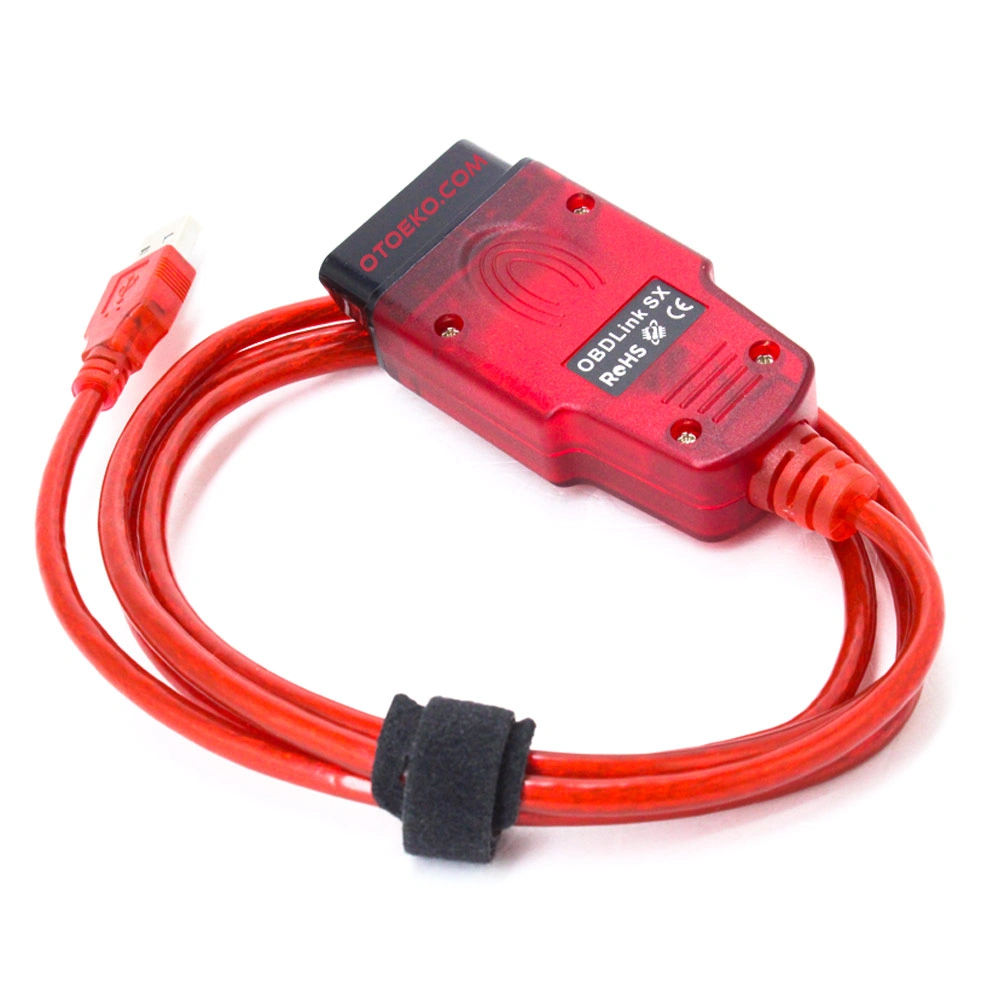
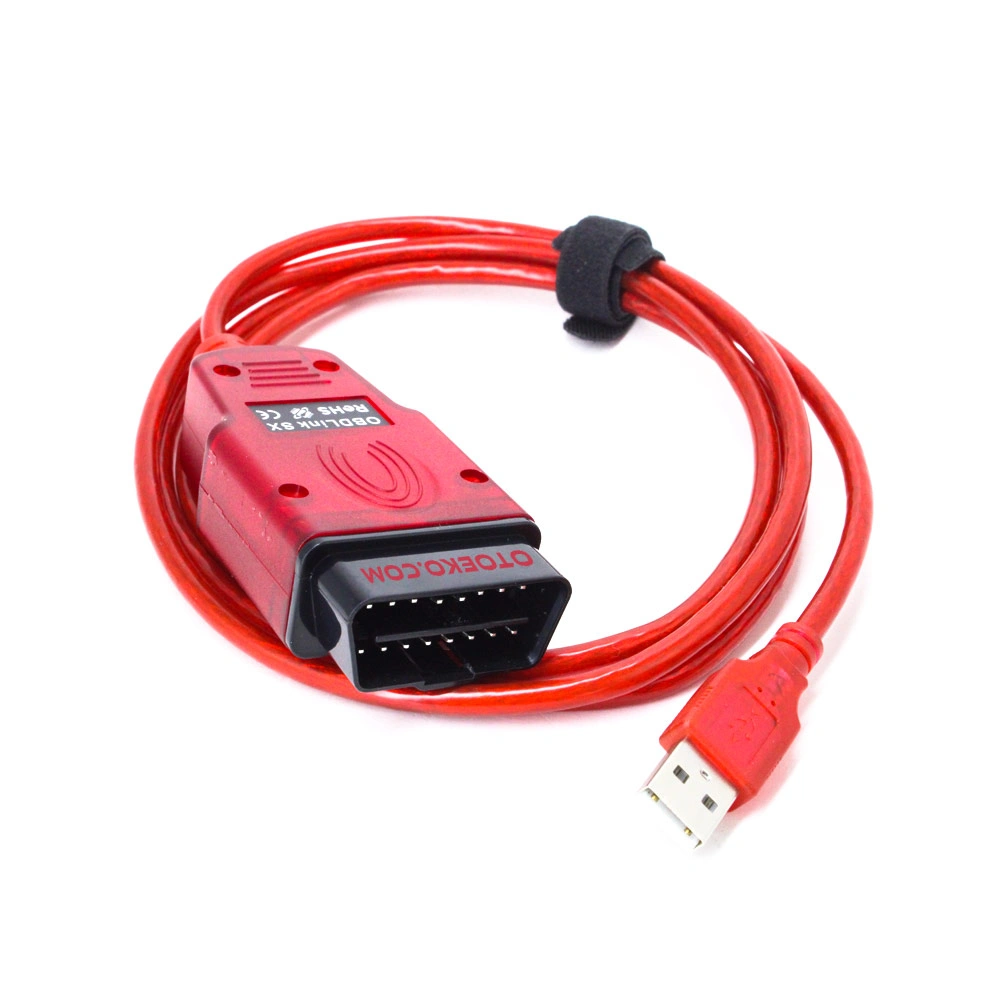
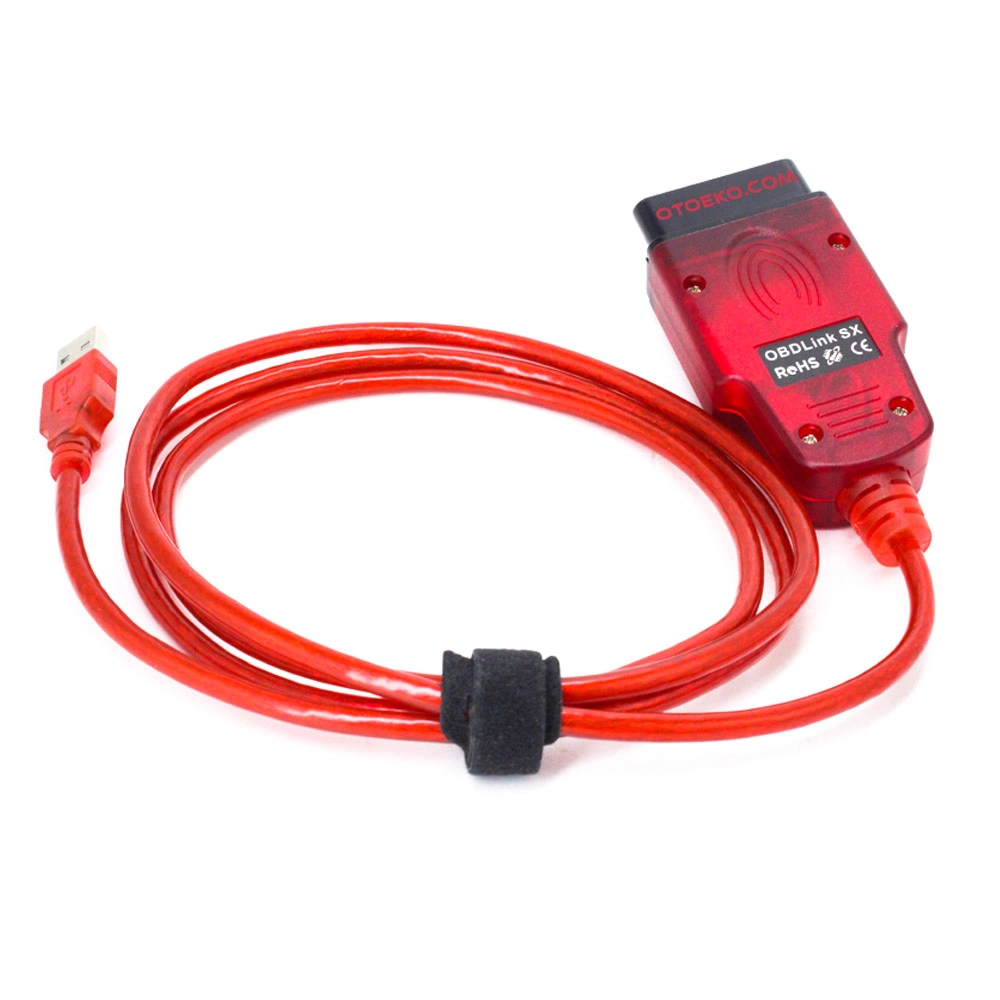
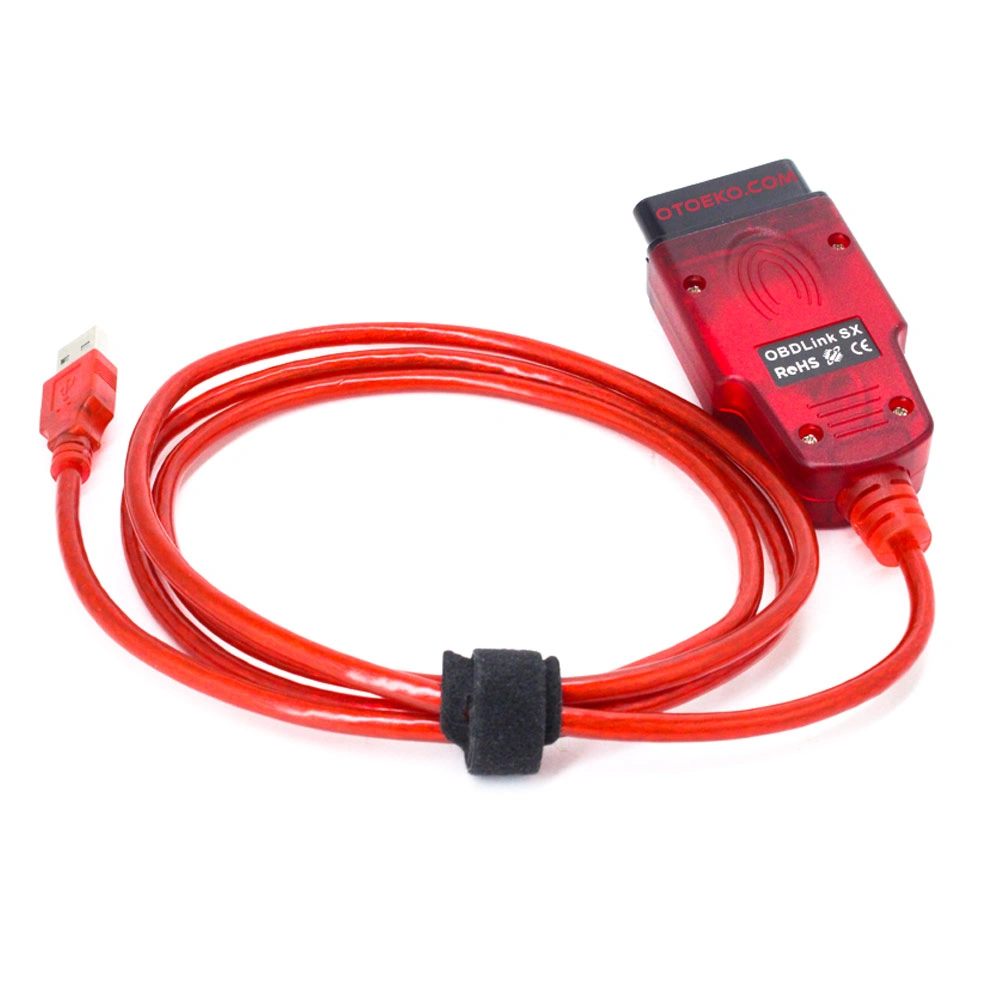
- 1 × Renolink V1.87 Renault & Dacia ECU Programming Interface (USB — 16-Pin OBD2)
- Digital Access: Renolink V1.87 Software & Step-by-Step Setup Video (via Order Lookup Page)
- Otoeko Quality Inspection & Corporate Invoiced Delivery (6-Month Warranty)
6 Months Official Otoeko Warranty
The Renolink V1.87 USB OBD2 (DDT2000 Altyapılı ECU Programlama) is backed by a 6 Months official Otoeko warranty against manufacturing defects, with full technical support.
Frequently Asked Questions
Key technical questions from technicians and workshops about the Renolink V1.87 USB OBD2 (DDT2000 Altyapılı ECU Programlama).
Which vehicles are compatible with Renolink V1.87?
Renolink V1.87 supports a wide range of Renault and Dacia passenger and light commercial models up to the December 2019 database.
What software architecture does it use?
It uses Renault's DDT2000 engineering protocol architecture for deep module programming, virginizing, and adaptation.
What are the strongest features of Renolink V1.87?
OBD2 Airbag crash data clearing, EPS power steering virginizing, UCH reset/key programming, and cluster EEPROM/Flash reading and writing.
Does ECU programming require technical knowledge?
Yes. Module programming, EEPROM writing, and virginizing require professional technical knowledge. Always back up original dumps before writing.
Which operating systems are supported?
Renolink V1.87 runs on Windows 7, Windows 8, and Windows 10 (32-bit and 64-bit).
How do I receive the software and installation video?
After delivery, log in to our Order Status Lookup page with your order number to download the software package and setup video.