
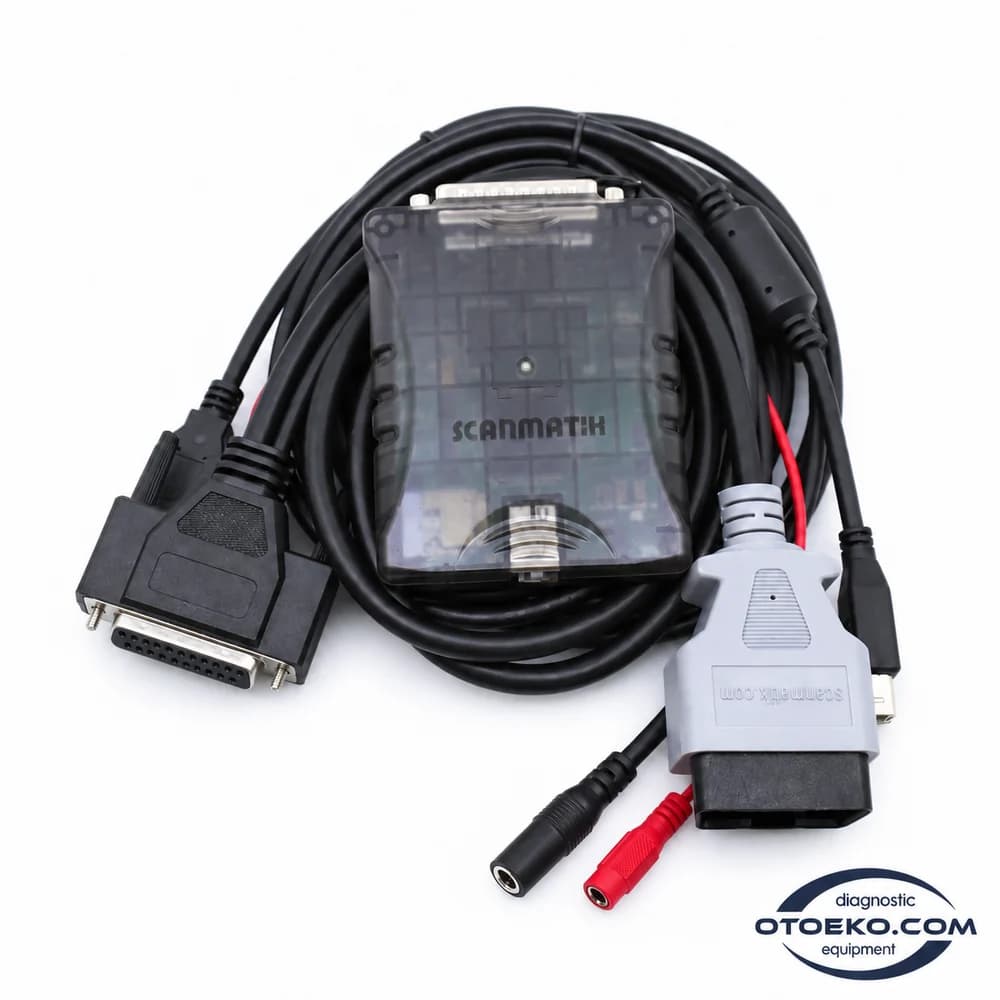
Scanmatik 3 / SM3
A capable communication foundation for different diagnostic environments.
SM3, offered here as Scanmatik 3 Pro, combines multiple vehicle communication lines in a compact interface. Connect to diagnostic, data-reading and supported programming workflows through Scanmatik software and appropriate third-party applications.
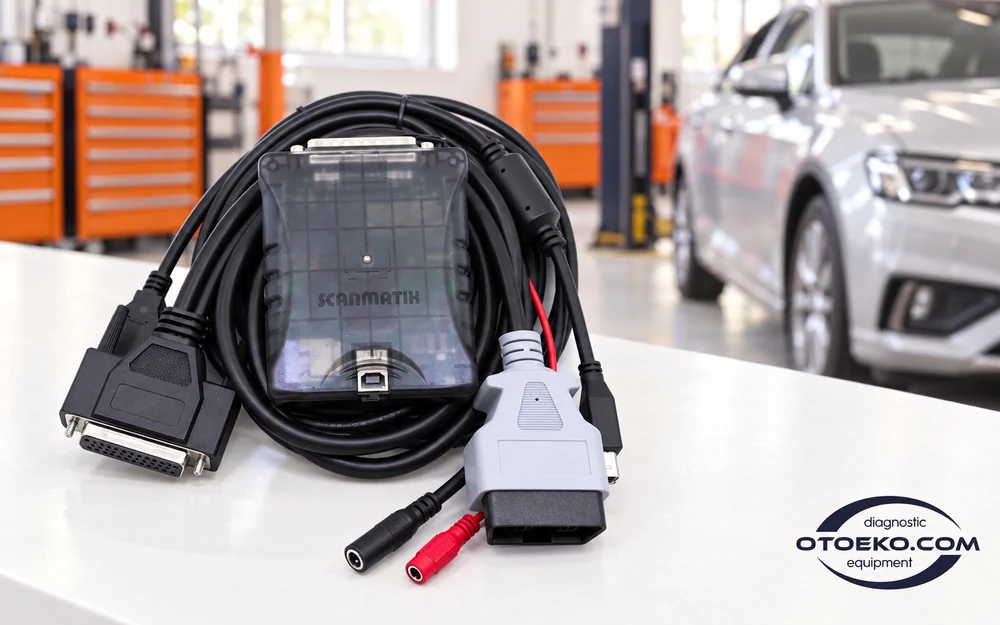
Build the appropriate connection in four steps
1. Choose the application and vehicle
Select Scanmatik software or an appropriate third-party application for the job. Check vehicle coverage, licensing and the required driver version together.
2. Connect the hardware correctly
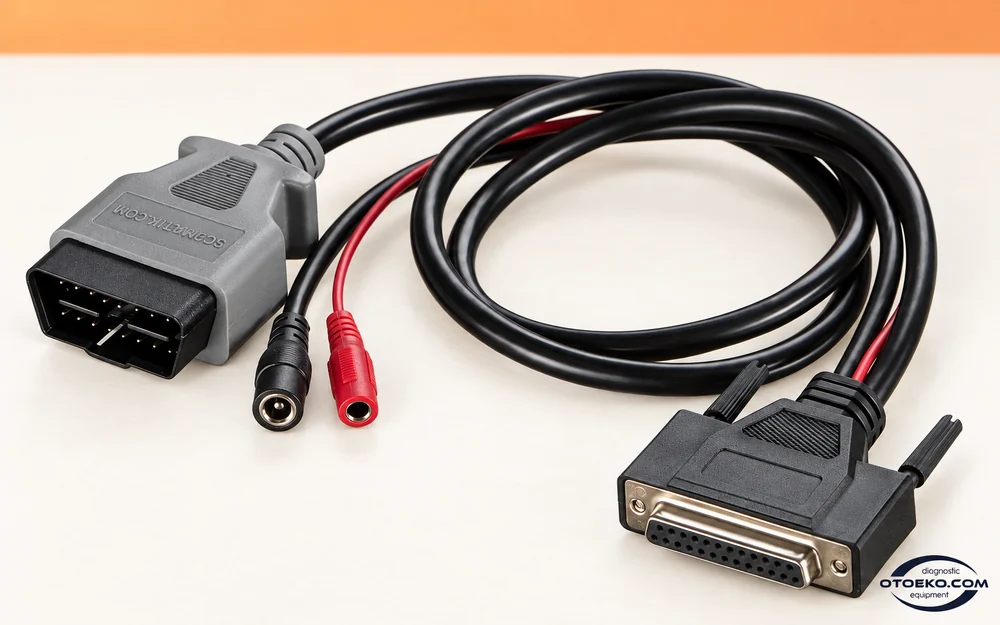
Use the OBD/AUX cable according to the procedure's connection diagram. Choose USB or suitable Wi-Fi for the computer and select SM3 in the application.
3. Follow the data and procedure
Read the existing condition first and save it where appropriate. Follow the application's power, connection and ignition requirements during diagnostics or programming.
4. Check the results again
After completion, confirm the relevant module's identity, records and operating values. Compare any changed settings with the starting record.
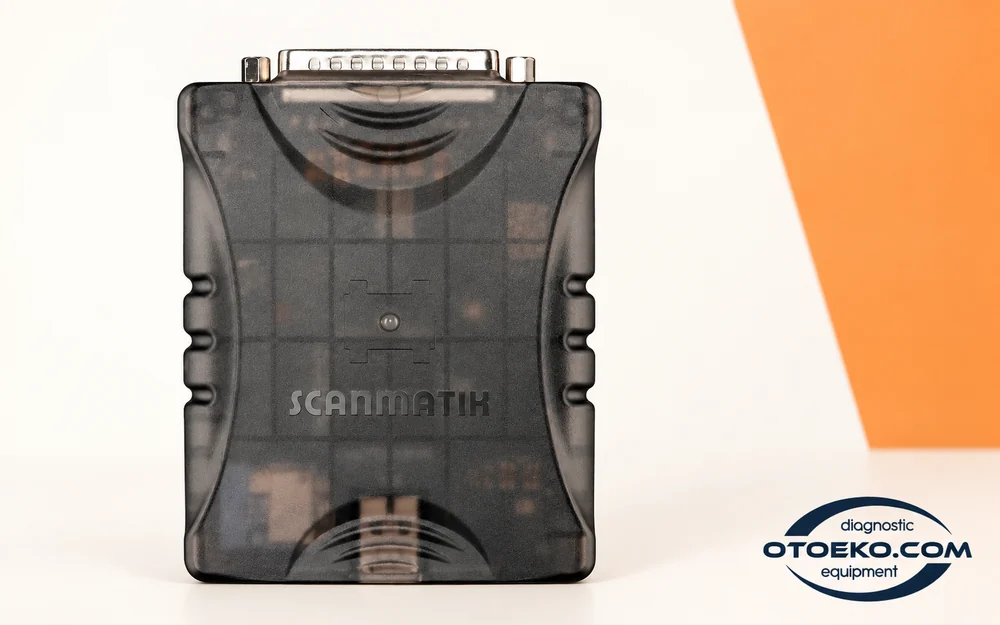
Five CAN channels for multiple communication paths
SM3 provides five CAN 2.0/CAN-FD channels. This multi-line structure forms a technical foundation for compatible software to use the connections required by the vehicle architecture through one interface.
CAN-FD capability is relevant when working with systems using that protocol. Channel count alone does not establish faster procedures on every vehicle or unlimited coverage. Match the line requested by the application with the vehicle connection and control unit concerned.
- 5 × CAN 2.0 / CAN-FD channels
- Integrated diagnostic-line switching
- Use with the connection required by the application and vehicle
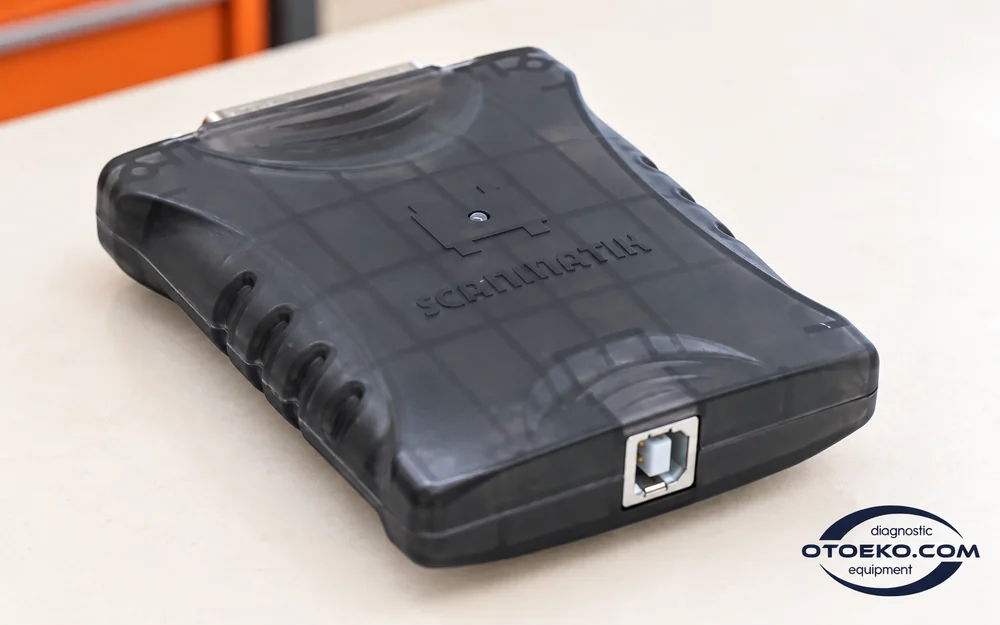
Direct communication through isolated USB
The manufacturer's SM3 comparison specifies galvanically isolated USB communication at up to 480 Mbit/s. Isolation forms part of the electrical separation between the computer side and vehicle side, while a direct cable keeps the connection arrangement straightforward.
This is the USB link's maximum rate, not a vehicle module's reading or programming speed. The vehicle protocol, control unit and application determine procedure time. Maintain the wired connection and power conditions requested by the actual job.
- Galvanically isolated USB communication
- USB link rate up to 480 Mbit/s
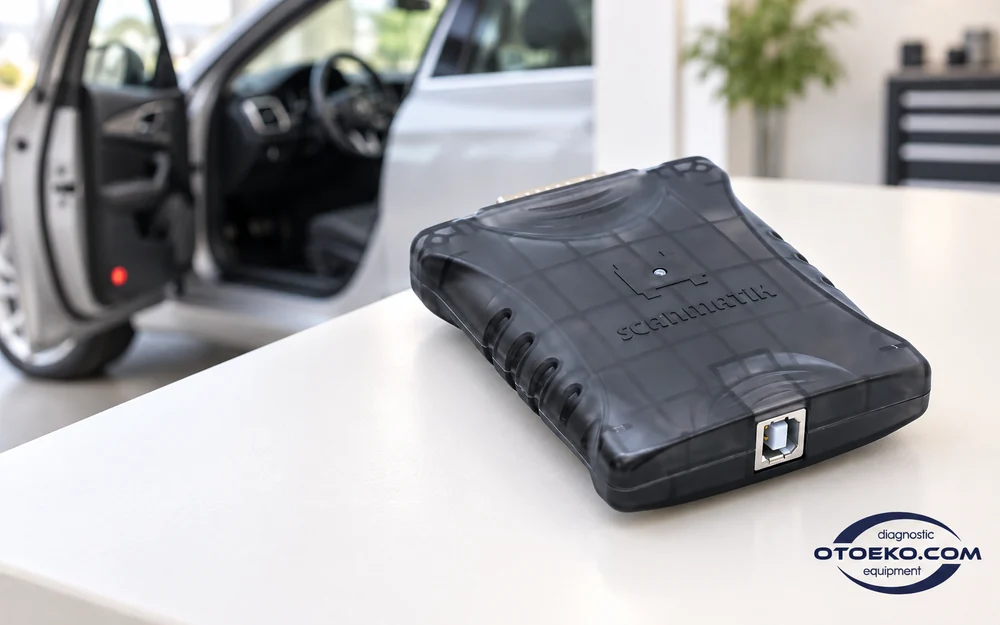
- USB-B connector on the actual device
Wi-Fi for a computer or suitable Android environment
SM3's 2.4 GHz IEEE 802.11 b/g/n Wi-Fi connection enables wireless use. Arrange the workspace with Scanmatik software on a compatible Windows computer or an appropriate Android device supporting Wi-Fi Direct.
The manufacturer's minimum Android requirement is Android 5.1. This does not mean that OEM Windows applications run on a phone; each application's operating-system requirements still apply. Choose wireless communication when the software and procedure allow it, rather than assuming it suits every job.
- IEEE 802.11 b/g/n at 2.4 GHz
- Scanmatik software on suitable Android devices
- Check Wi-Fi Direct and application requirements together
Work areas with appropriate software
SM3 provides communication hardware. The chosen application and vehicle control unit determine which menus and operations are available.
- Vehicle and control-unit identification
- Reading and clearing fault records
- Viewing live values
- Supported tests and service routines
- Appropriate diagnostic applications through J2534
- RP1210-compatible applications
- Suitable diagnostic environments using DPDU API
- Module programming with appropriate software and licence
- Supported programming-voltage / AUX operations
Programming, coding and protected procedures depend on the application's licence, vehicle coverage and access requirements. Protocol support does not establish unlimited functionality with every OEM program.
Prepare for Ethernet and DoIP-based systems
SM3 includes a 10/100BASE-TX Ethernet communication line. With suitable software and a matching vehicle connection, this expands the interface's options for use in diagnostic environments based on DoIP.
Assess the DoIP link separately from the application's vehicle coverage. Control-unit access, security permissions, required accounts and available operations depend on the application. Follow its requirements for the SM3 driver and the actual vehicle system you intend to work on.
- 10/100BASE-TX Ethernet line
- DoIP communication with appropriate applications
- Assess vehicle, driver and access requirements together
K-Line and additional buses for different vehicle generations
SM3 supports 13 switchable ISO 9141/ISO 14230 K-Line lines. J1850 VPW, J1850 PWM and Single Wire CAN also appear in the official communication list, providing options for applications working with different electronic architectures.
These capabilities become useful with the appropriate vehicle connection and software. Some older K-Line applications require USB or particular software conditions. Identify the supported control unit and communication route to maintain a consistent workflow across different generations.
- 13 switchable K-Line lines
- J1850 VPW / PWM
- Single Wire CAN support
Get a closer look at SM3 in the product video
Inspect the compact body, connection points and OBD/AUX cable layout in the Otoeko recording.
Detailed technical structure of SM3 hardware
| Manufacturer / hardware | Scanmatik / Scanmatik 3 (SM3) |
|---|---|
| Store product name | Scanmatik 3 Pro |
| USB | Galvanically isolated, up to 480 Mbit/s |
| Wi-Fi | IEEE 802.11 b/g/n, 2.4 GHz |
| Supply voltage | 5–35 V |
| Vehicle supply | Use with appropriate 12 V and 24 V vehicles |
| CAN | 5 × CAN 2.0 / CAN-FD |
| K-Line | 13 switchable ISO 9141 / ISO 14230 lines |
| Additional buses | J1850 VPW/PWM; Single Wire CAN |
| Ethernet / DoIP | 10/100BASE-TX |
| Programming voltage | 5–20 V; OBD 6, 8, 9, 11, 12, 13, 14 and AUX |
| Standard interfaces | SAE J2534-1/2, RP1210; DPDU API ISO 22900-2 with a current driver |
| Adapter body | Maximum 97 × 75 × 22 mm |
| Scanmatik Windows application | Windows 7 / 8 / 10 / 11 |
| Scanmatik Android application | Android 5.1 or later; Wi-Fi Direct required |
Operating-system entries describe Scanmatik software; third-party applications apply their own requirements. USB rate is not vehicle procedure speed, and adapter dimensions are not the dimensions of the complete package.
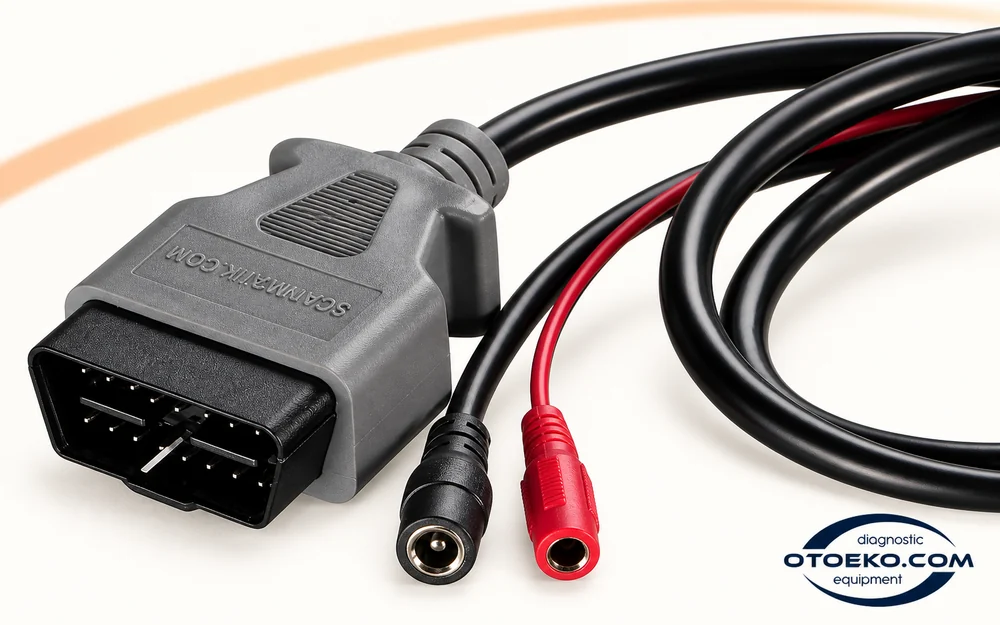
Use programming voltage and AUX according to the procedure
SM3 can supply the 5–20 V programming voltage requested by compatible programming applications on supported OBD pins and the AUX output. The manufacturer's list identifies OBD pins 6, 8, 9, 11, 12, 13 and 14.
This is a technical output controlled by the supported programming software and connection procedure. Follow the wiring diagram and distinguish programming voltage from the interface's operating supply range. Prepare the required licence, module support and stable power source separately.
- 5–20 V programming-voltage output
- Supported OBD pins and AUX output
- Connection matched to the application diagram and module
Extend software choices through standard interfaces
SAE J2534-1/2 and RP1210 allow SM3 to communicate with compatible third-party applications. A current driver also supports DPDU API, ISO 22900-2, making it useful to assess the driver and application versions together when preparing the environment.
Scanmatik's own Windows and Android applications have a separate scope from third-party OEM or programming software. A standard interface does not include every licence or unlock every vehicle function. Choose the application, vehicle module and usage rights around the work you actually need.
- SAE J2534-1/2 and RP1210
- DPDU API / ISO 22900-2 with a current driver
- Plan third-party licences and modules separately
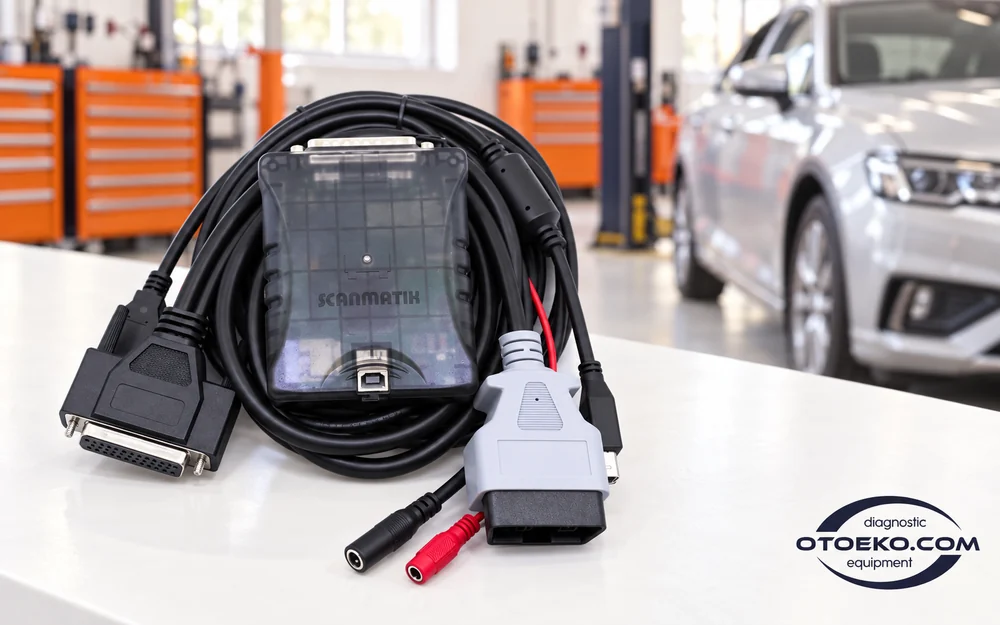
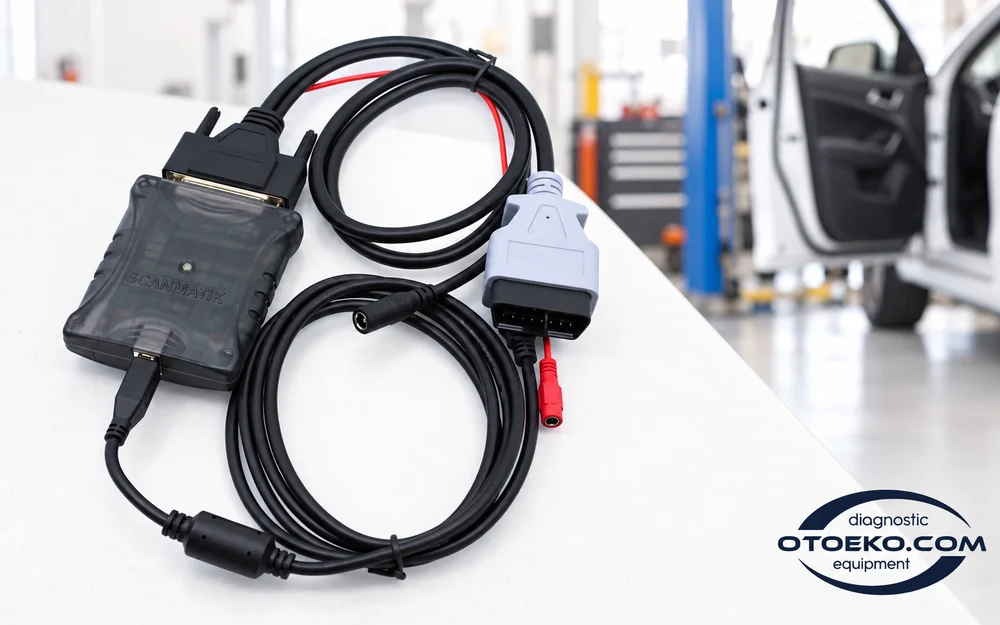
The actual connection set shown in the photographs
The set includes the SM3 interface, OBD/AUX cable and USB cable. Special adapters and third-party software licences are supplied separately.
- Scanmatik 3 (SM3) interface
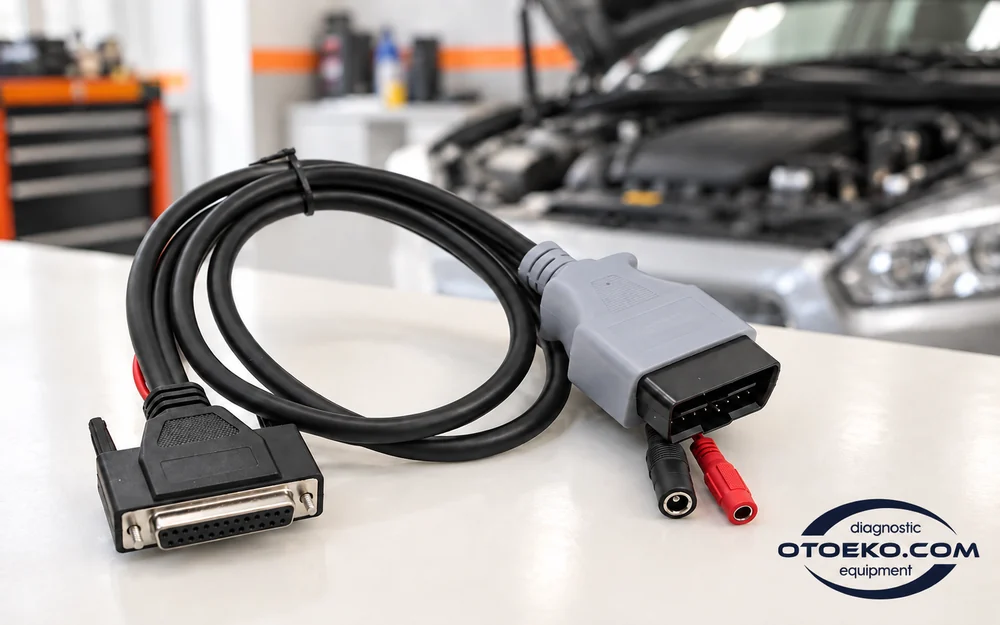
- OBD2 + AUX connection cable
- USB connection cable
Scanmatik LLC origin and authenticity guarantee
The Scanmatik brand is designed and manufactured by Russia-based Scanmatik LLC; the SM3 hardware that follows the SM2 Pro comes from the same manufacturing line. The unit in this listing is a genuine product sourced through the manufacturer’s official European distribution branch, Scanmatik Europe SL.
Clone SM3 copies circulating on the market do not match the manufacturer’s galvanic isolation and CAN-FD/DoIP line stability, which raises the risk of connection drops or incorrect readings when working with OEM software. This unit’s serial number matches the manufacturer’s records, so the original product documentation and 6-month warranty coverage apply without issue.
- Manufacturer: Scanmatik LLC (hardware design based in Russia)
- Official EU distribution: Scanmatik Europe SL
- Serial-number-verifiable genuine product
Software scope and existing product condition
Scanmatik software and manufacturer drivers are separate from licences for compatible third-party applications. OEM accounts, programming modules and extra subscriptions are not automatically provided by buying the hardware. A 6-month warranty applies; its scope and usage conditions are stated in the product documentation.
Detailed answers about Scanmatik 3 Pro
Do Scanmatik 3 Pro and SM3 describe the same device?
Scanmatik 3 Pro uses the manufacturer's Scanmatik 3 / SM3 hardware. It is a different model from Scanmatik 2 Pro; plan software and connections around the SM3 specifications.
Is its USB connection USB 3.0?
The correct manufacturer specification for SM3 is galvanically isolated USB at up to 480 Mbit/s. This is not described as USB 3.0 and does not by itself determine vehicle reading or programming speed.
Does it have Bluetooth?
SM3's specified wireless connection is 2.4 GHz Wi-Fi. Bluetooth is not listed among this product's connections; use Wi-Fi with an appropriate application and device.
Are CAN-FD, LIN and FlexRay all supported?
Five CAN/CAN-FD channels are officially specified for SM3. LIN and FlexRay are not present in its official physical-bus list, so those protocols are not promised for this hardware.
Does J2534 make every software package free?
No. J2534 is a communication standard. Third-party licences, vehicle coverage, software modules and any required user account are separate; assess supported operations application by application.
Can it work with 24 V vehicles?
SM3 has a stated 5–35 V operating supply range, covering appropriate 24 V vehicle use. The vehicle connector, cable, application and control-unit compatibility still need to be checked together.
Will all OEM programs run on an Android phone?
Android support refers to the Scanmatik application, with Android 5.1 and Wi-Fi Direct required. OEM programs made for Windows do not become Android applications because the interface supports Android.
Is programming voltage the same as operating supply?
No. The 5–35 V range is the device's operating supply. The 5–20 V programming voltage is a separate function managed by compatible software on supported pins and the AUX line.
Are a case, lighter cable and every adapter included?
The shown set list contains SM3, the OBD2/AUX cable and USB cable. Cases, power cables or special adapters from other manufacturer packages are not automatically added to this listing.
Can Wi-Fi be used for every procedure?
Connection choice depends on the software and procedure. Some K-Line or programming operations can require USB; follow the application's connection instructions before starting the job.